

BuzzVideo MCP for any AI
Connect once. Generate video and images from the chats you already use.
Connect MCP & access unlimited generations with up to 50% offUpgradeCopy theBuzzVideo connector URL
You'll paste this URL into Claude in the next step
Go to ClaudeCustomize
Click the button below to add BuzzVideo on claude.ai. In Claude desktop, go to CustomizeConnectors and paste the URL
Connect, sign in and start
Sign in, then ask Claude to generate an image or video with BuzzVideo.
All of BuzzVideo inside the chat

Create a 15s UGC-style video for my product
Turn any product into UGC Ads
Upload any product and BuzzVideo turns it into a viral UGC ad, with the creator, voiceover, and native feel all generated for you.
Clone this ad and replace with my product
Clone viral TikTok product ads
Clone any viral product video and replace it with your own product.

Now put Tina in a sunny cafe, holding our new iced latte.
Tina, on model and on brand. Reuse her in any image/video.
Reusable brand character
Upload model photos once, then reuse the same consistent character across campaigns, videos, and posts.
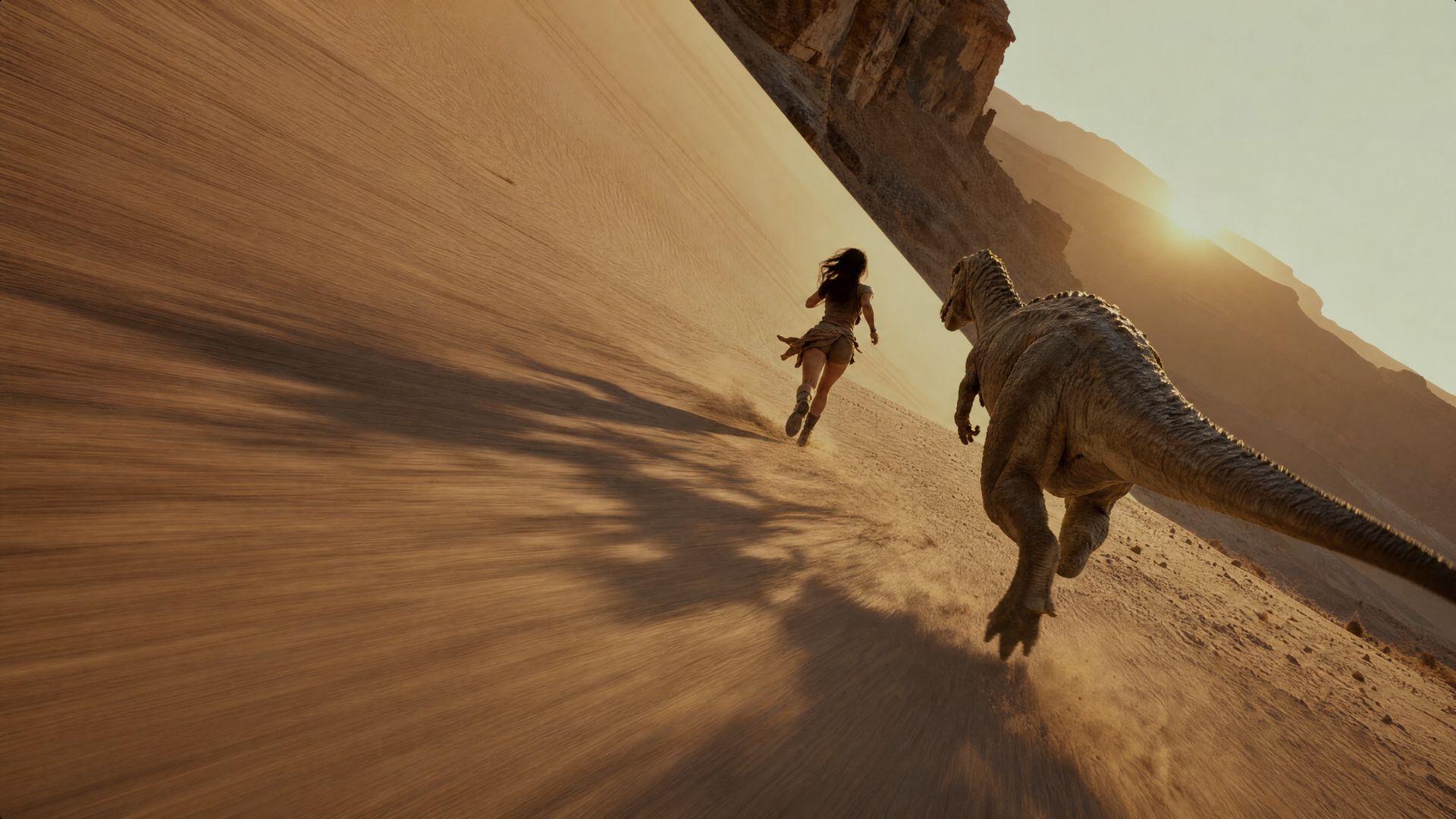
Animate this product photo into a 6-second cinematic shot. Use the "Bullet Time" preset with a slow 360 camera move.
Animate product shots with cinematic motion
Start from a still, pick a camera-move preset, and BuzzVideo animates it into a cinematic shot.
Explore more AI models
The latest models, all in one place.
Video models
8Image models
9Audio models
1FAQs
ChatGPT and Claude (desktop and claude.ai) today. Any other MCP-compatible client works too: point it at the BuzzVideo connector URL and sign in.
In ChatGPT, find BuzzVideo in the Plugins Directory and click Add. In Claude, go to Customize, then Connectors, and paste the BuzzVideo connector URL. Either way you sign in once and stay connected.
It depends on your plan. Free covers a few image models plus Seed Audio 1.0. Video and the rest of the image models need Starter or above, and some top video models, such as Seedance 2.0, need Pro. The full lineup: Video: Seedance 2.5, Seedance 2.0, Seedance 2.0 Mini, Seedance 2.0 Fast, Kling 3.0, Gemini Omni Flash, MiniMax H3 Max, and MiniMax H3. Image: GPT Image 2.5 Sunburst, GPT Image 2.5 Flare, GPT-image-2, Nano Banana Pro, Nano Banana 2, Nano Banana 2 Lite, Nano Banana, Seedream 5.0 Pro, and Seedream 5.0 lite. Audio: Seed Audio 1.0. New models become available through the same connection, and you can ask in the chat which ones your plan includes.
BuzzVideo picks a model that fits the request and names it in the reply. Ask for a specific one at any time and it uses that instead.
Yes. Ask for a clip with sound and BuzzVideo returns a video with a matched audio track. Seed Audio 1.0 can also generate voiceover or music on its own.
Yes. Attach an image in the chat and ask for a UGC ad, a product shot, or an animated version of it. The reference stays consistent across everything generated from it.
Yes. Batch requests like resizing a hero shot into every social format run in one message.
Images come back in seconds and most videos in a couple of minutes, depending on the model and length. The chat keeps working while a render is in progress.
Yes. MCP works on every plan, including Free. What you can generate follows your plan: Free includes image generation; video generation and watermark-free downloads are on paid plans. Generations use your BuzzVideo credits.
Yes. It is one BuzzVideo account: everything you generate from a chat client lands in the same library as the web app, with the same plan and limits.
Yes. Everything you generate is yours to use in ads, campaigns, and client work, with no extra licensing.
Renders are tied to your account and follow the same privacy and retention rules as the BuzzVideo web app.