1
Copy the connector URL
One URL gives Claude every BuzzVideo skill,
from ads and UGC to 3D and editing.
🎁 Black Friday — 40% extra credits on every plan for a limited time 🔥


Connect BuzzVideo once. Then ask Claude or ChatGPT for ads, UGC and product videos, and get the finished file back in the chat.
Recreate this viral reel shot by shot with my cutting board: same hook, pacing, camera moves and transitions.
Give Claude and ChatGPT a full ad and video studio
Cut my clips into a 15-second day-in-my-life Reel with captions.
Raw clips in, a fast-cut Reel out. Captions, beat cuts and punch-ins included.
Recreate a viral reel shot by shot with my product: same pacing, camera moves and transitions.
Pick a viral reel. Get the same edit, starring your product.
Make a 15-second UGC review where a creator talks about my product.
A creator holds your product and tells people why it works.
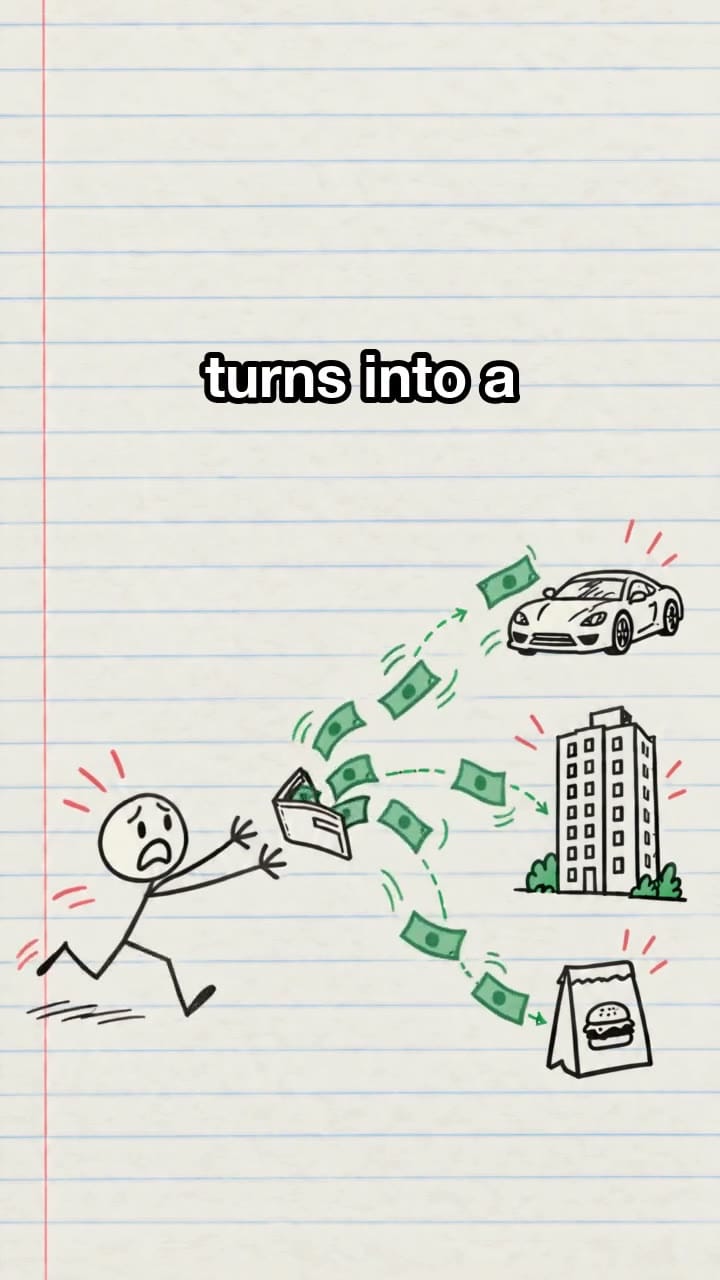
Make a 20-second faceless explainer on why people stay broke after a raise, hand-drawn stickman style.
Narrated explainers in one illustrated style, with no one on camera.
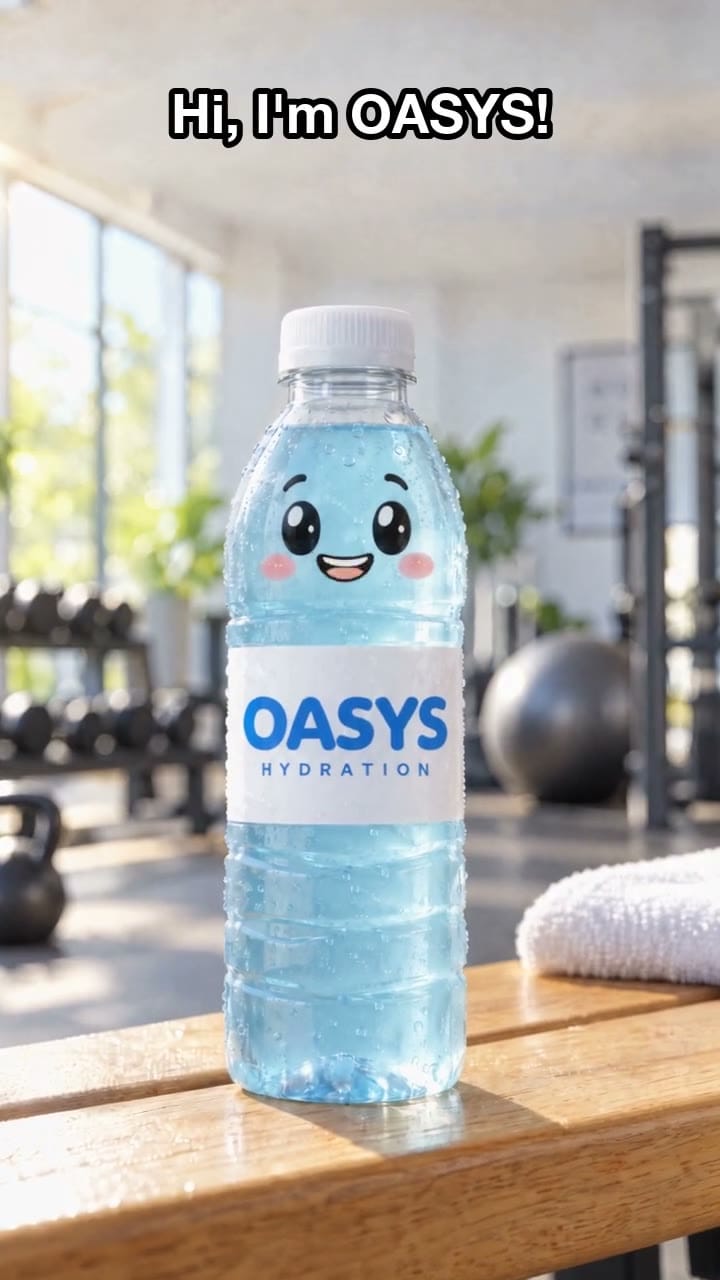
Make my sports drink bottle talk about why it's great, 8 seconds.
Give your product a face and a voice, and let it sell itself.
Choreograph a 4-member K-pop girl group on a neon stage: block the dance in 3D first, then render the same moves photoreal.
Block the scene in 3D, set every camera move. Then render it photoreal.
Let Claude and ChatGPT use powerful image and video models.

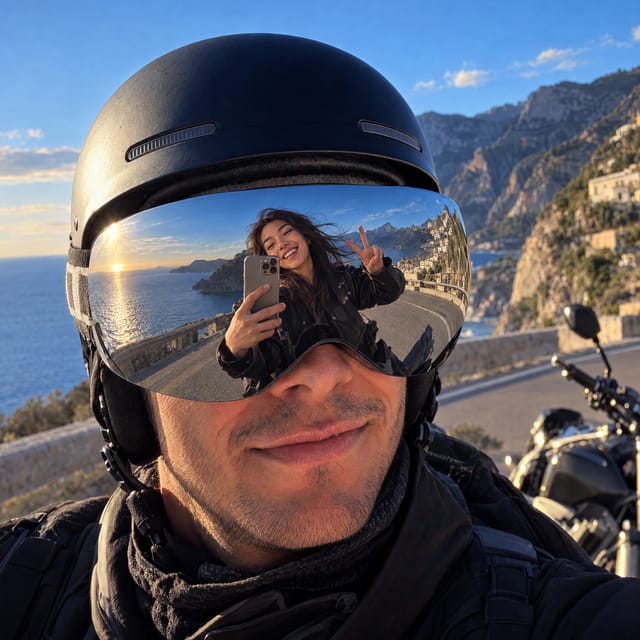
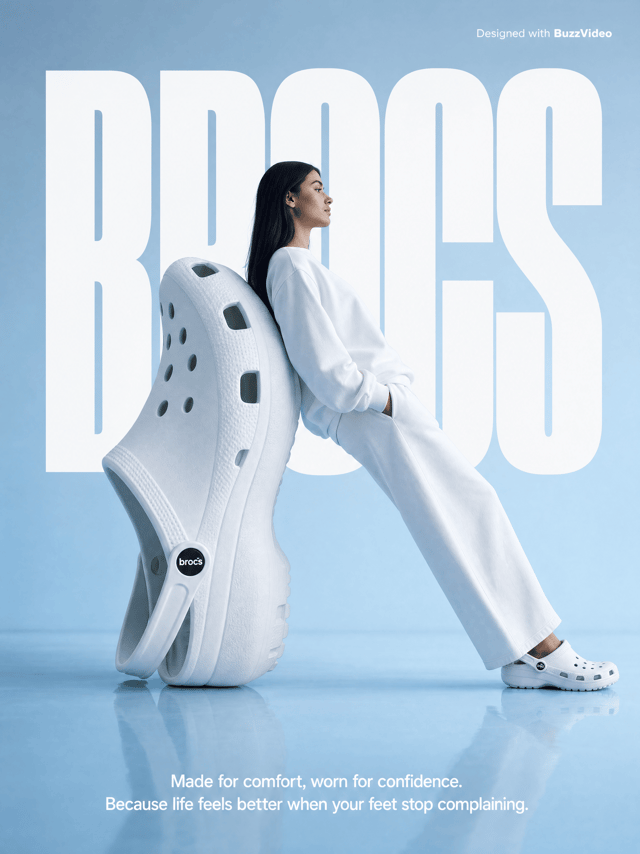
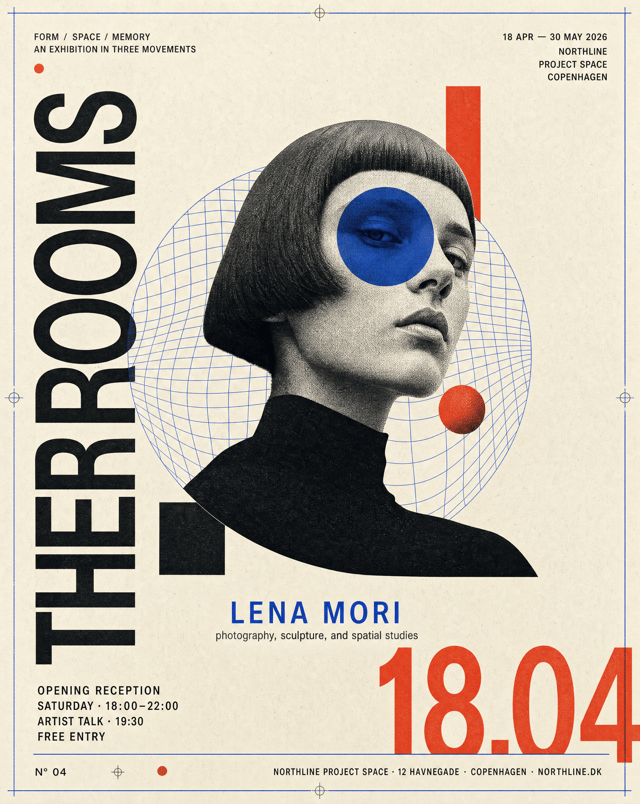
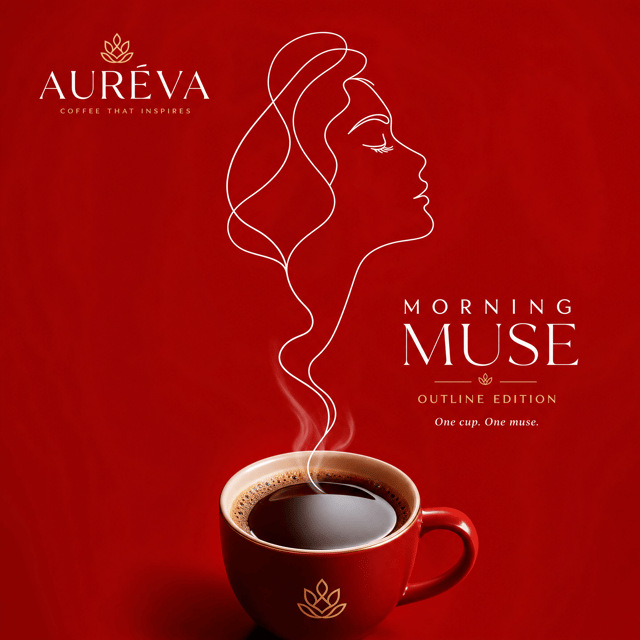

Every BuzzVideo skill you can run in Claude and ChatGPT
Through MCP (Model Context Protocol), the open standard assistants use to call outside tools. Once connected, your assistant can write scripts, generate images and videos, edit, and save everything to your BuzzVideo Assets in the same chat. Set it up in three steps.
Claude (web and desktop) as a custom connector, and ChatGPT as a plugin. Any other assistant or client that supports MCP can connect with the same URL.
Every model in BuzzVideo, including Seedance, Kling, Veo, Wan, GPT Image, Nano Banana and Seedream. The skill picks the right one for each shot, or you can name one yourself. See the models above.
Ads, UGC, product photos and videos, short dramas, explainers, 3D product shots and more. Start from a text prompt, your own photos and footage, or both. Browse all 26 skills.
No. Add the BuzzVideo connector in your assistant and sign in with your BuzzVideo account. There are no keys to manage.
It uses the same credits as BuzzVideo. Before anything is generated, the assistant shows you the plan and the credit estimate and waits for your go-ahead.
Images take seconds. Videos take a few minutes, depending on length and model. Generation runs in the background and your assistant checks back until the file is ready.
Yes. Everything is saved to your BuzzVideo Assets, and any past image or video can be the starting point for a new one.