Talking Avatar Ads: Script to Lifelike Presenter Video
A practical workflow for AI talking avatar ads on BuzzVideo: script, avatar, lip sync, variations, and export for TikTok and Meta.
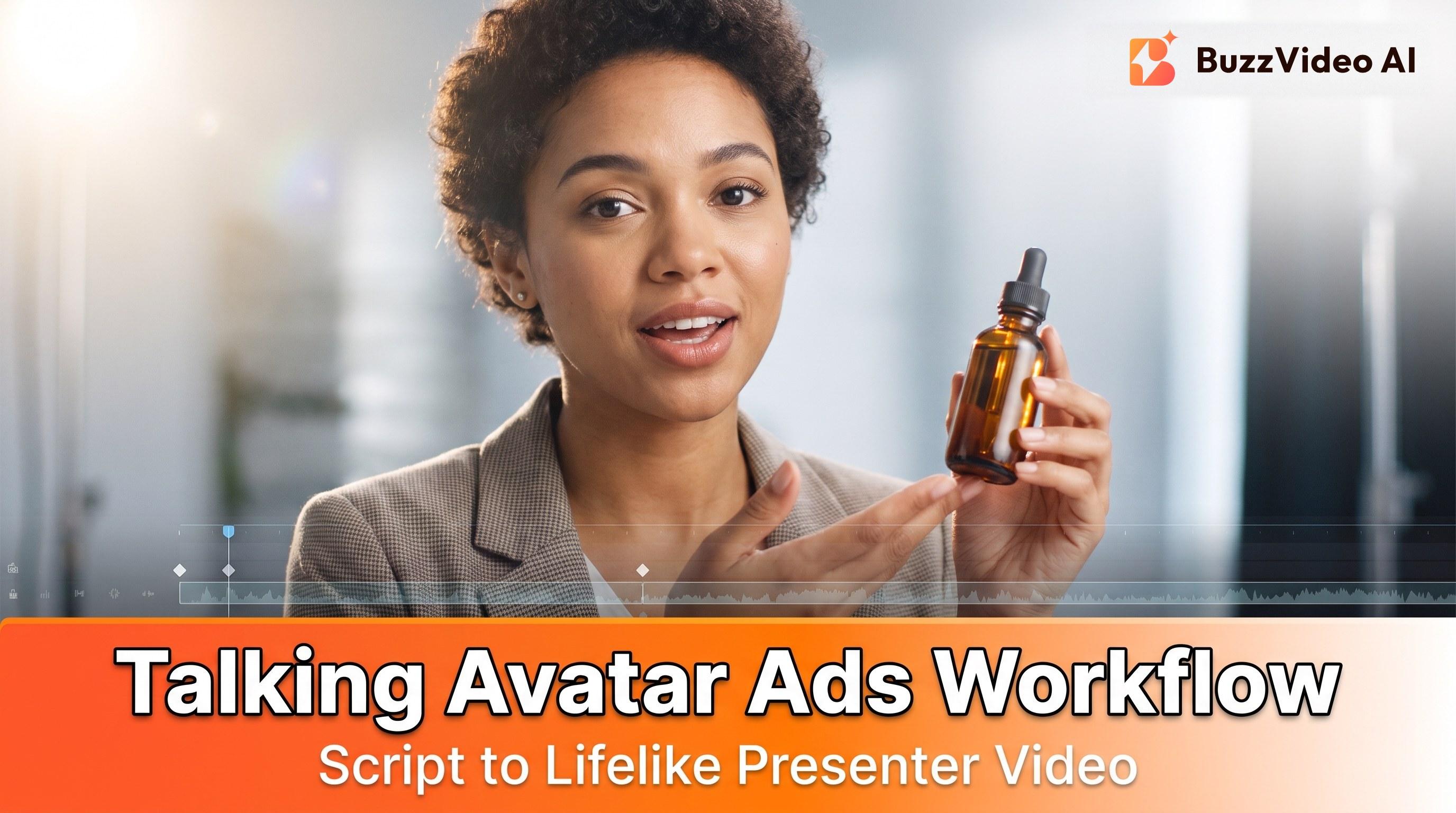
A talking avatar ad turns a script into an on-camera presenter video with lip sync. On BuzzVideo AI, use the Talking Avatar tool (and optional Lip Sync) inside Marketing Agent workflows, then batch hook variants with Ad Variations.
For spokesperson ads, the job is “credible presenter + clear offer,” not “max cinematic B-roll.”
When should you use a talking avatar instead of UGC B-roll?
| Situation | Prefer talking avatar | Prefer UGC / product-only |
|---|---|---|
| Explaining a multi-step offer | ✓ Clear spoken CTA | Weak without VO |
| Trust / founder-style read | ✓ Consistent face across weeks | Real creator may be better if you have one |
| Packaging-first demo | Secondary | ✓ Product Demo / storyboard |
| Cheap hook volume | ✓ + Ad Variations | ✓ Short silent hooks also work |
Avatars win when you need repeatable talent without reshoots. Real UGC still wins when authenticity is the whole brand—many teams mix both: avatar A-roll + product B-roll.
Try it: paste a 15-second script and get a presenter-led ad back. Make a talking avatar ad →
How do you write a talking avatar script?
Write for ears and thumbs, not for a landing page:
- Hook in 0–2 seconds — problem, hot take, or visual pattern interrupt before the brand name.
- One idea per 15 seconds — cut secondary features.
- Spoken CTA — “Shop the link,” “Get the bundle,” “Try free for 7 days” (only claims you can run).
- Length targets: 10–20s for most paid social tests; 6–8s for hook-only cutdowns.
- On-screen text mirrors the spoken hook; don’t pack a paragraph.
Example skeleton:
- Hook: “Stop buying protein bars that taste like chalk.”
- Proof: “This one actually tastes like cookie dough—watch.”
- Demo: bar unwrapped, first bite, texture close-up.
- CTA: “Grab the variety pack—link below.”
Draft the script in Marketing Agent (Campaign Brief / Captions) or paste an approved VO.
How do you make a talking avatar ad on BuzzVideo?
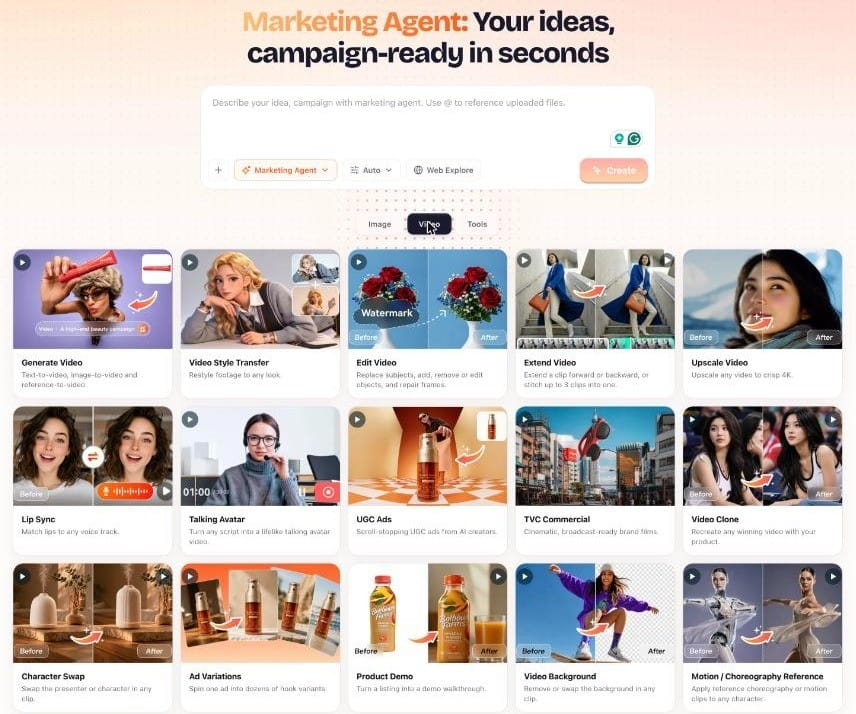
- Write or Agent-draft the script — lock claims compliance before generate.
- Choose or create an AI Avatar — Free includes up to 10 avatars; Starter, Pro, and Ultra include unlimited avatars (pricing).
- Open Talking Avatar in Marketing Agent to turn your script into a lifelike presenter video.
- Lip Sync polish if mouth timing drifts against your VO track.
- Spin Ad Variations / Video Batch Variations for alternate hooks or endings.
- Export 9:16 (and 1:1 if needed) watermark-free on a paid plan.
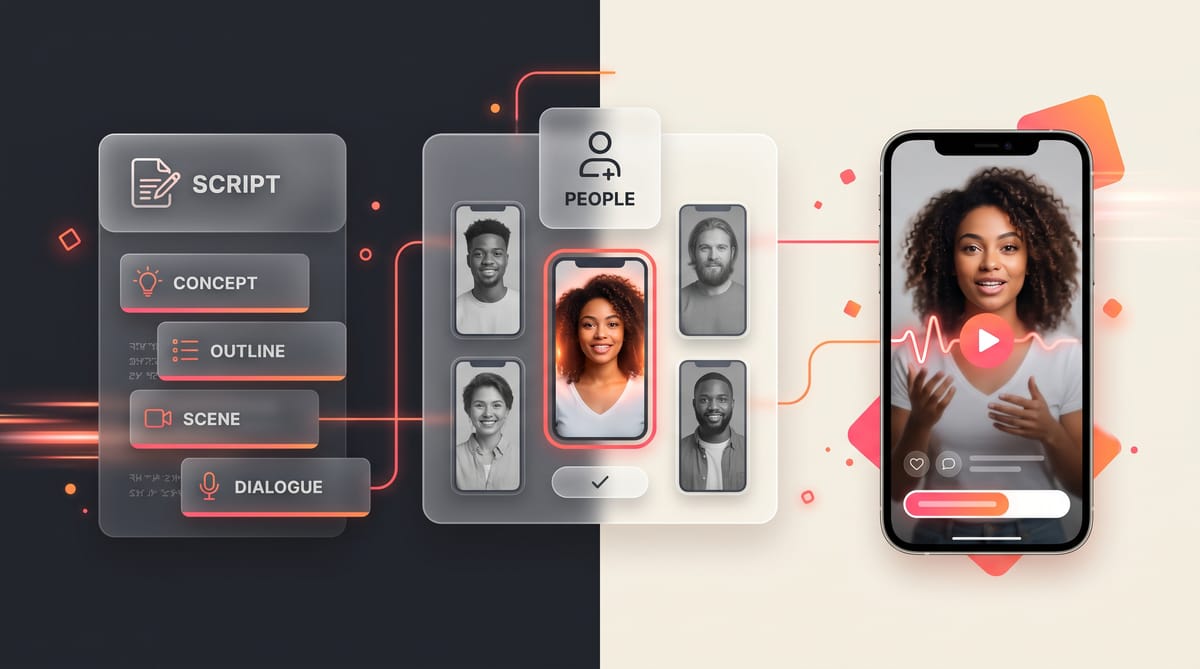
Optional: generate the presenter cut first, then insert product shots via Product Demo, Storyboard to Video, or Canvas chaining.
How we made the demo at the top of this page
We used the BuzzVideo AI avatar Camila Moretti and a fictional product, a BRIVO protein bar:
- Two anchor images with GPT Image 2.5 Sunburst: the presenter holding the sealed bar, and the same scene with the bar opened (13 credits each).
- Shot 1 (6 seconds, Seedance 2.5, 720p): the hook and the first line, wrapper still sealed—250 credits.
- Shot 2 (9 seconds, Seedance 2.5, 720p, with shot 1 passed as a reference video so the voice matches): one bite, then the last two lines—375 credits.
- Captions and the cut were added afterwards.
Our first attempt was a single 15-second shot, and it failed review: the wrapper jumped from sealed to open in one frame, and the bitten bar turned back into a sealed one at the end. Splitting the action into two shots, each starting from its own anchor image, fixed both problems. The version you see cost about 650 credits—roughly $4.60 on Pro billed yearly.
Lesson: when the product changes state (opened, poured, applied), give each state its own shot and anchor image instead of asking one clip to show the change.
How do you check a talking avatar ad before launch?
- Mouth shapes roughly match plosives (p/b/m); no long frozen smiles mid-sentence
- Eyes / blinks don’t look “mannequin dead” for the full take
- Hands don’t melt through the product if the avatar holds it
- Packaging text is readable or cropped out intentionally
- Background noise / music doesn’t drown the VO
- Caption timing matches the hook
- No trademarked third-party logos unless cleared
Reject rate is normal—budget credits for 2–3 takes per hero script.
Talking avatar script templates (6s, 15s, 30s)
| Length | Structure | Spoken words |
|---|---|---|
| 6s hook cutdown | Hook line → product on screen | 12–15 |
| 15s standard ad | Hook → one proof → CTA | 30–40 |
| 30s explainer | Hook → problem → how it works → proof → offer → CTA | 65–80 |
Past about 40 words in 15 seconds, avatars start rushing and lip sync suffers—cut a feature before you speed up the read.
How do you direct an avatar's delivery?
- Energy: "conversational, like telling a friend" beats "excited"—which tends to produce a frozen grin.
- Eye line: "looks into the lens for the hook and CTA, glances at the product during the demo."
- Hands: give them one job (hold the bar, point at the label). Idle hands drift and morph.
- State changes: if the product changes state (opened, bitten, poured), give each state its own shot and anchor image—our first single-shot take resealed a bitten bar.
- Pauses: put a short pause before the CTA so captions and cuts have room.
How do you combine avatar A-roll with product B-roll?
A durable pattern for ecommerce:
- Avatar delivers hook + offer (A-roll).
- Cut to Product Demo or image-to-video orbit / texture macros (B-roll).
- Return to avatar for CTA.
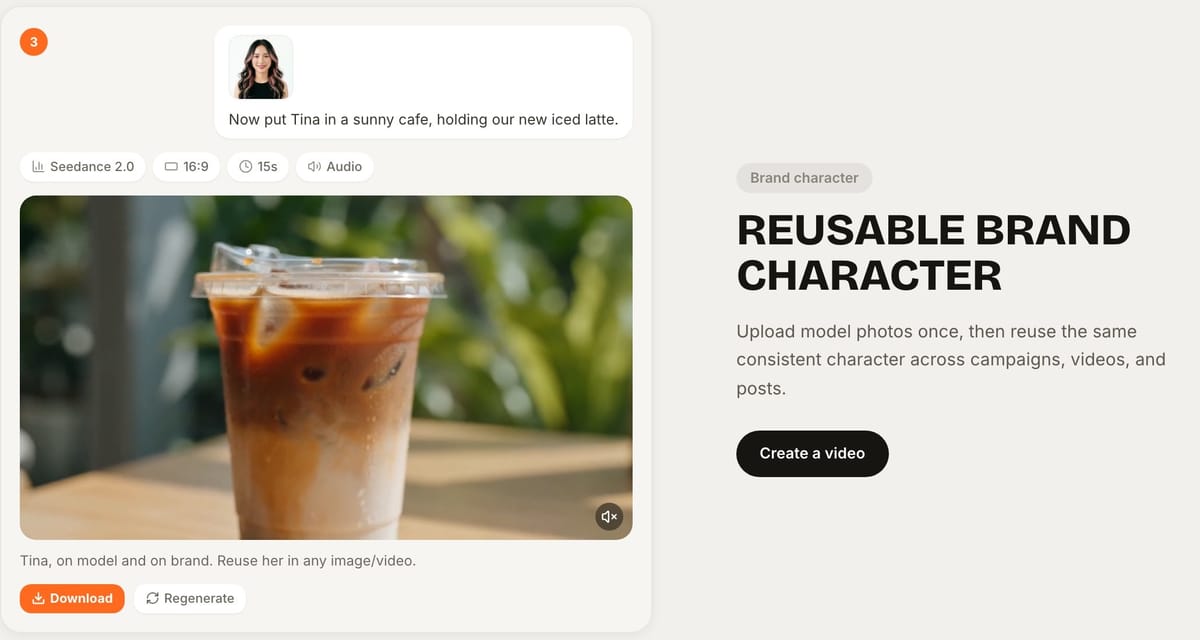
- Keep the same avatar identity across the week’s variants so brand recognition sticks.
This is where BuzzVideo’s multi-tool canvas helps more than a single talking-head SaaS: you’re not locked into “avatar-only” or “model-only” pipelines.
How many avatars can you create?
| Feature | Free | Paid (Starter+) |
|---|---|---|
| AI Avatars | Up to 10 | Unlimited |
| Video generation | ✗ | ✓ |
| Watermark-free | ✗ | ✓ |
| Marketing Agent | ✓ | ✓ |
Credit cost depends on the video and audio models you call—there's no separate per-avatar fee. See pricing.
What makes a talking avatar ad look fake?
| Problem | What viewers notice | Fix |
|---|---|---|
| Script too long | Rushed, robotic delivery | Cut to about 40 words per 15 seconds |
| Product changes state in one clip | Wrapper or cap jumps between frames | One shot and one anchor image per state |
| Studio-perfect lighting on a casual read | Feels like a TV ad, not a person | Ask for window light and a real room |
| Constant smile | Mannequin look | Direct "conversational" instead of "excited" |
| Brand name in the first second | Viewers swipe before the hook | Open on the problem; name the brand later |
How do you test talking avatar ads?
- Keep the avatar, body, and CTA the same; change only the hook. Three hooks give you a clean first read.
- Run the winning hook against a product-only version without the presenter, to learn whether the face is helping.
- Once a hook wins, test two endings (soft CTA vs offer) on that version.
- Keep the same avatar across the week so results aren't muddied by a new face.
Use Ad Variations for the hook and ending swaps, so you only generate the presenter body once or twice.
Ready to ship talking-avatar ads from a brief? Open Marketing Agent and generate presenter-led cuts for your product.
FAQs
Can I use my own face?
Follow BuzzVideo’s terms and likeness rules. You’re responsible for consent when using real people’s likenesses. Prefer platform AI avatars or talent you cleared.
How is this different from HeyGen-style avatar videos?
BuzzVideo is built around the whole ad, not just the presenter: script → avatar → product inserts → batch variations → multi-model hero shots, all on one credit balance. If you need many languages, check support for your target markets before you scale.
What aspect ratio should I export?
Start 9:16 for TikTok, Reels, Shorts, and most Meta placements; add 1:1 or 16:9 only when the placement requires it.
Do talking avatar ads need an AI label?
Usually, yes. TikTok requires the AI-generated content disclaimer for ads with AI-generated people or voices (TikTok ad policy), and Meta shows a more visible "AI info" label for photorealistic AI-generated people (Meta).
How long can one talking avatar clip be?
Seedance 2.5 generates up to 30 seconds of native video per clip (model page), but shorter shots are easier to keep clean. Our 15-second demo is two clips of 6 and 9 seconds.
Can I reuse the same avatar in every ad?
Yes. Save the avatar and reuse it across ads; paid plans include unlimited avatars, and Free includes up to 10.
Last verified: October 30, 2026, against our live pricing and product pages.
Next reads: AI UGC ads that don’t look fake · AI Marketing Agent explained · Canvas

About the author
Monica
Product Manager
As a Product Manager at BuzzVideo AI, I work with marketers and growth teams on AI ad workflows—from brief to shippable creatives. I write about practical product workflows, model choices, and how teams turn product pages into ads that feel native on Meta and TikTok.