AI Voice Cloning for Video Ads: A Step-by-Step Guide
Learn how AI voice cloning for video ads works: clone a founder or creator voice from a short English sample, what it costs, and the consent rules to follow.
AI voice cloning for video means recording a short sample of one person's voice, letting an AI model learn it, and then generating new voiceover in that voice from any script you type. For ads, it is most useful when one voice has to stay consistent across dozens of cuts, such as a founder who fronts the brand or a creator who has agreed to voice your campaign. The rule that comes before any of that: only clone your own voice or a voice you have written permission to use.
In BuzzVideo AI, voice cloning sits inside Audio Gen with the Seed Audio 1.0 model, and it is also available through the BuzzVideo MCP in ChatGPT and Claude. Below: when cloning is worth it for ads, how to do it step by step, a full test we ran (with an AI-generated source voice, not a real person), what it costs, the laws and platform rules that apply, and when a preset voice is the better choice.
Try it: Open Audio Gen, pick Seed Audio 1.0, click Voice and choose Clone voice. Open Audio Gen →
What is AI voice cloning?
A cloned voice is a reusable voice profile built from a recording. Once it exists, you don't record again: you type a new script, pick the cloned voice and generate. ByteDance describes its Seed Audio 1.0 model as shaping a voice "from a text description, an authorized reference sample, or both" without training a separate model for each speaker (ByteDance Seed).
In BuzzVideo, a cloned voice appears in the MY VOICE tab next to the preset library and gets its own voice ID, so every later line uses the same voice. That is the difference from describing a voice in a prompt, which can sound slightly different each time you generate.
When should you use a cloned voice in ads?
- Founder-led ads. If the founder is the face of the brand, a clone lets you produce new hooks, offers and seasonal versions in their voice without booking a recording session for every change. The founder still has to approve the scripts that go out in their voice.
- A creator who has agreed to it. Some creators license their voice for a campaign. Put the scope in writing first: which brand, which ads, which platforms, how long, and whether you may edit the script.
- One brand voice across markets and cuts. A US and a UK version of the same ad, or 30 hook variants for testing, can share one voice so the brand sounds the same everywhere. Note that the clone sample must be English (see below); we only tested English output.
- Fast fixes. A price, a date or a product name changed after the shoot? Regenerate the affected line in the same voice instead of re-recording the whole read.
Cloned voice vs preset voice vs described voice
| Cloned voice | Preset voice | Described in the prompt | |
|---|---|---|---|
| What it sounds like | The person in your sample | One of 44 English presets (22 female, 22 male) | Whatever the model makes of your description |
| Same voice every time | Yes, fixed voice ID | Yes, fixed voice ID | Can vary between generations |
| What you need | A clean English recording you have the rights to | Nothing | A good description |
| Consent paperwork | Yes, from the voice owner | No | No |
| Best for | Founder and creator ads, a signature brand voice | Most voiceovers, fast testing | One-off reads and character voices |
Preset counts are from BuzzVideo's live voice library on November 10, 2026 (there are also 9 Cantonese voices). You can filter presets by gender, language and style and play a sample of each before you pick.
How do you clone a voice in BuzzVideo?
- Open Audio Gen from the home composer or Marketing Agent and select the Seed Audio 1.0 model.
- Click Voice. The panel "Select or add a voice" opens with two tabs, PRESET VOICE and MY VOICE.
- Click Clone voice and add your recording. Use clear English speech: BuzzVideo states that cloning supports English only.
- Wait for the clone to finish. Ours was ready the first time we checked, about a minute after we submitted it.
- Select the new voice in MY VOICE, type your script and generate. Adjust speech rate, pitch and loudness if a line needs it.
Through the BuzzVideo MCP the same flow takes three tool calls: clone_voice with the recording's URL and a name, list_voices to check the clone is ready, then generate_audio with the cloned voice ID. Cloning the same recording a second time returns the existing voice instead of charging again.
How to record a good voice sample
BuzzVideo asks for one thing: clear English speech. Beyond that, these are the choices we made for our test, and they are easy to copy:
- One speaker only, no music or sound effects under the voice.
- A quiet room and a steady distance from the microphone, so the level doesn't jump around.
- A neutral paragraph read at a natural pace. Avoid ad-style shouting if you want the clone to sound conversational.
- Our sample was 35.9 seconds long. Keep the file you uploaded, together with the voice owner's written permission, in case you are ever asked where the voice came from.
Example: we cloned a synthetic voice and wrote two ad lines
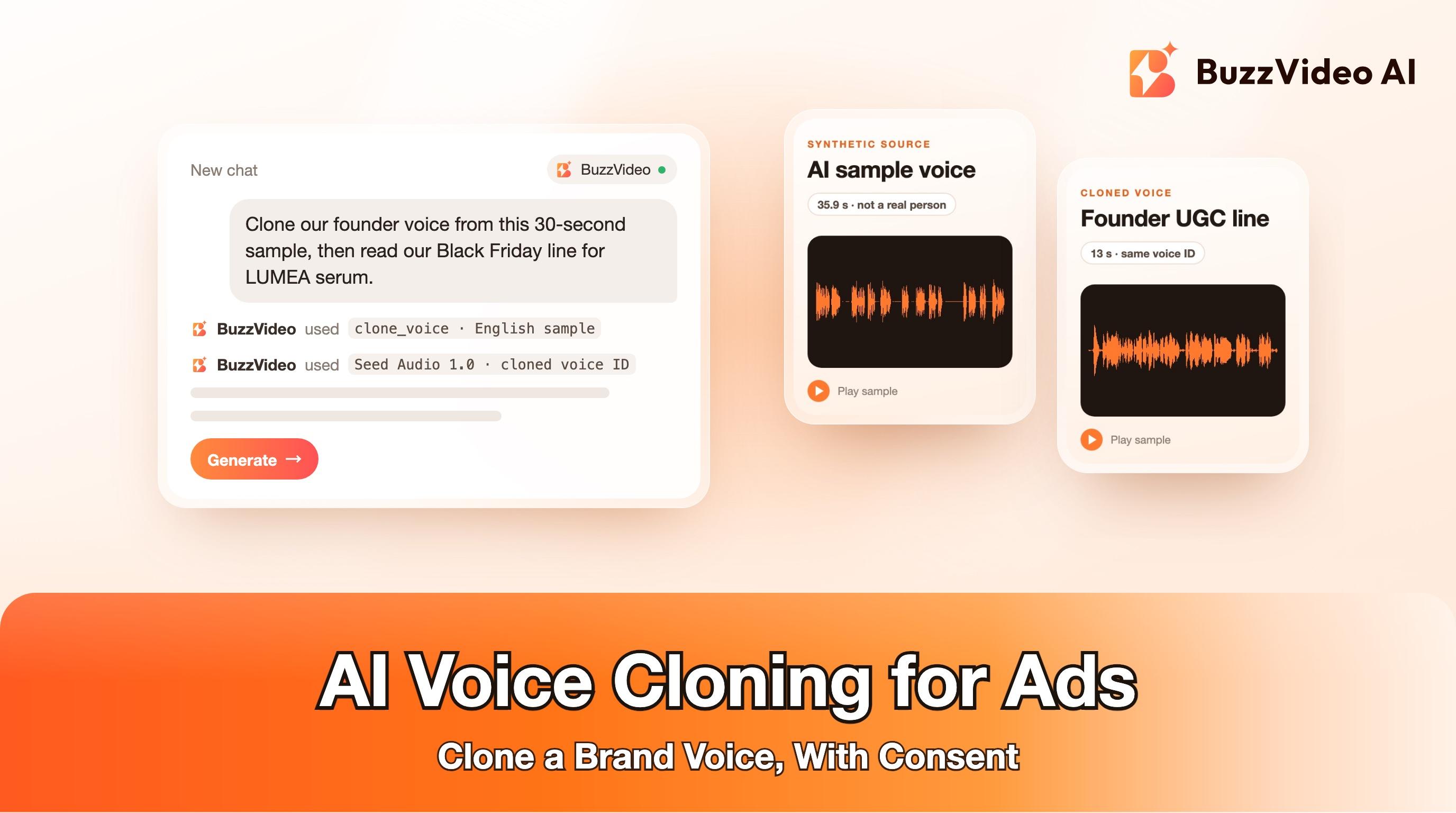
To test cloning without using anyone's real voice, we first generated a source voice with AI. We asked Seed Audio 1.0 for a fictional American woman in her mid-thirties, a small-business founder with a warm, clear voice, reading a neutral paragraph in a quiet room. That AI-generated read is the sample we cloned.
We cloned that recording as "Demo founder voice (synthetic)" through the BuzzVideo MCP, then generated two lines for LUMEA, a fictional skincare brand, using only the cloned voice ID. No description of the voice was added to these prompts.
What we can measure: both lines came back with every sentence in the returned transcript, in the right order, and with no added words. The median pitch of the speech was 178 Hz in the source sample, 182 Hz in the UGC line and 203 Hz in the promo line, so the faster, upbeat promo read sits higher, as you'd expect. How close the clone sounds to the source is something to judge by ear: play the three clips one after another.
How much does AI voice cloning cost in BuzzVideo?
| Step | How it's billed | Our test |
|---|---|---|
| Generate speech with Seed Audio 1.0 (preset, described or cloned voice) | 0.5 credits per second of audio | 8.2–35.9 s clips cost 5–18 credits each |
| Clone a voice | One-time charge when the clone finishes | Charged once; re-cloning the same file doesn't charge again |
| Reuse the cloned voice | Same as any speech: 0.5 credits per second | A 15-second ad read is about 8 credits |
Seed Audio 1.0 is available on every BuzzVideo plan, including Free, which comes with 500 one-time credits. Paid plans start at Starter with 1,900 credits a month. Check the pricing page for current plans, and the composer for the exact charge before you confirm a clone.
Is AI voice cloning legal for ads?
Cloning your own voice, or a voice you have clear written permission to use, is the normal and safe case. Cloning someone without permission is where the legal risk sits, and the rules are getting stricter. This is not legal advice; check with a lawyer for your market. Rules worth knowing:
- Tennessee ELVIS Act (2024). It adds voice, including a simulation of someone's voice, to the state's right of publicity, and makes using an individual's voice to advertise products without prior consent grounds for a civil action. It took effect July 1, 2024 (Public Chapter 588).
- FTC Impersonation Rule. In effect since April 1, 2024, it prohibits impersonating government agencies, businesses and their officials in interstate commerce (Federal Register). The FTC has also proposed extending it to impersonation of individuals (proposal).
- FCC ruling on AI voices in calls. In February 2024 the FCC ruled that AI-generated voices count as "artificial" under the Telephone Consumer Protection Act, so cloned voices in robocalls fall under the same consent rules as other prerecorded calls (FCC). It matters if you plan to reuse an ad voice in outbound calls.
- TikTok ads. TikTok's ad policy lists making someone say something they didn't say "using AI voice-cloning" as significant AI editing that must carry the AIGC label or your own clear disclaimer, and it doesn't allow using a public figure's voice without permission. Its community guidelines also require labels on realistic AI-generated content.
- Meta. Meta applies "AI info" labels to video, audio and images it detects as AI-generated or that people disclose (Meta), and shows AI info for ads made or significantly edited with AI tools in "About this ad" (Meta).
In practice: get written consent that names the use, keep the original recording, have the voice owner approve scripts, and label AI voiceover where the platform asks for it. Our guide to AI ad labels covers the Meta and TikTok settings step by step.
When should you NOT clone a voice?
- You don't have written permission. No exceptions for celebrities, competitors' spokespeople, ex-employees or "sound-alikes".
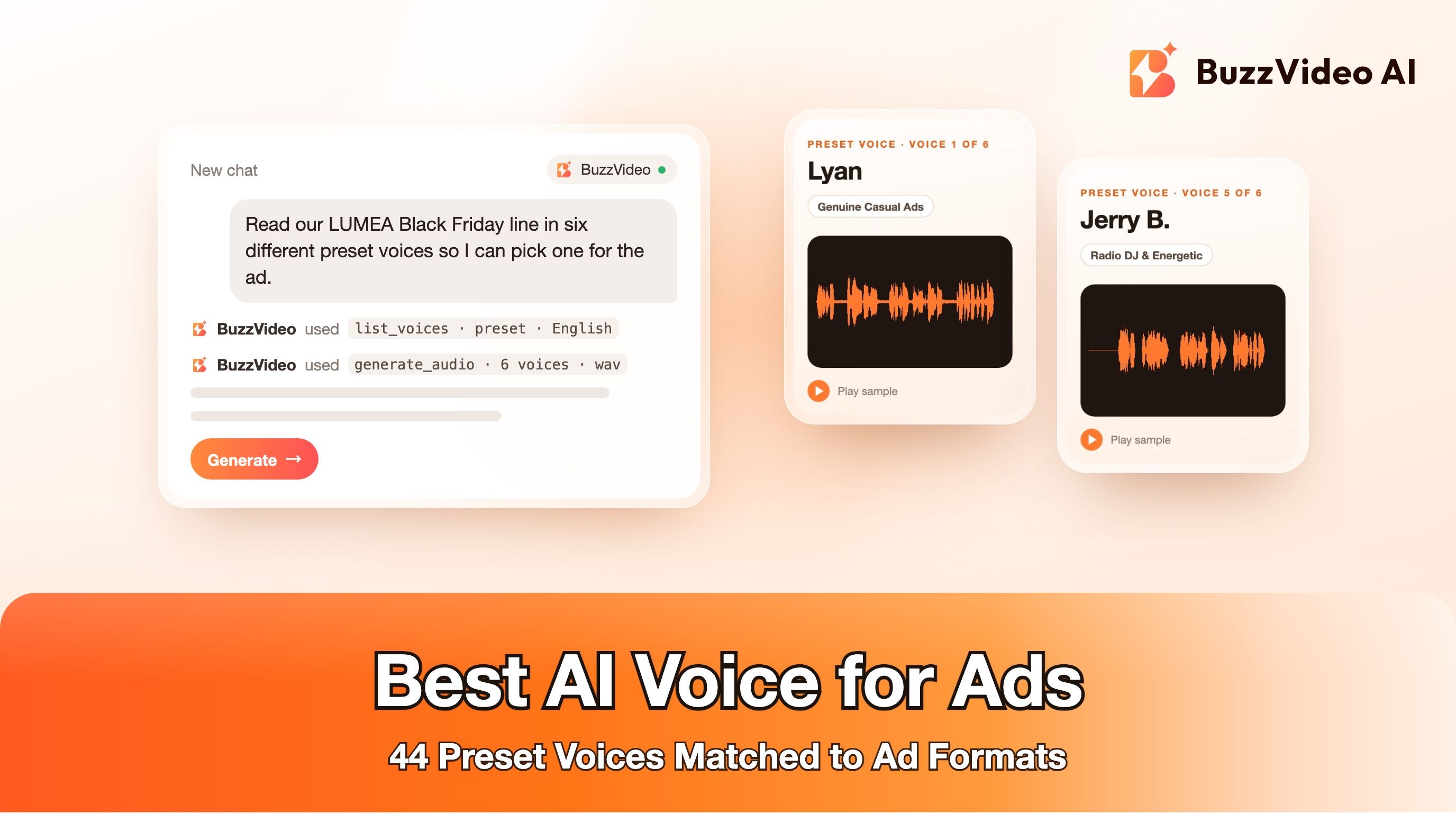
- You just need a good voiceover. If nobody will recognise the voice, a preset gives you a consistent voice ID with no consent paperwork. BuzzVideo has 44 English presets to choose from.
- The ad isn't in English. Cloning in BuzzVideo supports English samples only, and we have not tested how a cloned voice reads other languages.
- Your sample isn't clean. Music, a second speaker or a noisy room in the sample will not give you a clean clone. Re-record first.
Ready to try it? Open Audio Gen, record or upload a clean English sample of your own voice, clone it, and generate your first ad line from a script.
FAQs
Can I clone my own voice for video ads?
Yes. In BuzzVideo, open Audio Gen with Seed Audio 1.0, click Voice and Clone voice, and add a clear English recording. The cloned voice appears in MY VOICE and can read any script you type.
How long does voice cloning take?
In our test the clone was ready about a minute after we submitted it. BuzzVideo's MCP describes cloning as usually taking about a minute.
Can I clone a creator's or celebrity's voice?
Only with their written permission for that specific use. Laws such as Tennessee's ELVIS Act and TikTok's ad policy treat unauthorized use of someone's voice as a violation, and celebrity voices are the highest-risk case.
Does BuzzVideo voice cloning work in other languages?
The sample you clone must be clear English speech; BuzzVideo states that cloning supports English only. Seed Audio 1.0 itself supports 21 languages with preset or described voices.
How much does it cost to use a cloned voice?
Speech in a cloned voice costs the same as any Seed Audio 1.0 audio: 0.5 credits per second, so a 15-second read is about 8 credits. Cloning itself is a one-time charge when the clone finishes.
Do I have to label ads that use a cloned voice?
On TikTok, yes: its ad policy names AI voice cloning as content that needs the AIGC label or a clear disclaimer. Meta applies AI info labels to ads it detects as AI-generated or edited.
Last verified: November 10, 2026, against our live pricing and product pages.
Next reads: Best AI voice for ads · Seed Audio 1.0 prompt guide · How to label AI ads on Meta and TikTok · AI UGC ads that don't look fake · BuzzVideo pricing: cost per ad · Ship 50 ad variants in a week

About the author
Monica
Product Manager
As a Product Manager at BuzzVideo AI, I work with marketers and growth teams on AI ad workflows—from brief to shippable creatives. I write about practical product workflows, model choices, and how teams turn product pages into ads that feel native on Meta and TikTok.