Best AI Voice for Ads: Which Voice Fits Which Ad
Which preset voice fits which ad, how to test six voices in a minute, and how to write scripts for AI voiceover. 44 English voices, 0.5 credits per second.
The best AI voice for an ad is the one that matches the format, not the one that sounds most impressive on its own. A casual, slightly imperfect voice sells a UGC-style review; a bright, upbeat voice carries a sale; a calm, trustworthy narrator suits a product demo or brand story. Pick two or three candidates by style, run the same script through each, and keep the one that fits the visuals.
BuzzVideo AI has 44 English preset voices (22 female, 22 male), each with a style tag such as Female Genuine Casual Ads, Trustworthy Ad Narrator or Classic Radio DJ & Energetic. Below: a table that maps eight common ad formats to specific voices, a side-by-side test of six voices reading the same Black Friday line, how to write scripts that text-to-speech reads well, and what it costs.
Try it: Open Audio Gen in BuzzVideo, click Voice, filter by Style and play a few samples before you generate. Open BuzzVideo →
Which AI voice should you use for each type of ad?
Every voice below is a preset on BuzzVideo as of November 10, 2026. The style tag is the label you see on the voice card; the picks are our starting points for each format, not a ranking.
| Ad format | Voices to try first | Style tags | Why it fits |
|---|---|---|---|
| UGC-style review or testimonial | Lyan, Jeremy, Siren | Female Genuine Casual Ads · Casual Guy Next Door · Natural realistic conversational voice | Sounds like a person talking to a phone, not a booth read |
| Product demo or explainer | Brian, Kristen, Megan | Clean, Professional and Balanced · Natural, Upbeat and Focused · Warm & Trusted Training | Clear and even, so features and steps land |
| Promo, sale or Black Friday offer | Hannah, Jessica, Adam | All-American, bright, natural · Playful, Bright, Warm · Engaging, Friendly and Bright | Bright energy for offers without sounding like a shout |
| Narration or brand story | Hank, Annie K, Ash, Mark Dou | Deep and Engaging Narrator · Grounded Narrator · Calm, Soothing, Magnetic Narrative · Global Modern Narrator | Slower, fuller reads for mood and storytelling |
| Customer-service style or app walkthrough | Eryn, Luke, Lauren | Friendly, AI Assistant, Customer Service · Calm, Warm and Conversational · Friendly, Comforting and Soft | Patient, helpful tone for onboarding and how-tos |
| ASMR or unboxing | Willow, Oliver | ASMR · ASMR | Soft, close delivery for texture and sensory products |
| Radio-style energetic spot | Jerry B., Sara | Classic Radio DJ & Energetic · Smooth Ads & Producer Tags | Punchy announcer reads, tags and sign-offs |
| Authoritative expert | Dr Chris, Eleanor, Arthur | Authoritative Professor · Professional · Professional | For claims-led ads in health, finance or B2B |
Two more groups are worth knowing. Justin Case (Trustworthy Ad Narrator), Kathryn Lake (Confident, Conversational) and Jesse (Confident, Warm, Expressive Male) are safe all-rounders for classic ad narration. David (Audiobook & Documentary) suits longer documentary-style edits. BuzzVideo also has 9 Cantonese preset voices.
What is the best AI voice for YouTube Shorts, TikTok and Reels?
For short vertical video, start with the voices tagged Social Media: Charlotte, Gemma, Luna and Maya (female), and Julian, Kai, Alex and Liam (male). For first-person story formats ("POV: you finally found a serum that works"), try Mike (2D & 3D POV/Storytime). For a creator-style product review, Lyan and Jeremy are still the first two we'd test, because their tags describe exactly that casual, talking-to-camera tone.
Whatever you pick, keep the read short. On short-form placements the hook line does more work than the voice's range, so test voices on the hook first. If you're pairing the voiceover with an AI creator on screen, our guide to AI UGC ads that don't look fake covers matching the voice to the face.
Six preset voices, one ad line: our test
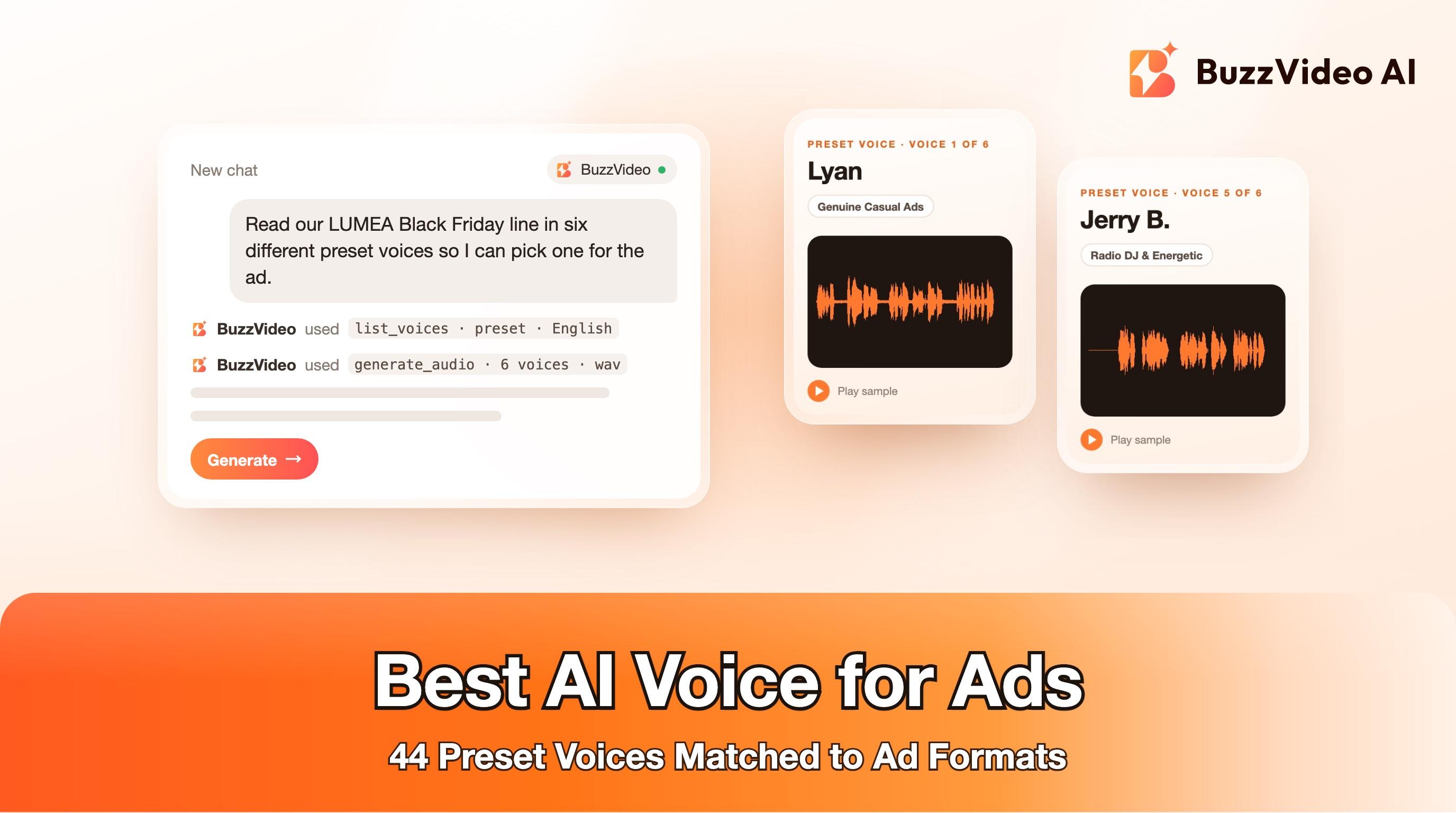
We ran the same 21-word line for a fictional skincare brand through six contrasting presets, with default speed, pitch and loudness and WAV output, and put the takes back to back in one video. The left column shows which voice is playing and its style tag.
“Dry winter skin? Meet LUMEA Glow Serum. Three drops a day for soft, glowing skin. Twenty percent off this Black Friday.”
- The script used for all six takes
| Voice | Style tag | Length | Pace (words per minute) | Credits |
|---|---|---|---|---|
| Lyan | Female Genuine Casual Ads | 11.3 s | 115 | 6 |
| Hannah | All-American, bright, natural | 10.3 s | 132 | 6 |
| Jeremy | Casual Guy Next Door | 11.5 s | 113 | 6 |
| Justin Case | Trustworthy Ad Narrator | 10.7 s | 125 | 6 |
| Jerry B. | Classic Radio DJ & Energetic | 10.3 s | 125 | 6 |
| Willow | ASMR | 13.0 s | 100 | 7 |
Pace is measured from the sentence timestamps BuzzVideo returned with each take. What the numbers show:
- The same script ran from 10.3 to 13.0 seconds. That's a 2.7-second spread on a 21-word line, so time your edit to the voice you choose, not to the script.
- Hannah was the fastest read and Willow the slowest. Willow, the ASMR voice, took about 25% longer than Hannah, which suits slow product close-ups and wouldn't suit a 6-second bumper.
- Willow's raw take was much quieter. Before normalizing, it measured about 11 LU below the next-quietest take. Plan to raise the loudness setting or normalize in the edit when you use an ASMR voice.
- Every take paused at each full stop. The gaps between sentences ranged from about 0.2 to 0.7 seconds, so punctuation is your main timing control.
We can't tell you which take sounds best in your ad; that depends on your visuals, music and audience. Listen to all six, then shortlist two and test them on real placements.
How do you pick and test a preset voice in BuzzVideo?
- Open the Marketing Agent or the home composer and switch to Audio Gen, with Seed Audio 1.0 as the model.
- Click Voice. The picker has two tabs, PRESET VOICE and MY VOICE, and filters for Gender, Language and Style.
- Filter by the style that matches your ad format from the table above, and press play on each card to hear its sample.
- Shortlist two or three voices and generate the same short script with each. Short lines keep tests cheap: six 11-second takes cost 37 credits in our test.
- Adjust speed, pitch and loudness only after you've picked the voice, and change one setting at a time.
If you work in ChatGPT or Claude through BuzzVideo MCP, the same preset voices are available there. Ask for the voice by name (for example "use Justin Case") and the assistant looks it up with list_voices and passes it to generate_audio. Through MCP you can also set speech rate (−50 to 100), pitch (−12 to 12) and loudness (−50 to 100), choose MP3, WAV or OGG Opus, and get word-level timestamped subtitles for captions. Keeping the same voice name across the Marketing Agent and MCP is the simplest way to keep a brand sounding consistent across every ad in a campaign.
How do you write a script for an AI voiceover?
Text-to-speech reads exactly what you give it, so write for the ear, not the page.
- Budget about two words per second. Our 21-word line ran 10–13 seconds. A first 30-word draft ran 15.7 seconds with Lyan, so for a 15-second ad aim for 25–30 words.
- Use punctuation as timing. Each full stop produced a short pause in our tests. Split long sentences, and use a question to open the hook ("Dry winter skin?").
- Spell out numbers and offers the way you'd say them. Write "twenty percent off" rather than "20% off", and "nineteen ninety-nine" rather than "$19.99", so the read doesn't depend on how the model expands symbols.
- Check brand names. Play back the brand name first. If a made-up or stylised name comes out wrong, try a phonetic spelling in the script and keep the correct spelling in your on-screen text.
- Keep claims in the script, prices and legal lines on screen. Fine print is easier to update in the edit than to regenerate.
“[Hook question, 3–5 words]? [Product name + what it is, one sentence]. [One benefit the viewer can picture, one sentence]. [Offer, spelled out as spoken]. [Call to action, 3–5 words].”
- Copy-paste script template for a 10–15 second ad read
How much does an AI voiceover cost on BuzzVideo?
Voiceover with Seed Audio 1.0 costs 0.5 credits per second of audio produced, with the same rate for every preset voice. In our tests partial credits were rounded up (a 10.3-second take cost 6 credits).
| Voiceover length | Credits |
|---|---|
| 6 s | 3 |
| 15 s | about 8 |
| 30 s | 15 |
| 60 s | 30 |
| Six 11 s test takes | 37 (our test) |
Audio is included on every plan, including Free, which comes with 500 one-time credits. Starter includes 1,900 credits a month, so voiceover is rarely the expensive part of an ad; the video is. See what a finished ad costs on BuzzVideo and the pricing page for current plans.
When should you clone a voice instead of using a preset?
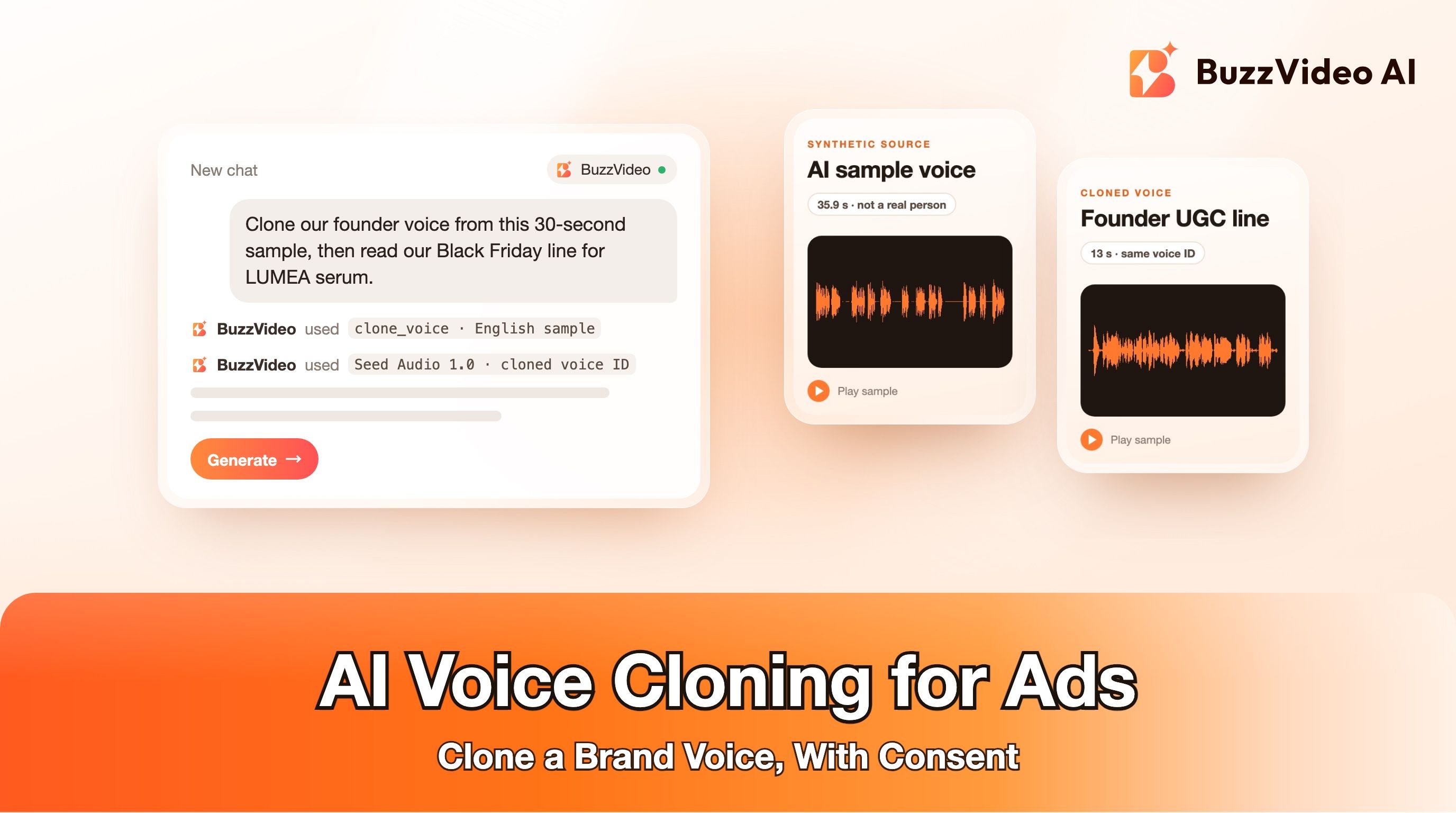
Presets cover most ad formats. Cloning makes sense when the brand already has a recognisable voice, such as a founder who fronts the ads or a spokesperson your audience knows. BuzzVideo can clone a voice from a short sample; you should only clone your own voice or one you have the rights to use, and cloning currently supports English. A cloned voice then appears in the MY VOICE tab next to the presets.
When is a preset AI voice not the right choice?
- You need a language other than English or Cantonese. The presets cover those two; Seed Audio 1.0 itself supports 21 languages when you describe the voice in a prompt instead.
- The ad is a two-person conversation. A preset is one voice. For a dialogue, describe both speakers in a Seed Audio prompt.
- It's a broadcast spot that needs nuanced direction. For a hero TV or radio commercial, a human voice actor you can direct line by line may still be worth the cost.
- You want a voice that sounds like a real celebrity. Don't. Use a preset or a voice you have rights to.
If your ad uses AI-generated voices or people, check the platform's disclosure rules. Our guide to labeling AI ads on Meta and TikTok covers both.
Ready to find your ad's voice? Open BuzzVideo, filter the voice picker by style, and run your hook line through two or three presets.
FAQs
What is the best AI voice for ads?
It depends on the format. On BuzzVideo, Lyan and Jeremy suit UGC-style reviews, Hannah suits promos, Justin Case suits classic ad narration, Jerry B. suits radio-style spots and Willow suits ASMR. Test two or three with the same script.
How many AI voices does BuzzVideo have?
53 preset voices: 44 in English (22 female, 22 male) and 9 in Cantonese. You can also clone a voice into the MY VOICE tab.
What is the best AI voice for YouTube Shorts?
Start with the voices tagged Social Media, such as Charlotte, Gemma, Luna, Julian or Kai, or Mike for POV and storytime formats. Test them on your hook line first.
How long is a 30-word AI voiceover?
About 15 seconds at a normal pace. In our test a 21-word line ran 10.3 to 13.0 seconds depending on the voice.
How much does an AI voiceover cost on BuzzVideo?
0.5 credits per second of audio, so a 15-second voiceover costs about 8 credits. Audio is available on every plan, including Free.
Can I change the speed or pitch of a preset voice?
Yes. Seed Audio 1.0 has speech rate, pitch and loudness controls, and through BuzzVideo MCP you can set speech rate from −50 to 100 and pitch from −12 to 12.
Can I use the same voice in ChatGPT or Claude?
Yes. With BuzzVideo MCP connected, ask for a preset by name and the assistant uses the same voice you picked in BuzzVideo.
Last verified: November 10, 2026, against our live pricing and product pages.
Next reads: Seed Audio 1.0 prompt guide · AI voice cloning for video ads · AI UGC ads that don't look fake · Ship 50 ad variants in a week · What an ad costs on BuzzVideo · Label AI ads on Meta and TikTok

About the author
Monica
Product Manager
As a Product Manager at BuzzVideo AI, I work with marketers and growth teams on AI ad workflows—from brief to shippable creatives. I write about practical product workflows, model choices, and how teams turn product pages into ads that feel native on Meta and TikTok.