HeyGen Avatar 6: What's New and Is It Right for Ads?
What HeyGen Avatar 6 does, what it costs on each plan, and when a talking avatar or an AI video model is the better choice for your ecommerce ads.
HeyGen Avatar 6 is HeyGen's newest avatar model, launched on November 17, 2026. It turns a script plus a photo or a short recording of a person (about 30 seconds) into a talking-presenter video, and it generates gestures and facial expressions from what the script says and how it sounds, with native 2K frames. It's included on HeyGen's Free, Creator, Pro and Business plans, and it's strongest for talking-head videos: explainers, founder updates and spokesperson ads where the presenter mostly talks to camera (PR Newswire, HeyGen).
For ads, the question isn't only how realistic the face is. It's whether the presenter has to do anything besides talk: hold the product, use it, move through a scene. We build BuzzVideo AI, which has its own Talking Avatar tool alongside general video models, so we're not neutral; we haven't tested Avatar 6 ourselves yet, and every Avatar 6 number below comes from HeyGen. Where HeyGen fits better, we say so.
What is HeyGen Avatar 6?
Avatar 6 is an audio-driven avatar model. You give it a script (typed, uploaded as audio or recorded) and a presenter, and it produces a video of that presenter speaking, with gestures such as pointing or counting matched to the words. HeyGen lists these inputs and features (HeyGen, PR Newswire):
- Presenter from a photo or footage: a clear face photo, or a recording of yourself talking (HeyGen's press release says as little as 30 seconds); you can also connect YouTube, Instagram or TikTok so it learns from your existing videos.
- Script-aware motion: gestures and expressions follow the context and tone of the speech, and you can prompt emotions or pick motion presets such as Laughing, Whispering, Surprised or Excited.
- Two presenters in one frame: a host-and-guest conversation from one script.
- Output: native 2K frames, exported in 1080p or 2K.
- Access: HeyGen's web app, API and HeyGen MCP (for use from Claude or ChatGPT).
Try it: if you need a presenter ad today, you can turn a script into a talking avatar video in BuzzVideo's Marketing Agent. Open Talking Avatar →
What's new in Avatar 6 compared with Avatar V?
HeyGen's launch materials describe these changes. The realism figures are from HeyGen's own tests and haven't been independently verified (PR Newswire, HeyGen).
| Area | What HeyGen says changed in Avatar 6 |
|---|---|
| Motion | Gestures and expressions generated from the script's meaning and tone, modelled on each person's own footage |
| Context window | About 10x longer, from roughly 3 to 30 seconds of speech |
| Lip sync | Improved |
| Resolution | Native 2K frames |
| Realism (HeyGen test) | 84.4% indistinguishable from real footage side by side, vs 44.4% for Avatar V |
| Existing avatars | Current Personal Avatars upgrade automatically, no new recording needed |
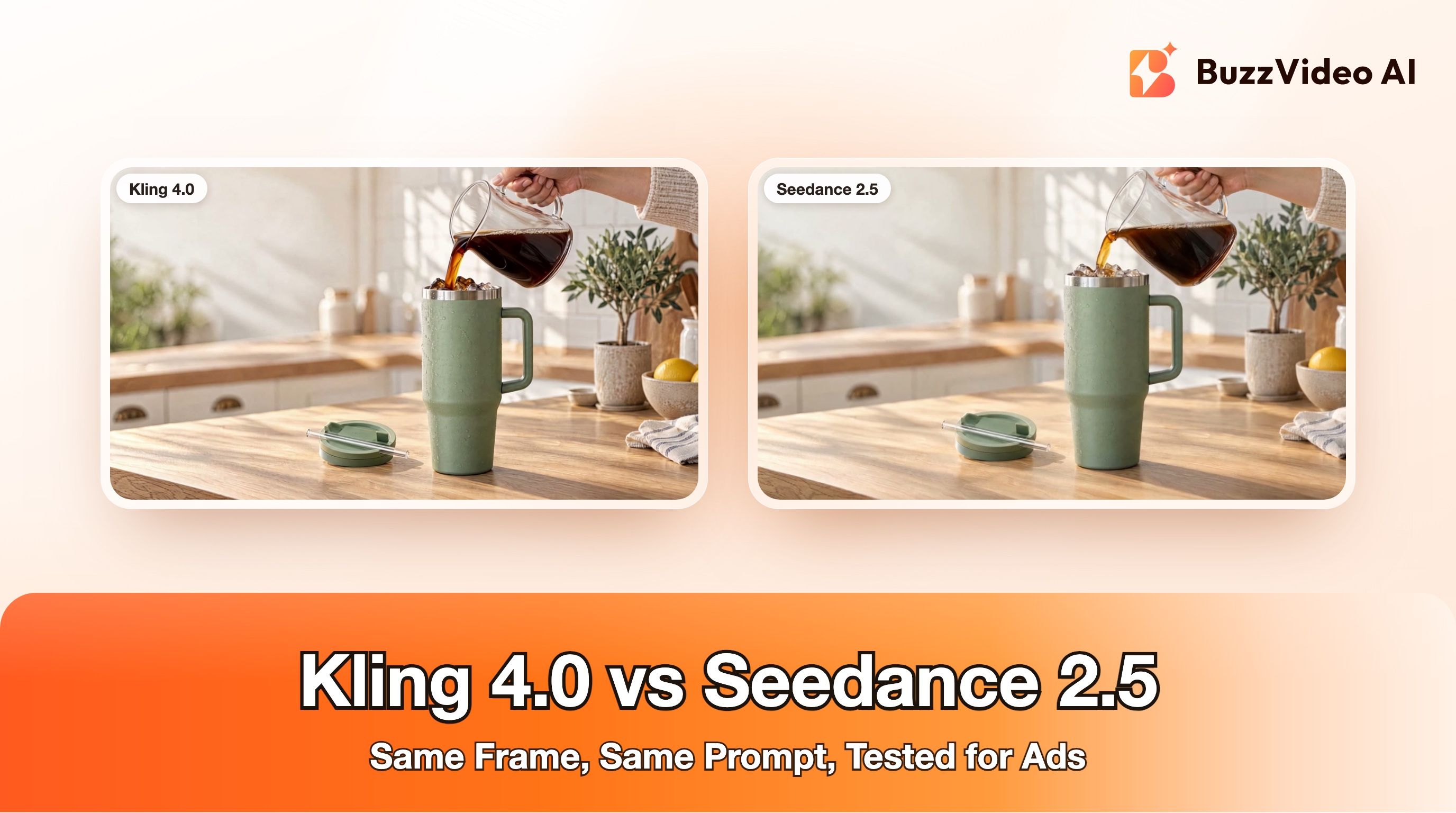
HeyGen's model page also lists head-to-head preference tests against general video models, with Avatar 6 preferred over Kling 4.0, Seedance 2.5 and Wan 3.0 for footage-driven talking video. Those tests measure a talking person, which is exactly what an avatar model is built for; they don't measure scenes, product handling or camera movement.
How much does HeyGen Avatar 6 cost?
Avatar 6 is included in HeyGen's plans rather than sold separately, but the version you get depends on the plan. From HeyGen's pricing page as of November 19, 2026 (HeyGen):
| HeyGen plan | Price | Avatar 6 version | Credits / limits |
|---|---|---|---|
| Free | $0 | Avatar 6 | 3 videos a month, watermarked, up to 1 minute each |
| Creator | $29/month ($24/month billed yearly) | Avatar 6 Turbo | 600 credits, videos up to 30 minutes, 1080p |
| Pro | From $49/month | Avatar 6 Pro and Turbo | From 1,000 credits, videos up to 30 minutes, 4K |
| Business | $149/month + $20 per seat | Avatar 6 Pro | 1,500 credits, videos up to 60 minutes |
| Enterprise | Custom | Not listed | Custom |
For comparison, BuzzVideo's paid plans are $14, $35 and $63 a month billed yearly (1,900, 4,900 and 8,900 credits a month), with unlimited AI avatars on every paid plan; the Free plan has 500 one-time credits and doesn't include video generation (BuzzVideo pricing). The two products price credits differently, so compare cost per finished ad, not credits.
Is HeyGen Avatar 6 good for ads?
For some ads, yes. A talking-head format works when the message is the product: a founder explaining why the brand exists, a spokesperson walking through an offer, a B2B or app ad that needs a clear explanation, or the same presenter localised into several markets. In those cases Avatar 6's script-driven gestures and longer context are aimed at the problem HeyGen's announcement names: repetitive or unnatural motion.
It's a weaker fit when the ad depends on physical action. Many ecommerce ads on TikTok and Reels, including the long-running ones we studied before making this post's example, show someone using the product: applying it, pouring it, wearing it, unboxing it, walking through a room. An avatar model is designed to keep a presenter talking well; a general video model is designed to generate whatever happens in the shot. If you're unsure which you need, write the shot list first. If every line says "talks to camera", use an avatar. If the lines say "picks up", "applies", "walks into" or "reveals", use a video model.
When is a video model better than an avatar for ads?
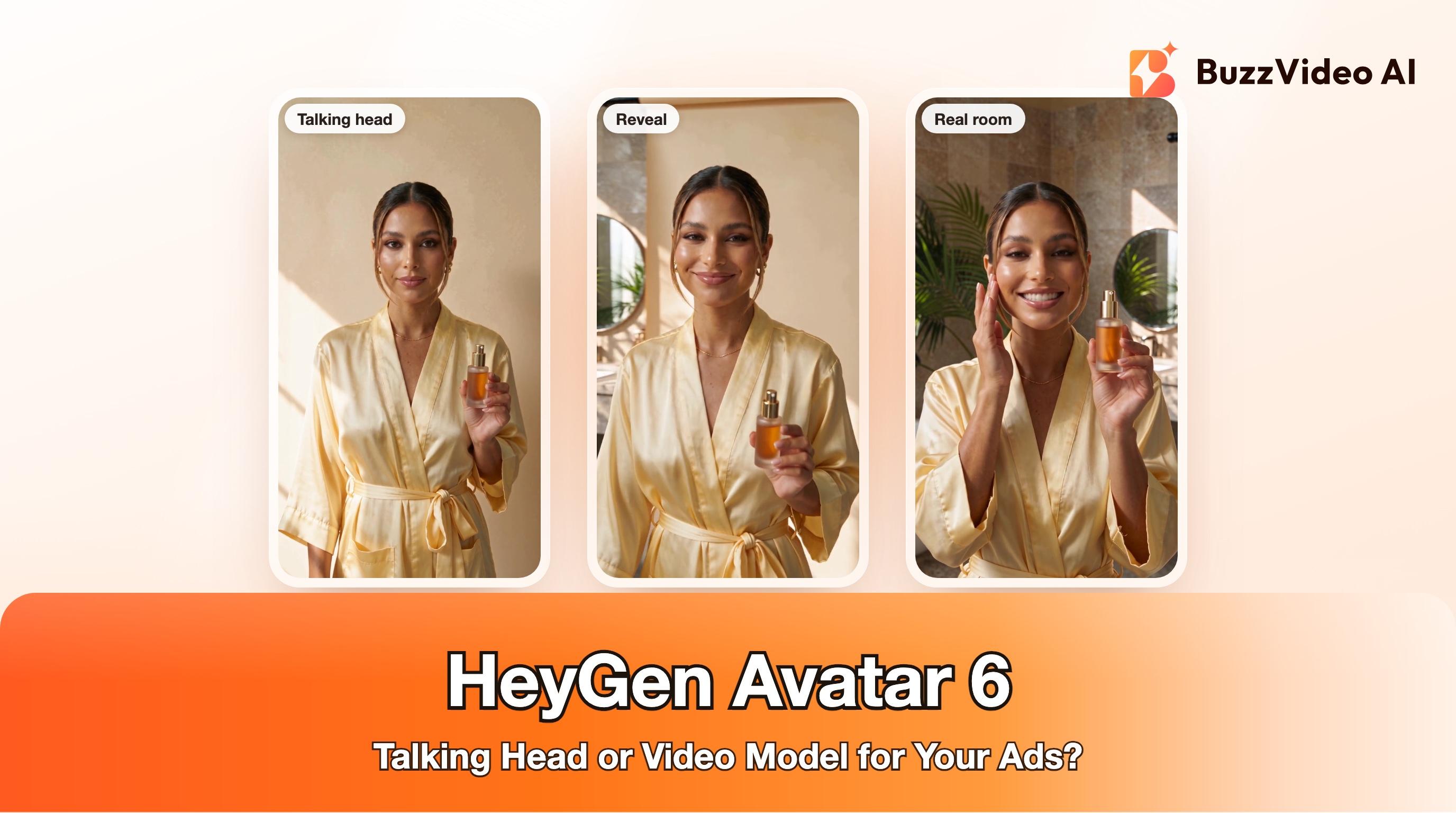
Here's an example of the second case. We opened the ad like a classic avatar shot, a still presenter against a plain backdrop, and then broke it: as she says she won't just stand there and talk, the camera pulls back and swings around to show that the backdrop is a paper sheet hung in a sunlit bathroom, and she carries on in the real room. A camera move and reveal like that is what a talking-head avatar isn't built to do.
We made it in BuzzVideo with Seedance 2.5 Flash at 720p: one first-frame image (Nano Banana 2.1, 11 credits) and one 10-second generation with sound (303 credits). The product is fictional and the bottle has no label on purpose, so no text can warp. Use a video model like this when:
- The presenter has to hold, apply or demonstrate the product on camera.
- The ad needs movement: walking into a room, a reveal, a camera that follows the action.
- The setting sells the product (a bathroom routine, a kitchen, a street at night), not just the face.
- You want a hook in the first second that doesn't look like every other presenter ad.
Keep shots short. The longer one generated take runs, the more chances a hand or a product has to drift, so we plan ads as 5- to 10-second shots and cut them together, as described in our talking avatar ads workflow.
HeyGen Avatar 6 vs BuzzVideo: which should you use for avatar ads?
A fair split, from each product's own pages (HeyGen, HeyGen pricing, BuzzVideo pricing):
| You need… | HeyGen Avatar 6 | BuzzVideo AI |
|---|---|---|
| A digital twin of yourself or your founder | Strong fit: built from your own footage, with identity verification | Not the focus: BuzzVideo's AI avatars are reusable generated characters |
| Long talking videos (training, webinars) | Strong fit: up to 30 or 60 minutes depending on plan | Not the focus; generations run up to 30 seconds per shot |
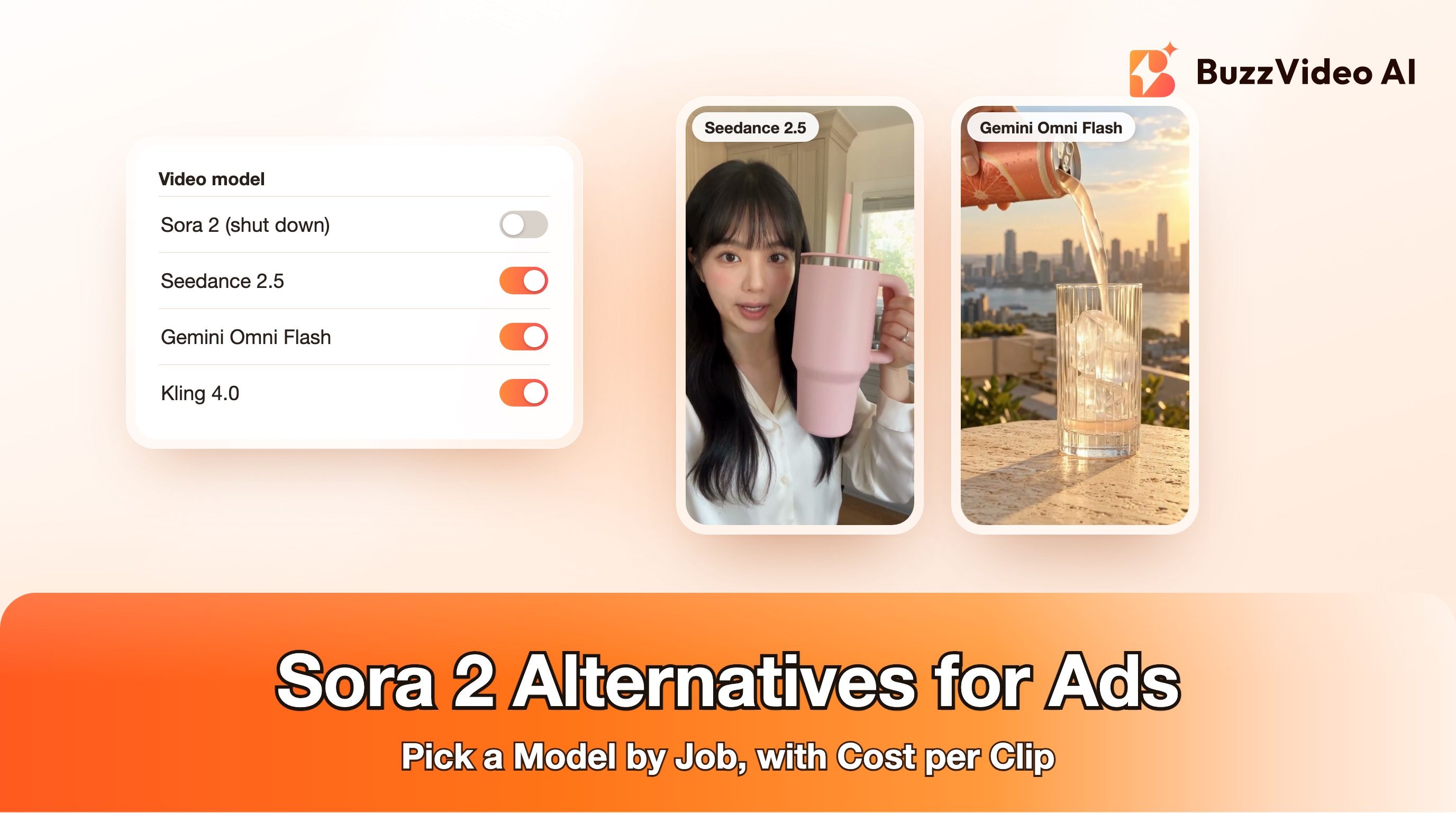
| Presenter who handles the product or moves through a scene | Not what the model is built for | Strong fit: video models (Seedance 2.5, Kling 4.0, Wan 3.0 and others) generate the action |
| Many ad variants and hooks | One video per script | Ad Variations and Video Batch Variations tools |
| Highest output resolution | 2K native; 4K export on Pro | 720p to 4K depending on the video model; Upscale Video to 4K |
| Starting price for video | Free (watermarked); Creator $29/month | Starter $14/month billed yearly |
If your ad is mostly a person talking, HeyGen is a strong choice and Avatar 6 is likely its best model yet. If your ad needs product action and scenes, a tool built around video models is the better starting point. Many teams use both: an avatar for the explanation, video-model shots for the hook and the demo. For a broader comparison, see BuzzVideo vs Creatify, Arcads and HeyGen.
How do you make an avatar ad that doesn't look like an avatar?
Whichever tool you use, these steps help a presenter ad survive the first two seconds:
- Write the hook as an action, not a greeting. "Hi, I'm Emma from…" loses people; a movement, a reveal or a bold first line holds them. Our guide to hook rate shows how to measure it.
- Give the presenter one job per shot. Talk, or pick up the product, or apply it. Idle hands in long takes are where avatars and video models both slip.
- Style the presenter like a creator, not a newsreader. Real outfits, jewellery, a real room and natural light beat a plain studio backdrop.
- Keep each line short. Around 15 to 20 words per 6 to 10 seconds keeps lip sync and pacing natural.
- Add prices, offers and captions in the edit, not in the generated footage, so text stays sharp and can be changed without regenerating.
- Check every shot frame by frame for hands, product shape and lip sync before you launch. Our checklist for AI UGC ads that don't look fake covers what to look for.
Prompt template we used (shortened)
This is the structure of the prompt behind the example video, with the styling details trimmed. Swap in your own product and lines:
“Use the reference image as the exact first frame; keep the same woman, outfit and the same single blank bottle in the same hand the whole time. 0–3s: locked-off camera, she stands still in front of the paper backdrop like a studio presenter and says to camera: "Okay, I'm not just going to stand here and talk." 3–6s: she steps forward out of the backdrop; the camera pulls back and arcs to reveal that the backdrop hangs in a sunlit travertine bathroom. 6–10s: she raises the bottle beside her cheek, taps her cheek twice and says: "Finished this serum twice. Glass skin, zero effort." Only one person and one bottle; natural hands; no subtitles, no on-screen text, no logos.”
- Seedance 2.5 Flash prompt, BuzzVideo
What about consent and AI labels?
Two rules apply whatever tool you choose. First, only make an avatar of someone who has agreed to it. HeyGen requires live identity verification and explicit consent for realistic avatars of real people and says those videos stay on its own platform (PR Newswire, HeyGen). Second, ad platforms expect AI-generated people to be disclosed: TikTok's ad policy covers misleading AI-generated content, and Meta labels ads created or significantly edited with its own generative AI tools, with the label next to "Sponsored" when the ad shows a photorealistic AI-generated person, and says it detects third-party AI tools through industry-standard signals (TikTok, Meta). Our guide to labelling AI ads on Meta and TikTok has the details.
Make your next presenter ad
If your next ad is a presenter talking to camera, write a 15-second script and turn it into a talking avatar video. If it needs the presenter to use the product or move through a scene, generate it with a video model from one first-frame image. Both are in BuzzVideo's Marketing Agent.
FAQs
When was HeyGen Avatar 6 released?
HeyGen announced Avatar 6 on November 17, 2026, and made it available on its platform and API the same day (PR Newswire).
Is HeyGen Avatar 6 free?
HeyGen's Free plan includes Avatar 6 for up to 3 watermarked videos a month, each up to 1 minute. Paid plans start at $29 a month for Creator, which lists Avatar 6 Turbo (HeyGen).
What's the difference between Avatar 6 Pro and Avatar 6 Turbo?
HeyGen's pricing page lists Turbo on Creator and both Pro and Turbo on Pro, but doesn't explain the difference in detail. Check the model picker in your HeyGen account before you choose a plan.
How much footage does HeyGen Avatar 6 need?
HeyGen's press release says as little as 30 seconds of video; its model page also accepts a single clear photo. Existing Personal Avatars upgrade automatically.
Can HeyGen Avatar 6 show a person using a product?
Avatar 6 is built to make a presenter talk naturally, with gestures matched to the script. For ads where the presenter applies, wears or demonstrates a product, a general video model such as Seedance 2.5 or Kling 4.0 is usually a better fit.
What's a good HeyGen alternative for ecommerce video ads?
If your ads need product action and scenes, try a tool built on video models, such as BuzzVideo AI, which also has a Talking Avatar tool for presenter shots. If you mainly need long talking-head videos or a digital twin, HeyGen is still a strong choice.
Do I need to label AI avatar ads?
Often, yes. TikTok and Meta both have rules on AI-generated content in ads, so disclose realistic AI people and check each platform's current policy before launch.
Last verified: November 19, 2026, against our live pricing and product pages and HeyGen's published Avatar 6 and pricing pages.
Next reads: Talking avatar ads workflow · BuzzVideo vs Creatify, Arcads and HeyGen · Kling 4.0 vs Seedance 2.5 · How to label AI ads on Meta and TikTok

About the author
Monica
Product Manager
As a Product Manager at BuzzVideo AI, I work with marketers and growth teams on AI ad workflows—from brief to shippable creatives. I write about practical product workflows, model choices, and how teams turn product pages into ads that feel native on Meta and TikTok.