Meta Ads Creative Studio: What It Does and When to Use Another Tool
What Meta Ads Creative Studio and Advantage+ static-to-video actually do, who has access, and when an outside AI video tool fits better.
Meta Ads Creative Studio is Meta's AI creative workspace for advertisers. It shows which of your ads are performing and why, and on October 6, 2026 Meta announced that it can also generate new video concepts and variations and edit them: change the hook, adjust audio and clip length, add text and captions, or swap the end scene (Meta, Meta newsroom). It is still rolling out gradually, so many accounts don't have it yet, while the separate static-to-video feature in Advantage+ creative is generally available.
In short: use Ads Creative Studio to learn from and iterate on ads that already run on Meta. Use an outside AI video tool when you need a brand-new concept, footage built from your own product photos, a specific video model, or the same creative on TikTok, YouTube Shorts or Amazon. We build one of those outside tools, BuzzVideo AI, so read the comparison with that in mind; we've tried to be clear about where Meta's own tools are the better choice.
What is Meta Ads Creative Studio?
Meta first described it at Cannes Lions on June 23, 2026 as "a dedicated space for navigating creative strategy and optimization" where you can learn which ads perform, generate new ones based on what works for your business, and test them (Meta). At that point it was in testing, with WPP as the first agency partner.
At Advertising Week New York on October 6, 2026, Meta said Ads Creative Studio is "beginning to roll out to more advertisers" (Meta) and added video generation and editing (Meta newsroom). Coverage of the same announcement describes it as available to selected ad partners first, with plans to expand to more brands (Social Media Today).
The idea is to close the loop between performance data and production. Instead of exporting a report, briefing a designer and uploading new files, you see what's working and make the next version in the same place.
Try it: if Ads Creative Studio isn't in your account yet, you can still make new hook and ending variants of a video in BuzzVideo. Open BuzzVideo's Marketing Agent and pick Ad Variations or Video Batch Variations. Make hook variants of your ad →
What can Meta Ads Creative Studio do?
A lot of blog posts about this tool describe features Meta hasn't announced. This table sticks to what Meta itself has said, and flags what is still in testing.
| Capability | Status (per Meta) |
|---|---|
| See which ads perform, with AI guidance on why | Rolling out to more advertisers since Oct 6, 2026 |
| Generate new video concepts and variations | Announced Oct 6, 2026, inside Ads Creative Studio |
| Edit a video: change hooks, adjust audio and clip length, add text and captions, change end scenes | Announced Oct 6, 2026, inside Ads Creative Studio |
| Learn your brand's identity and tone from existing ads | Described at Cannes (June 2026) as in testing |
| Creative insights inside Meta's AI business assistant | Announced Oct 6, 2026 |
| Plan, create and change campaigns by chatting with the assistant | In testing |
Sources: Meta, Advertising Week 2026, Meta newsroom (Spanish), Meta, Cannes Lions 2026. Meta hasn't published a price; these tools sit inside its ad products, and you pay for the media you run.
How do you get access to Ads Creative Studio?
Meta hasn't published an eligibility list or a sign-up form. What it has said is that the rollout is gradual: agencies and selected partners first, more advertisers over time. In practice:
- Look for Ads Creative Studio in your Meta ad tools. If you don't see it, it most likely hasn't reached your account yet; there is no switch to turn it on yourself.
- If you work with a Meta agency partner or a Meta account rep, ask them. Meta named WPP as its first agency partner.
- While you wait, the features that are generally available still help: static-to-video in Advantage+ creative (below) and your own creative reporting in Ads Manager.
To find out which ads actually win, you don't need the new tool. Hook rate and hold rate come from metrics you already have; our hook rate guide shows how to build them as custom columns in Ads Manager.
What is Advantage+ static-to-video?
It is a separate feature from Ads Creative Studio. In Advantage+ creative, advertisers and agencies "can now generate video from existing static assets, a feature that is now generally available" (Meta). Meta also said catalog advertisers can turn product images into product video at scale; the Spanish version of the announcement says this is for eligible beta advertisers, in Advantage+ creative video generation and in Commerce Manager's product video creator (Meta newsroom).
It is the quickest way to get a video version of an image ad that already works. The trade-off is the usual one with automatic enhancements: you control less of the result, and Meta adds AI info labels to ads made or significantly edited with its own generative AI tools (Meta). Review the preview before you publish; our guide to Advantage+ creative enhancements covers which automatic edits to keep and which to switch off.
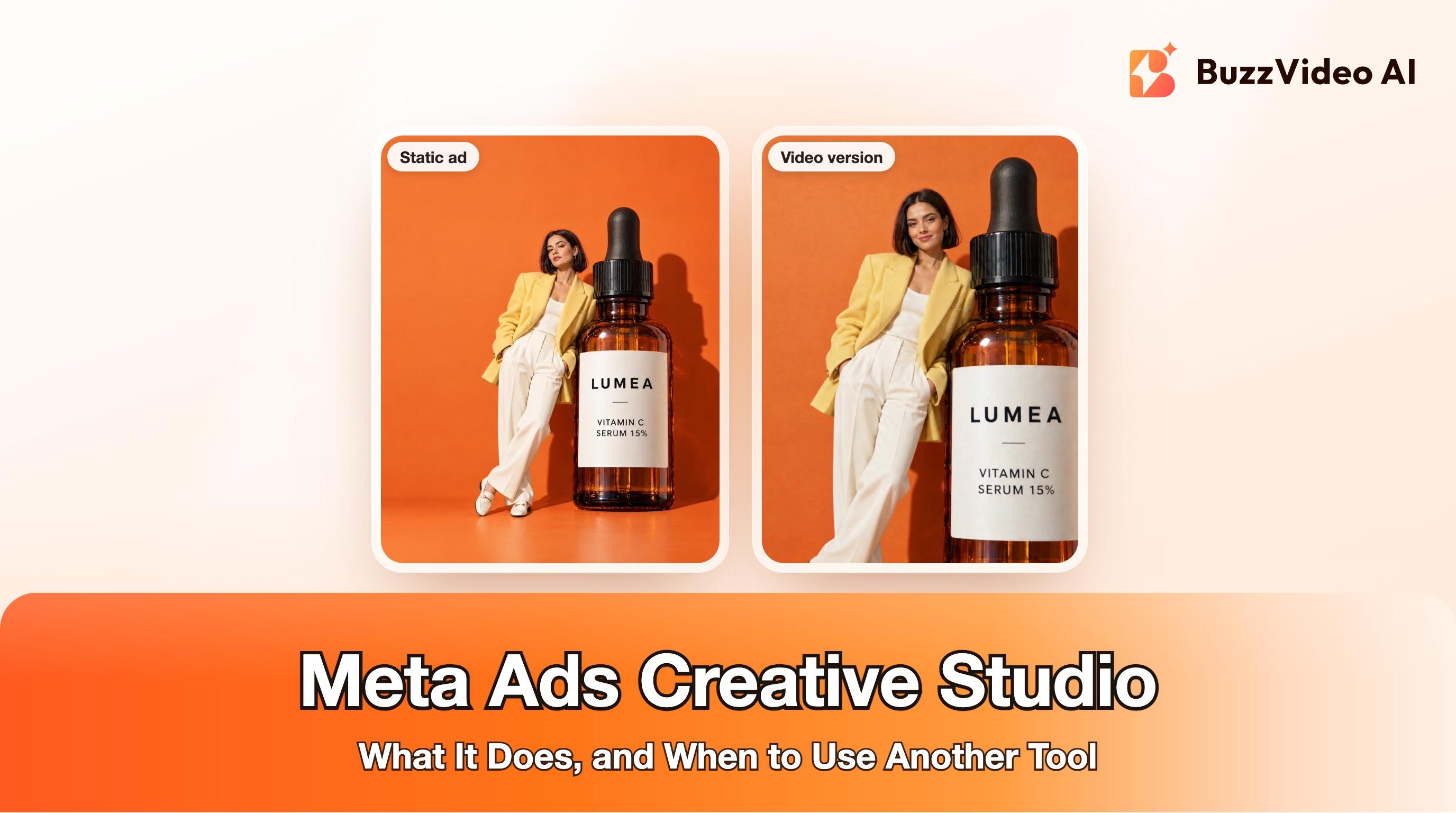
If you'd rather control the motion yourself, you can animate the same static with an image-to-video model and decide exactly what moves and what stays still. Here is one of our own static ads turned into a short video that way:
Ads Creative Studio vs an outside AI video tool: which should you use?
Here's how we'd decide. The left column is the situation; the right column is what we'd use.
| Your situation | Use |
|---|---|
| You want to know which of your Meta ads win, and why | Ads Creative Studio (or custom columns in Ads Manager if you don't have it yet) |
| A Meta ad is working and you want a new hook, a shorter cut or a different ending | Ads Creative Studio's video editing, if you have it |
| You have a winning image ad and want a quick video version on Meta | Advantage+ static-to-video |
| You need a brand-new concept: a creator review, an unboxing, a product demo | An outside generator (BuzzVideo, Creatify, HeyGen and similar) |
| The same video must also run on TikTok, YouTube Shorts or Amazon | An outside tool that exports plain MP4 files |
| You want to pick the video model per shot or control references | A multi-model tool (BuzzVideo, or each model's own app) |
| You want an assistant like ChatGPT or Claude to make the creative | A tool with an MCP server, such as BuzzVideo MCP (available on every plan) |
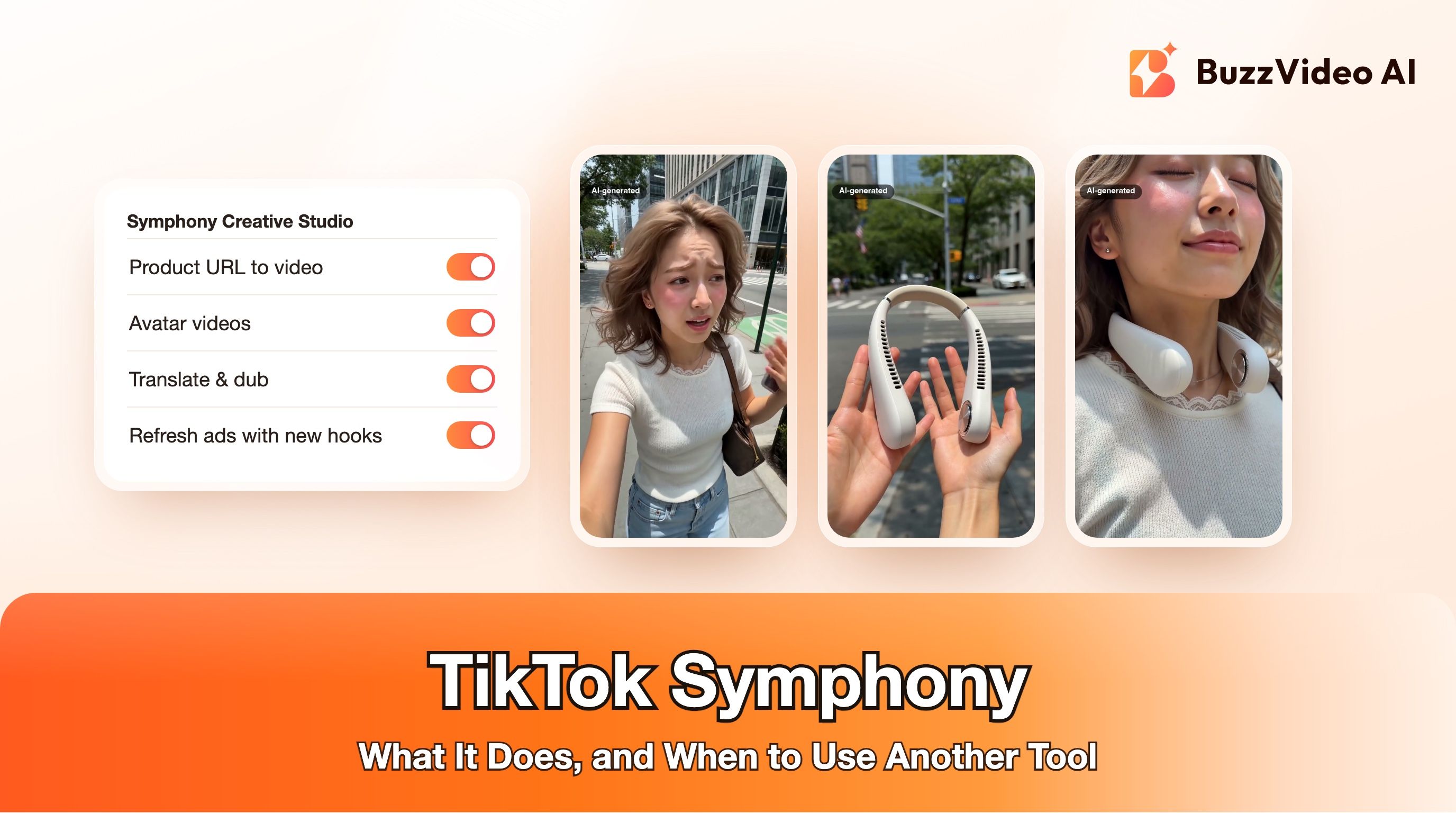
Most teams will use both. TikTok has a similar in-platform tool, and we reached the same conclusion there: see TikTok Symphony Creative Studio. Platform tools are best for iterating where the ad runs; outside tools are best for the core creative that runs everywhere.
How do you use Creative Studio and an outside generator together?
This is the workflow we'd run for a product with one winning ad, whether or not Ads Creative Studio has reached your account.
Step 1: Find the winner and name why it works
Pick the ad with the best hook rate and cost per result over the last 7 to 14 days. Write one sentence about why it works: the opening shot, the claim, the format. That sentence is your brief.
Step 2: Make new concepts outside, with the same message
Meta's delivery system rewards real variety in creative, not ten copies of one ad (why creative diversity matters). Make two or three genuinely different concepts around the same message: a creator review, a product demo, a static turned into motion. Here is a brief you can paste into any AI video tool:
“9:16 vertical video, 10 seconds, for a [product]. Message: [the one sentence from step 1]. 0-2 s: [one visual action that shows the problem or the product reveal]. 2-7 s: [the product in use, one feature close to camera, product label facing the camera]. 7-10 s: [the result, visible on screen]. Natural light, one product in frame, no on-screen text, no logos, no prices.”
- Template: fill in the brackets. Add captions, price and offer in editing, not in the prompt.
Step 3: Check every frame
Scrub each clip and zoom in on hands, the product and its label. Reject anything where the product changes shape or text turns into gibberish, then add your captions in empty space, never over the product or a face.
Step 4: Upload, then iterate inside Meta
Upload the new concepts as separate ads. Once one wins, make variants of it: with Ads Creative Studio's hook, length and end-scene edits if you have them, or in your outside tool. Our guide to AI hook variations has a test plan.
Step 5: Reuse the winners everywhere
Because the concepts were made outside Meta, the same MP4 files can go to TikTok, YouTube Shorts and Amazon with a resize where the placement needs a different shape.
Do Creative Studio ads get an AI label?
Meta adds "AI info" labels to ads that were created or significantly edited with its generative AI creative features (Meta). For AI content made outside Meta, label any ad with a realistic generated person, voice or scene; TikTok's ad policy asks advertisers to disclose realistic AI-generated content (TikTok ad policy). Our AI ad labeling guide covers both platforms step by step.
Should you wait for Ads Creative Studio?
No. If it shows up in your account, use it to learn from your winners and to make quick edits. Until then, and for anything that needs a new concept or runs beyond Meta, BuzzVideo's Marketing Agent makes the video in one place: URL to Video, UGC Ads, Product Demo and Ad Variations are all in the same chat. Video generation starts on the Starter plan ($14 a month billed yearly, 1,900 credits a month); the Free plan's 500 one-time credits cover images only (pricing).
FAQs
What is Meta Ads Creative Studio?
It's Meta's AI creative workspace for advertisers: it shows which ads perform and why, and since October 2026 it can generate new video concepts and edit hooks, audio, length, captions and end scenes (Meta).
Is Meta Ads Creative Studio available to everyone?
Not yet. Meta said on October 6, 2026 that it is beginning to roll out to more advertisers; selected partners and agencies got it first, and there is no way to switch it on yourself.
Does Meta charge for Ads Creative Studio?
Meta hasn't published a price. It sits inside Meta's ad tools, and you pay for the ads you run.
What is Advantage+ static-to-video?
A feature in Advantage+ creative that generates a video from an image ad you already have. Meta made it generally available on October 6, 2026 (Meta).
Can Meta Ads Creative Studio videos run on TikTok?
Ads Creative Studio is built for Meta's ads. If you need the same video on TikTok, YouTube Shorts or Amazon, make the core creative in a tool that exports plain MP4 files.
Do ads made with Meta's AI tools get an AI label?
Meta adds "AI info" labels to ads created or significantly edited with its generative AI features (Meta).
Last verified: November 16, 2026, against our live pricing and product pages and Meta's announcements linked above.
Next reads: Hook rate in Meta ads · Advantage+ creative enhancements · Meta Andromeda and creative diversity · TikTok Symphony Creative Studio

About the author
Monica
Product Manager
As a Product Manager at BuzzVideo AI, I work with marketers and growth teams on AI ad workflows—from brief to shippable creatives. I write about practical product workflows, model choices, and how teams turn product pages into ads that feel native on Meta and TikTok.