Sora 2 Alternatives for Ads After the Shutdown (2026)
Sora 2 shut down in 2026. The best Sora alternatives for ads, matched to each job, with per-clip credit costs and how to rewrite a Sora prompt.
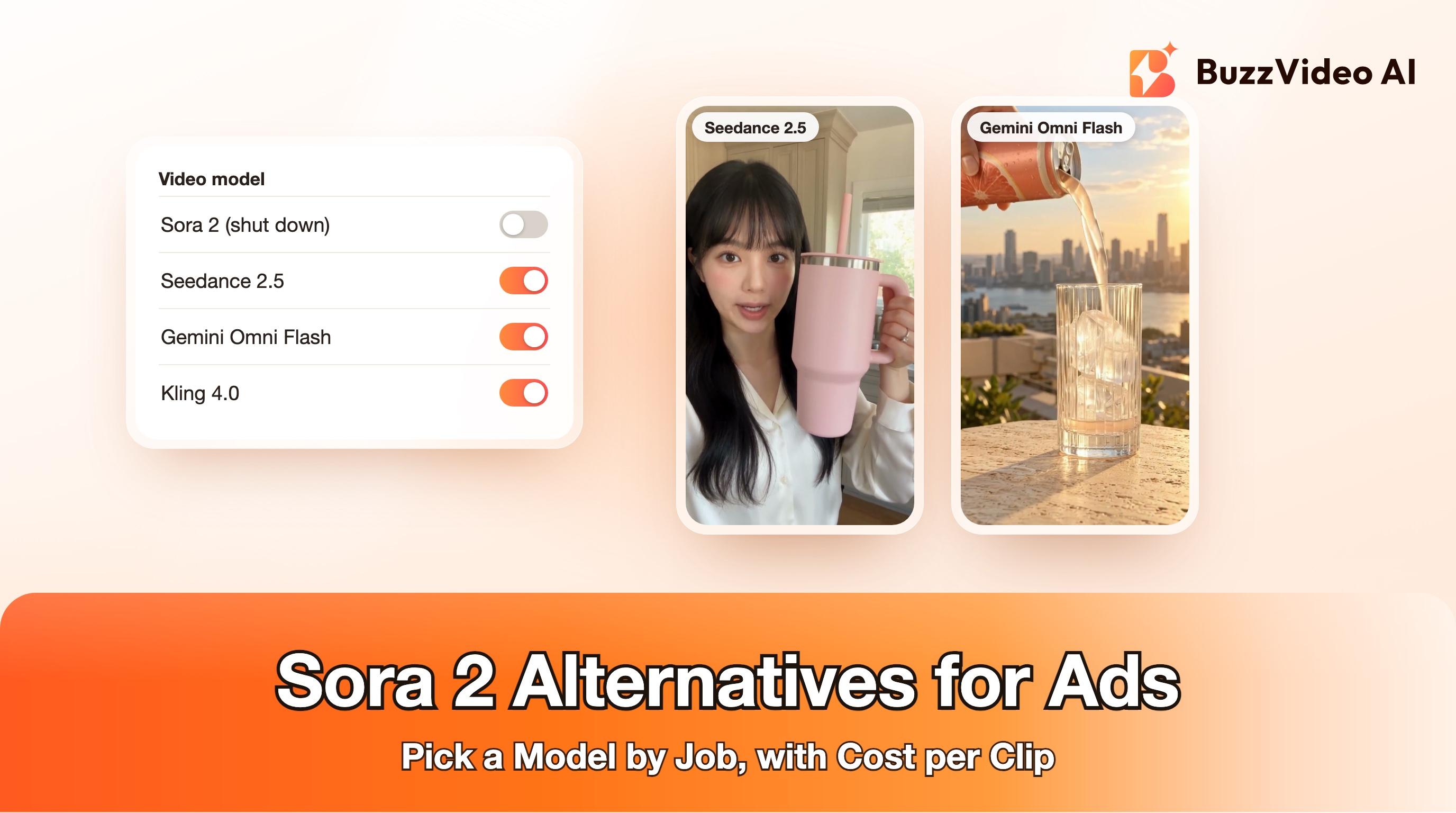
Sora 2 is no longer available for ad work: OpenAI closed the Sora app and website on April 26, 2026, and shut down the Videos API and the sora-2 and sora-2-pro models on September 24, 2026, without naming a replacement. The practical alternative depends on what you used Sora for: Seedance 2.5 for multi-shot spots with sound, Gemini Omni Flash or MiniMax H3 for spoken lines, Kling 4.0 or Wan 3.0 for 30-second takes, and Kling 3.0 for cheap image-to-video.
We build BuzzVideo AI, and every model named above runs inside it, so read this as a vendor's map rather than a neutral review. We have tried to make it useful either way: each Sora job is matched to a model, with what that model costs per clip, how to rewrite a Sora prompt for it, and where a tool outside BuzzVideo is the better fit.
Try it: Rewrite one old Sora prompt into timed beats, attach your product photo in Generate Video, and run a five-second test on Kling 3.0 before you commit to a long take. Compare the video models →
Is Sora 2 still available?
No. OpenAI announced the end of Sora on March 24, 2026 (TechCrunch) and closed it in two stages. The consumer app and web experience went dark on April 26, 2026, and the API followed on September 24, 2026 (The Decoder). OpenAI's own API deprecations page lists the Videos API, sora-2, sora-2-pro and their dated snapshots as shut down on 2026-09-24, with no recommended replacement.
| Date | What changed |
|---|---|
| March 24, 2026 | OpenAI announces it is shutting Sora down |
| April 26, 2026 | Sora app and website close |
| September 24, 2026 | Videos API, sora-2 and sora-2-pro shut down; no replacement model named |
If a script, Zapier step or agent still calls the Sora endpoint, it has been failing since September 24. The rest of this guide is about rebuilding that step on something that works.
What should replace Sora 2 for ad videos?
Sora 2 generated picture and sound together and was known for its cameos, which let people put their own likeness into videos (TechCrunch). Marketers used it for a handful of recurring jobs. Match the job, not the brand name:
| What you used Sora for | Use instead (on BuzzVideo) | Why | Longest single clip | Plan |
|---|---|---|---|---|
| A short ad from a text prompt, with sound | Seedance 2.5 | Timed beats, hard cuts and native sound in one generation; takes product and person reference images | 30 s | Pro or Ultra |
| A creator saying a line to camera | Gemini Omni Flash or MiniMax H3 | Native audio, including voice; keep spoken lines short | 10 s (Omni Flash), 15 s (H3) | Starter and up |
| One long continuous take | Kling 4.0 or Wan 3.0 | Up to 30 seconds in one generation | 30 s | Starter and up |
| Animating a product photo for B-roll | Kling 3.0 or Seedance 2.0 Fast | Low-cost five-second image-to-video; sound can be switched off | 15 s | Starter and up |
| Your own face or a presenter (Sora cameos) | Talking Avatar, or a person reference image in Seedance 2.5 | Script-to-avatar tool, or identity reference for UGC-style clips | Depends on tool | Starter and up (Seedance 2.5: Pro or Ultra) |
| Cinematic 16:9 brand film | Veo 3.1 or Veo 3.1 Fast | Google's flagship video model with audio | 8 s per clip in our pricing examples | Starter and up |
Clip lengths are the maximum each model accepts in one generation in BuzzVideo as of November 2026; you can always stitch clips together in the edit. Plan access is taken from our pricing page: Starter includes every video model except Seedance 2.0 and Seedance 2.5.
How much does each Sora 2 alternative cost per clip?
These are the credit quotes our workspace returned on November 11, 2026, for a vertical ad clip. Settings change the price (resolution, length and sound), so treat them as a planning guide and quote your exact settings in the app before a batch.
| Model | Settings quoted | Credits | About, on Pro billed yearly |
|---|---|---|---|
| Kling 3.0 | 9:16, 720p, 5 s, sound on | 100 | $0.71 |
| MiniMax H3 | 9:16, 768P, 10 s, sound on | 150 | $1.07 |
| Gemini Omni Flash | 9:16, 720p, 8 s, sound always on | 163 | $1.16 |
| Wan 3.0 | 9:16, 720p, 10 s, sound on | 200 | $1.43 |
| Kling 3.0 | 9:16, 720p, 10 s, sound on | 200 | $1.43 |
| Seedance 2.0 Fast | 9:16, 720p, 10 s, sound on | 231 | $1.65 |
| Kling 4.0 | 9:16, 720p, 10 s, sound always on | 314 | $2.24 |
| Seedance 2.5 | 9:16, 720p, 10 s, sound on | 463 | $3.31 |
| Veo 3.1 Fast / Veo 3.1 | HD, 8 s (pricing page example) | 144 / 576 | $1.03 / $4.11 |
Dollar figures use the Pro plan billed yearly: $35 a month for 4,900 credits, about $0.0071 per credit. Our pricing page shows its own examples at different settings, so a number there can differ from a quote here; the app's quote is the one you are charged. For a cost-only ranking, see our cheapest AI video generators comparison.
How do you move a Sora prompt to another model?
Sora prompts tended to be one descriptive paragraph. The models above follow structure better than prose, and none of them will reproduce a Sora clip exactly, so plan to rewrite rather than paste.
Step 1: Save what you have
Collect your Sora prompts, the settings you used and any finished clips you still have. The prompts are the valuable part: they record the angles, pacing and copy that worked for your brand.
Step 2: Add a reference image
Text-only prompts invent a product that only resembles yours. Attach a clean product photo, and a person photo if a presenter appears, and say in the prompt which image is which.
Step 3: Split the paragraph into timed beats
Give each shot its own time range, camera, action and line of dialogue. Write "hard cut" where you want a cut and nothing where you want continuity.
Step 4: Say what you want to hear, and what must not appear
Name the sounds (voice, room tone, one product sound) and list what to leave out: music if you will add your own, captions, prices, logos, warped hands. Add offers and prices later as text in the edit.
Step 5: Test short and cheap, then go long
Run a five-second test on Kling 3.0 or Seedance 2.0 Fast to check the product and the look. Only then spend on a 15 to 30 second take.
Here is a typical Sora-style prompt and the same brief rewritten for Seedance 2.5. Both are templates; replace the bracketed parts.
“A cozy, cinematic video of a young woman in her kitchen showing off her new pink tumbler, sipping from it and smiling, warm morning light, she talks about how it keeps her drink cold all day.”
- Before: an illustrative one-paragraph Sora-style prompt
“Create a 20-second 9:16 UGC selfie review for [PRODUCT] in a bright home kitchen, morning window light, handheld phone feel. Use @Image1 as the absolute product reference and @Image2 as the presenter's identity reference. Preserve @Image1 exactly: [SHAPE, COLOURS, MATERIALS, LABEL TEXT]; do not invent logos, text or parts. 0–4 s: selfie close-up, she holds the product up and says "[HOOK LINE]". 4–9 s: hard cut to a close product turn in her hand, "[BENEFIT LINE]". 9–14 s: wide shot at the counter, she sips, "[PROOF LINE]". 14–20 s: hard cut to selfie, "[CLOSING LINE]". Sound: clear creator voice, kitchen room tone, one tap on the cup. No music, captions, prices or watermarks; no deformed hands.”
- After: the same brief as a Seedance 2.5 prompt (template)
The full method, with more examples, is in our Seedance 2.5 prompt guide. If you are on Starter, the same structure works on Kling 4.0 or Wan 3.0; our Wan 3.0 vs Seedance 2.5 test shows where each one drifts.
Which Sora alternative fits your ad type?
- UGC review or testimonial: Seedance 2.5 if you are on Pro or Ultra; otherwise MiniMax H3 for one spoken shot plus Kling 3.0 B-roll. See MiniMax H3 for ads.
- Product spot with real-looking liquids or motion: Gemini Omni Flash. In our tests the pours and splashes were usable on the first take; details in Gemini Omni Flash for ads.
- 30-second story or demo in one take: Kling 4.0 or Wan 3.0. See Kling 4.0 for ads.
- High-volume B-roll and hook variants: Kling 3.0 or Seedance 2.0 Fast from start frames, five seconds at a time.
- Premium 16:9 brand film: Veo 3.1, accepting the higher cost per clip.
Should you look outside BuzzVideo?
Sometimes. If your team only needs Google's model and already pays for Google's AI products, using Veo directly from Google avoids a second subscription. If your work is mostly editing existing footage frame by frame rather than generating ads, a tool built around editing footage, such as Runway, may suit you better. BuzzVideo makes sense when you want several models, image tools and ad templates under one credit balance, and when the output is short-form ads for Meta and TikTok.
Do AI ads made with these models need a label?
Usually, yes, whichever model you use. TikTok's ad policy requires disclosure of realistic AI-generated content, and Meta says it labels ads made or significantly edited with its generative AI tools and those it detects were made with third-party tools. Our guide to labeling AI ads on Meta and TikTok covers the settings on both platforms.
If a Sora step in your workflow broke in September, rebuild it in this order: pick the model by job from the table, rewrite one prompt into timed beats with a reference image, run a five-second test, then scale. A five-second Kling 3.0 test costs about 100 credits, so the first check is cheap.
FAQs
Is Sora 2 shutting down?
It already has. The Sora app and website closed on April 26, 2026, and OpenAI's deprecations page lists the Videos API, sora-2 and sora-2-pro as shut down on September 24, 2026.
What is the best Sora 2 alternative for ads?
It depends on the job. Seedance 2.5 is the closest all-round match for short ads with sound; Gemini Omni Flash or MiniMax H3 suit spoken lines; Kling 4.0 or Wan 3.0 suit 30-second takes; Kling 3.0 is a lower-cost choice for animating product photos.
Did OpenAI release a replacement for the Sora API?
No. OpenAI's API deprecations page shows no recommended replacement for the Videos API or the Sora 2 models.
Can I reuse my Sora prompts in other AI video models?
Yes, as a starting point. Add a product reference image, split the paragraph into timed beats, name the sounds, and list what must not appear; then run a short test before a long take.
Which Sora alternative can make 30-second videos?
In BuzzVideo, Seedance 2.5, Kling 4.0 and Wan 3.0 each accept up to 30 seconds in one generation. Seedance 2.5 needs the Pro or Ultra plan; Kling 4.0 and Wan 3.0 are available from Starter.
Is there a free Sora 2 alternative?
BuzzVideo's Free plan gives 500 one-time credits for images but does not include video generation; video starts on the Starter plan. Other tools offer free tiers with limits or watermarks.
Last verified: November 11, 2026, against our live pricing and product pages.
Next reads: Seedance 2.5 prompt guide · Wan 3.0 vs Seedance 2.5 · Cheapest AI video generators · Best AI video generators for marketing

About the author
Monica
Product Manager
As a Product Manager at BuzzVideo AI, I work with marketers and growth teams on AI ad workflows—from brief to shippable creatives. I write about practical product workflows, model choices, and how teams turn product pages into ads that feel native on Meta and TikTok.