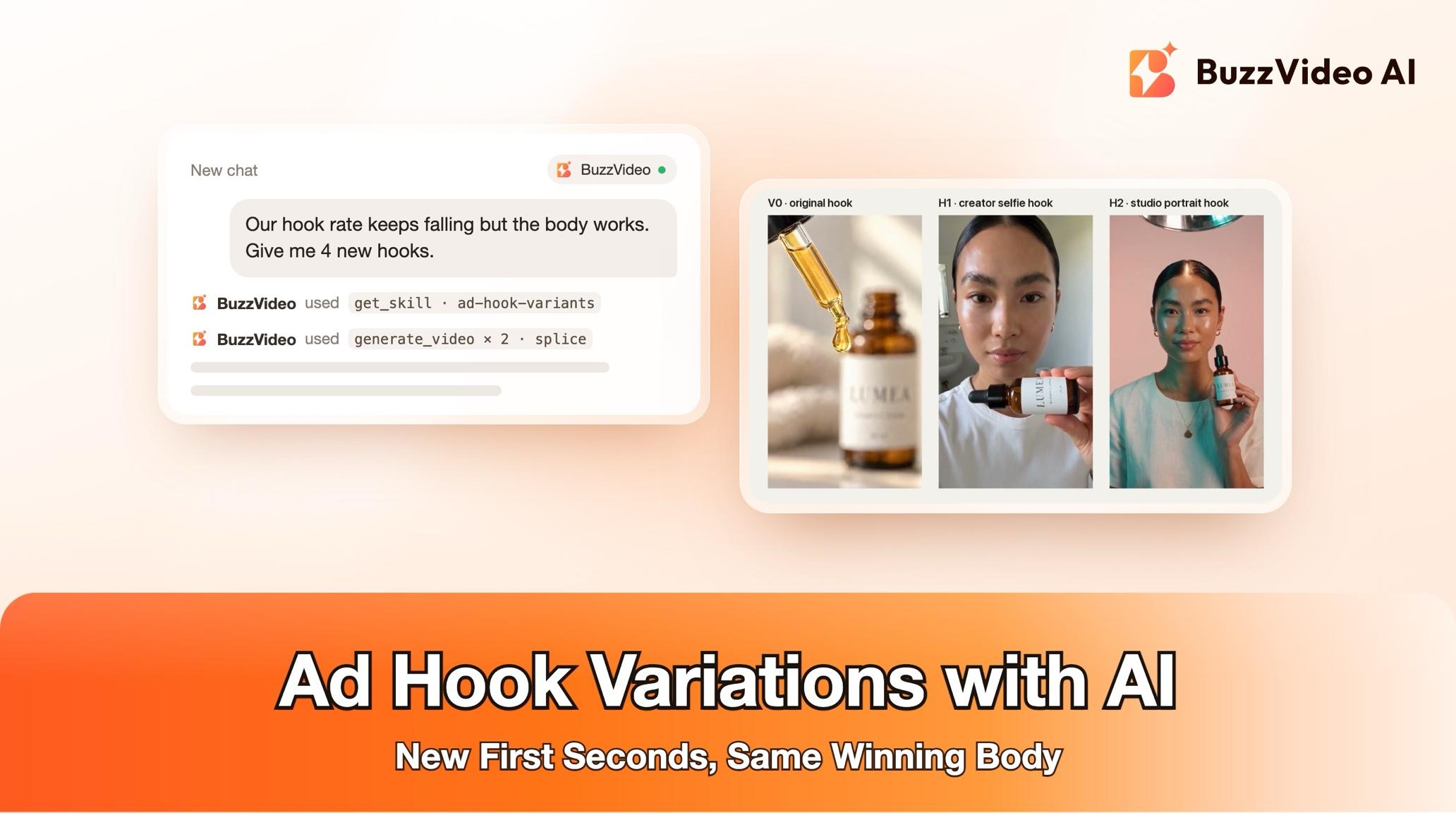
How to Test New Ad Hooks on a Working Ad in ChatGPT or Claude
Keep your ad's body and swap only the first 1–3 seconds: write 3–5 hook types, splice them on, and get an A/B test sheet—inside ChatGPT or Claude.
To make ad hook variations, keep the body of a working ad exactly as it is and replace only its opening: write 3–5 new hooks of different types, make just the first 1–3 seconds for each, splice them onto the original body over the same audio, and run them side by side against the original. With BuzzVideo MCP you can do this from ChatGPT or Claude: the chat follows BuzzVideo's Ad hook variants guide, confirms every claim a hook would use, shows you the hook scripts and the credit cost, and only generates after you approve.
Below: each step, a prompt to copy, the hook types to test, the cost, and the checks that keep each splice invisible. Planning a whole week of testing? Our ad variants sprint playbook covers the bigger system; this is the hands-on version for one ad, inside your AI chat.
What is an ad hook variation?
The hook is the opening of a video ad, from 0 seconds until the first idea is complete—usually 1–3 seconds. A hook variation is the same ad with a different opening. The body, offer and call to action stay the same, so any difference in results comes from the hook.
| Part | Typical choice |
|---|---|
| What changes | Only the first 1–3 seconds |
| What stays | The body after the splice, frame for frame, and the music bed |
| How many | 3–5 new hooks (the guide's default is 4), plus the original as control |
| Hook length | The original hook's length, ±0.5 seconds |
| On-screen text | 7 words or fewer |
Try it: connect BuzzVideo to your AI chat once, then attach an ad and ask for new hooks. Connect BuzzVideo MCP →
What do you need before you start?
- A BuzzVideo account with video. Video starts on Starter; Seedance 2.0 and 2.5 need Pro or Ultra (pricing).
- BuzzVideo MCP connected to ChatGPT, Claude or another MCP client — see how to use BuzzVideo MCP in ChatGPT and Claude.
- The ad file. Ideally also its pieces: voiceover and music as separate files, the original shots and a clean product photo. Splices are much cleaner with them.
- Performance notes if you have them: audience, current hook rate or 3-second view rate, and hooks you have already tried.
- An AI chat that can run commands (for example a desktop or code client with ffmpeg) if you want finished spliced files. Without it, you get the hook shots, voiceover lines and a splice sheet to cut yourself.
How do you make hook variations step by step?
Step 1 — Attach the ad and ask for new hooks
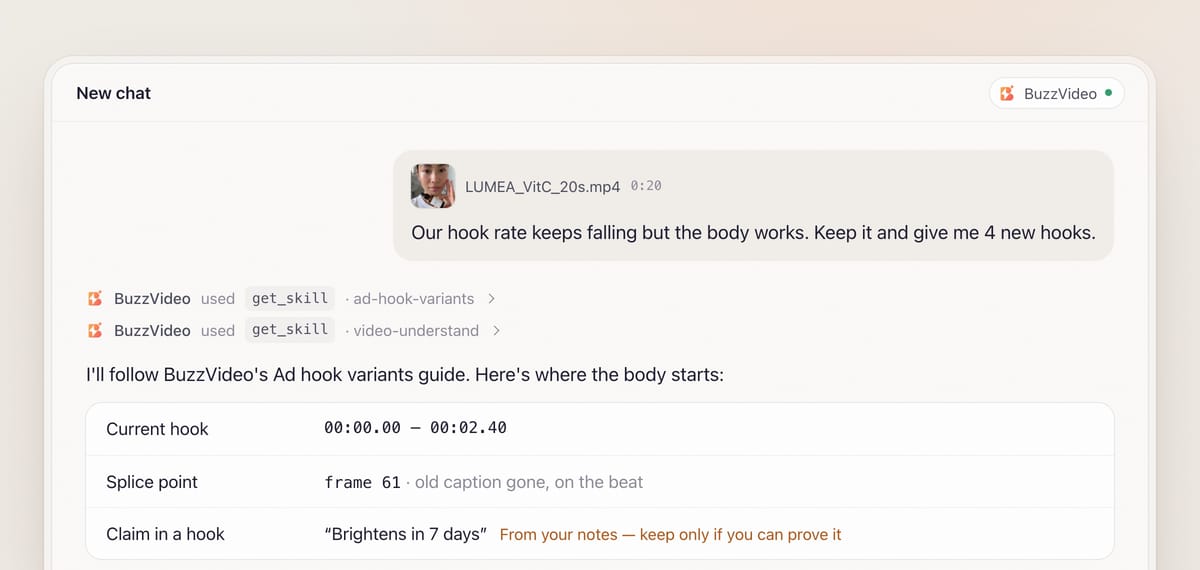
Attach the ad and say how many variants you want, which hook types (or "you choose") and the language. With BuzzVideo MCP connected, the chat finds BuzzVideo's guides (list_skills) and loads Ad hook variants (get_skill), so it follows the same steps every time. It asks only what it can't guess, with defaults: four variants, in the ad's own language. It doesn't ask for an editing style—new hooks must match the original.
Step 2 — Find the hook, the splice point and the style
The guide first breaks the ad down shot by shot. It marks the current hook and the splice point: the first hard cut after the hook where the voiceover is between sentences. It checks that cut frame by frame, because the old caption often lingers a frame or two past it, and moves the splice to the first clean frame. Everything after it is the body and stays untouched.
It also measures the style to match from a full-size frame: caption size in pixels, outline and highlight colours, grade, cut pace, sound effects and voice.
Step 3 — Confirm the claims
Hooks tempt exaggeration. Before writing, the guide lists your brand name and every claim a new hook might use—numbers, results, "best-selling", before/after—as read from the ad, the packaging or your notes, and asks you to confirm them. It never invents a number or a result; if text is hard to read, it asks.
Step 4 — Approve the hooks and the credit quote
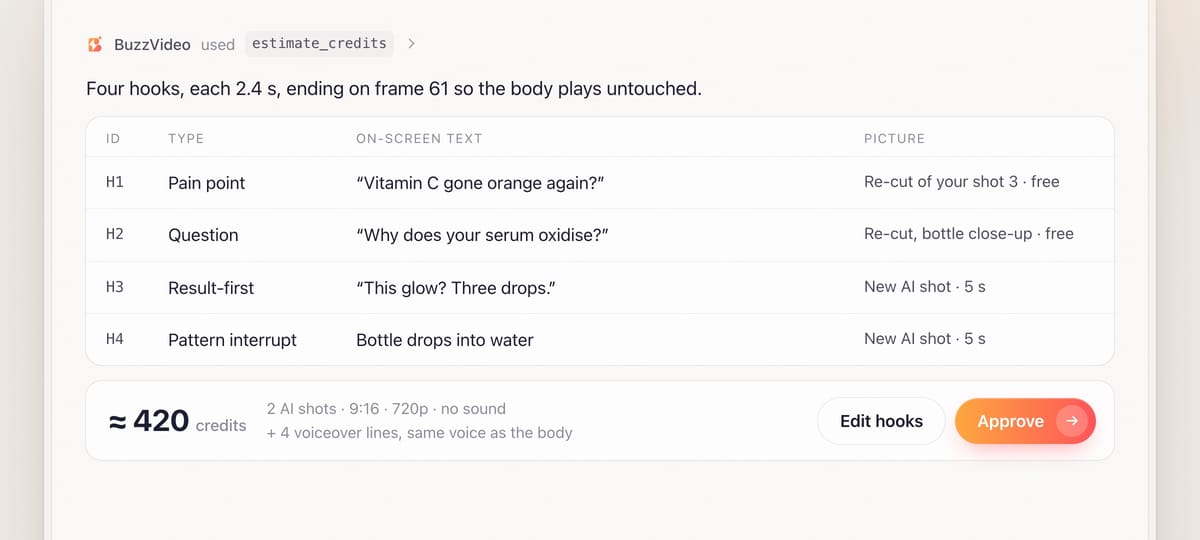
You get one hook per chosen type, each with on-screen text, a voiceover line timed to fit the hook length, the visual and how it hands over to the body. Every hook shows the product, the result or the problem within the first second, and the product appears before the splice.
Visuals come from the cheapest source that works: a re-cut of your existing footage (no credits), then your other footage, and only then new AI shots. Label close-ups always use real footage or the real product photo. The chat quotes AI shots and voiceover with estimate_credits and waits for your yes.
Step 5 — Generate the hook pieces
New hook shots are generated with your product photo as the reference, with no text and no generated sound. Prompts ask for an empty area where the caption will go, the whole product inside the frame, and an honest result. The voiceover uses the same preset voice as the body.
If no preset voice matches the ad's original voice, the guide won't splice in a line that sounds like a different person. It offers a visual hook over the original opening audio, or a text-only hook over the music.
Step 6 — Splice, review and deliver the test sheet
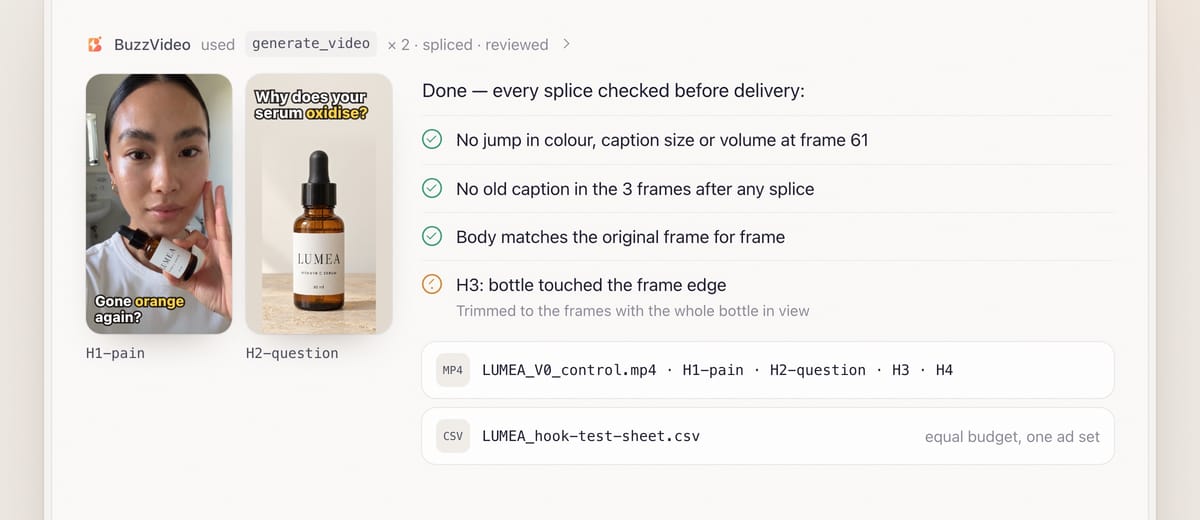
If your AI chat can run ffmpeg, each variant is the new hook plus the original body from the splice frame, over one continuous music bed with a 2–4 frame crossfade, at the original loudness (about −14 LUFS). The original stays as the control, V0.
Review is mandatory. Each variant is watched through the splice frame by frame: no jump in colour, caption style, volume or beat, and no leftover caption from the old hook. Every body frame is compared with the original to prove nothing slipped. You receive files such as LUMEA_H1-pain.mp4 and LUMEA_H2-question.mp4, plus a test sheet with each hook's type, text, voiceover and first-frame thumbnail.
Copy-paste prompt
“Here is our [20]-second ad for [product]. The body works but the hook rate is [low / falling]. Keep everything after the first hook and make [4] new openings: [pain point, question, result-first, number — or you choose]. Audience: [who]. Hooks we already tried: [list]. Claims we can make: [list]. Show me the splice point, the hooks and the credit quote before generating.”
Which hook types should you test?
| Type | Idea | Example (skincare) |
|---|---|---|
| Pain point | The problem the viewer has now | "Makeup cracking by noon?" |
| Contrast / before-after | Show the gap, then the fix | Split screen, dull vs glowing |
| Question | A question answered in the head | "Why does your foundation look cakey?" |
| Number | A specific, confirmed number | "3 seconds. That's the whole routine." |
| Result-first | Open on the end result | Final glowy close-up, "How?" |
| Pattern interrupt | Unexpected first frame or sound | Product dropped into water, splash |
Run all variants at once in the same ad set and audience with equal budget, V0 as control, and compare 3-second view rate, thumb-stop, hold to 50%, click-through and cost per result. Pick types that differ clearly, so the winner teaches you something.
What usually goes wrong, and how does the guide prevent it?
| Problem | What viewers notice | What the guide does |
|---|---|---|
| Visible splice | A jump in colour, caption size or volume | Style card measured from full-size frames; test caption overlaid before rendering |
| Ghost caption | The old hook's text flashes for a frame | Three frames after every splice checked; splice moved to a clean frame |
| Voice change | A different voice starts mid-ad | Same preset voice as the body; otherwise visual or text-only hook |
| Body slips | Lips or beats drift out of sync | Cut by frame number; every body frame compared with the original |
| Over-promising hook | A number or result you can't prove | Claims confirmed with you first; no invented numbers |
| Product lost at the edge | Half a bottle in the first frame | "Whole product visible inside the frame" in the prompt, checked in review |
How much do hook variations cost?
You pay in BuzzVideo credits, and the guide shows the quote before generating. Re-cut hooks from your own footage cost nothing. As a rough example, four hooks where two are re-cuts and two use a new 5-second Seedance 2.5 shot at 720p come to about 420 credits including the voiceover lines—around $3 on Pro billed yearly. Four new AI shots come to about 840 credits; drafting on Kling 3.0 is 63 credits per 5-second shot. Per-model rates are on our pricing page; for the full math see BuzzVideo pricing and cost per ad.
Which BuzzVideo guide should you use instead?
| You want… | Use this guide |
|---|---|
| New openings on an ad you own | Ad hook variants (this one) |
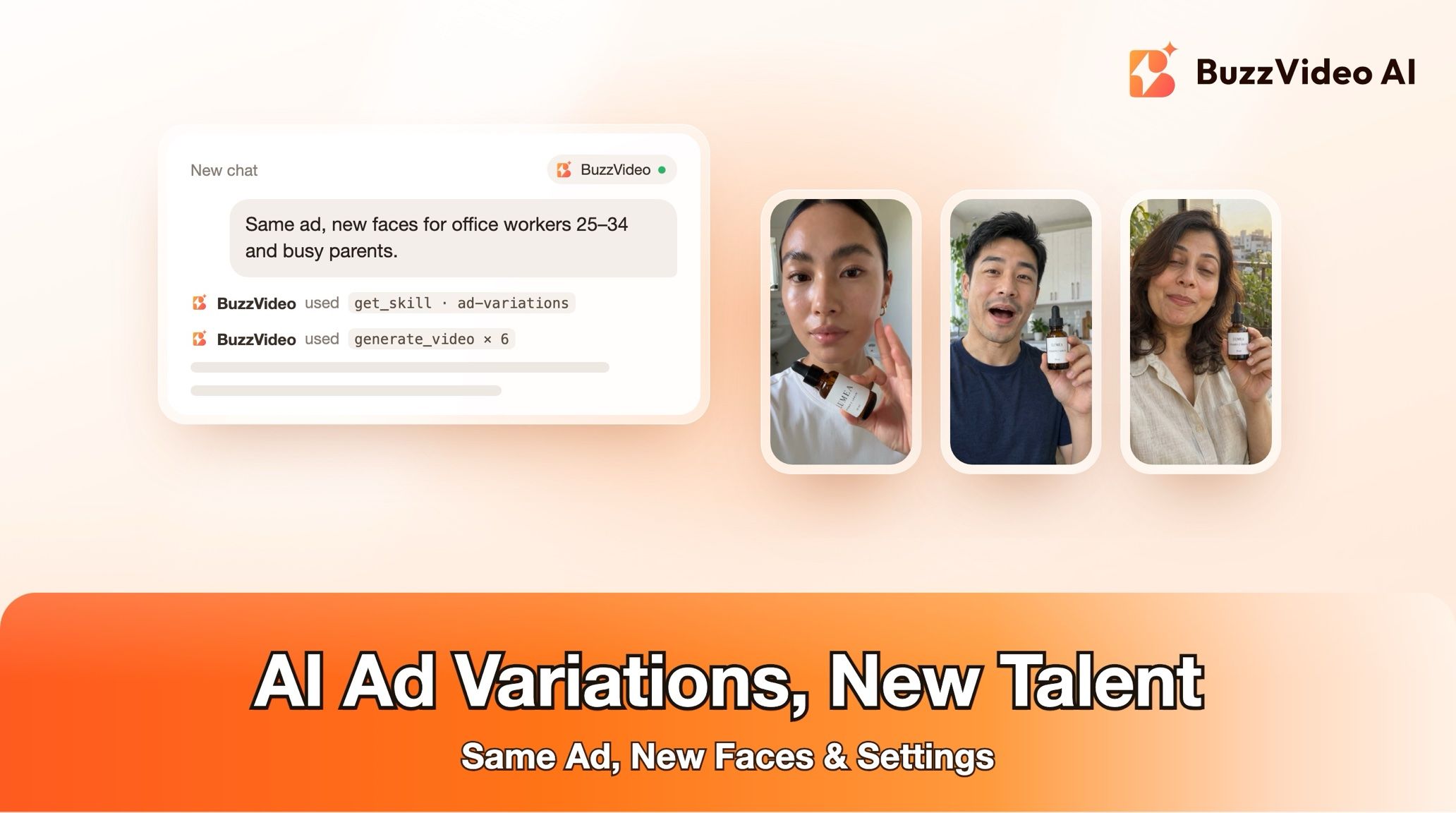
| Different talent, outfit or setting through the whole ad | Ad variations |
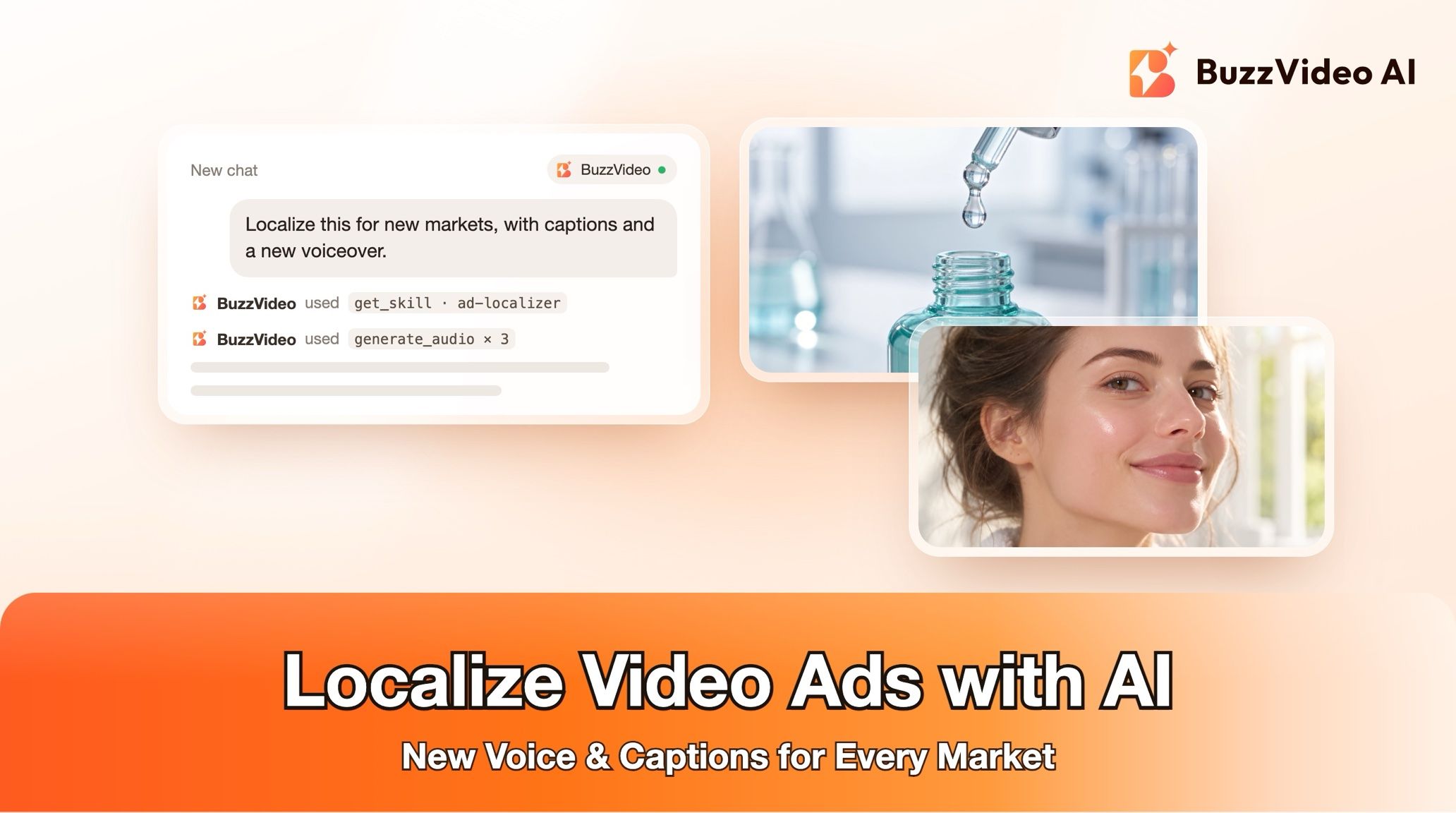
| The ad in another language | Ad localizer |
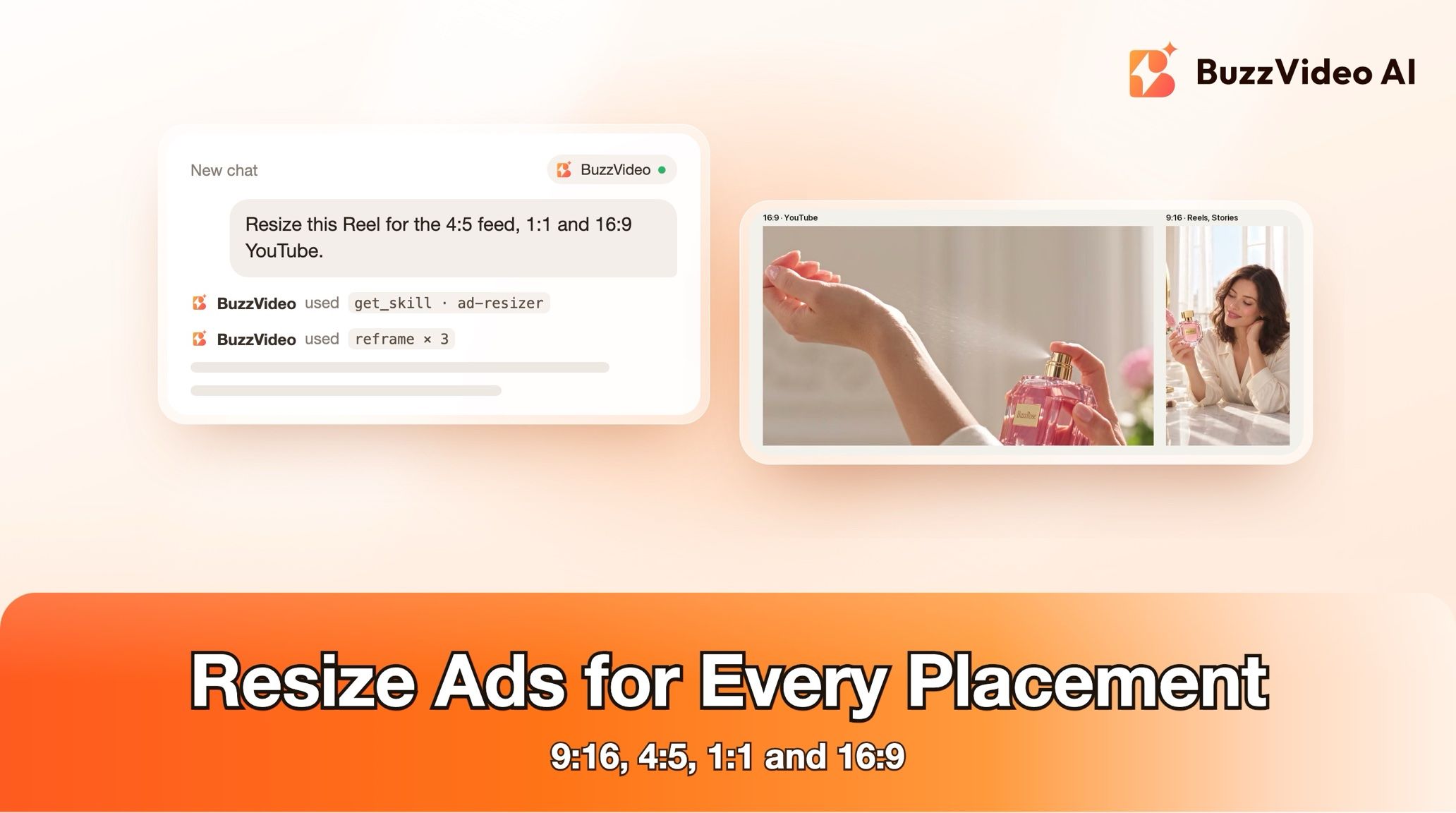
| The ad in other aspect ratios | Ad resizer |
| A new ad from scratch or a product link | Ad remake or Link to ad |
Step-by-step guides: Ad variations · Ad localizer · Ad resizer · Ad remake · Link to ad
You don't need to name the guide: describe what you want, and the chat picks the matching one.
Do AI-made hooks need an AI label?
If a new hook shows an AI-generated person or uses an AI voice, usually yes. TikTok requires the AI-generated content disclaimer for ads with AI-generated people or voices (TikTok ad policy), and Meta labels ads made or significantly edited with generative AI (Meta). Re-cuts of your own footage add no AI content.
Ready to give a tired ad a new opening? Connect BuzzVideo to your AI chat and attach the ad.
FAQs
How long should a new hook be?
As long as the original hook, within half a second, so the body starts at the same moment in every variant and results stay comparable.
Can I test hooks without spending credits?
Often, yes. The guide first tries re-cutting your existing footage, such as opening on the best result shot, which costs nothing.
Does the rest of my ad change?
No. Everything after the splice point is the original cut, frame for frame, and the review proves it.
What if no preset voice matches my ad?
The guide offers a visual or text-only hook instead, or you record the line yourself.
Do I need ffmpeg?
Only for finished spliced files. Without it, you get the hook shots, voiceover lines and a splice sheet with times and caption text.
What do I get at the end?
The original as V0 control, one file per hook, the test sheet, the models and voice used, credits spent, and what the review caught and fixed.
Last verified: November 2, 2026, against our live pricing and product pages.
Next reads: Ad variants sprint playbook · How to use BuzzVideo MCP in ChatGPT and Claude · Best AI ad generators for TikTok

About the author
Monica
Product Manager
As a Product Manager at BuzzVideo AI, I work with marketers and growth teams on AI ad workflows—from brief to shippable creatives. I write about practical product workflows, model choices, and how teams turn product pages into ads that feel native on Meta and TikTok.