Black Friday Video Ads in 2026: An AI Production Playbook
Plan, make and test Black Friday 2026 video ads with AI: timeline, formats that work, 30-variant workflow, prompts and a credit budget.
Black Friday 2026 is Friday, November 27, and Cyber Monday is November 30. The Black Friday video ads that work are short vertical clips that show the product in use, say the offer within the first two seconds, and come in enough versions (teaser, launch, reminder, last chance) to keep running through the whole week without fatiguing. If you start production in the first week of November, you still have time to test before prices drop.
This playbook shows how to build that set with AI in BuzzVideo's Marketing Agent: one base ad from your product page, then hooks, creator-style versions and phase-specific endings, with a realistic credit budget and copy-paste prompts.
When should you launch Black Friday video ads in 2026?
TikTok's own holiday guide splits the season into building anticipation, driving urgency at peak, and retargeting after the sale, and recommends refreshing weak ads mid-flight (TikTok holiday shopping ads guide). Mapped onto this year's calendar:
| Dates (2026) | Phase | What to run |
|---|---|---|
| Nov 2–8 | Build | Lock offers, make base ads and first variants |
| Nov 9–19 | Test & tease | Test hooks at low budget; "coming soon" and early-access teasers |
| Nov 20–26 | Early deals | Offer-reveal ads, gift-guide ads, creator testimonials |
| Nov 27–30 | Peak | Black Friday, Small Business Saturday (Nov 28), Cyber Monday ads |
| Dec 1–2 | Last chance | Countdown and "ends tonight" endings, only if true |
| Dec 3 onward | Retarget | Gift and shipping-deadline ads to viewers and cart abandoners |
The point of the build week is that by November 20 you already know which hooks win, so the peak budget goes behind proven creative instead of guesses.
Try it: paste a product page into the Marketing Agent and ask for a 9:16 Black Friday ad. Open the Marketing Agent →
What makes a Black Friday video ad work?
Black Friday feeds are full of red banners and "up to 70% off". The ads that cut through follow a few rules:
- Offer in the first two seconds. Say or show what the deal is before the viewer scrolls. Vague "big sale" openings lose to a specific product and a specific price.
- The product in use, not a slideshow. A hand opening the box, the serum on skin, the jacket in the rain. Motion with a real product beats a static price card.
- One offer per ad. If you have a bundle and a sitewide discount, make two ads.
- Native vertical format. Make 9:16 versions on purpose rather than cropping a 16:9 video, and keep text out of the bottom and right edges where platform buttons sit.
- Captions on. Many people watch muted; the offer must read without sound.
- Creator-style framing. Both TikTok and Meta push creators and UGC for the holidays; Meta's 2026 holiday guide is built around Reels, creator partnerships and less checkout friction (Social Media Today on Meta's 2026 holiday guide).
- Honest urgency. Countdowns and "last chance" only when the end date is real.
Which Black Friday video ad formats should you make?
You do not need every format. Pick three or four that suit your product and make several versions of each. The tool column shows where each one starts in BuzzVideo's Marketing Agent.
| Format (length) | Best for | Start with |
|---|---|---|
| Offer reveal (6–15 s) | Clear discounts on hero products | URL to Video |
| UGC testimonial (15–30 s) | Beauty, wellness, gadgets | UGC Ads |
| Gift guide (15–20 s) | Bundles, under-$X picks | Product Demo |
| Unboxing (10–20 s) | Premium packaging, gift sets | UGC Ads, Unboxing template |
| Before and after (10–15 s) | Visible results you can prove | UGC Ads, Before and After template |
| Countdown ending (last 3 s) | Last 48 hours of the sale | Ad Variations |
Templates such as Unboxing, Before and After and Selfie Testimonial are on the Marketing Agent page, so you can recreate a proven structure with your own product.
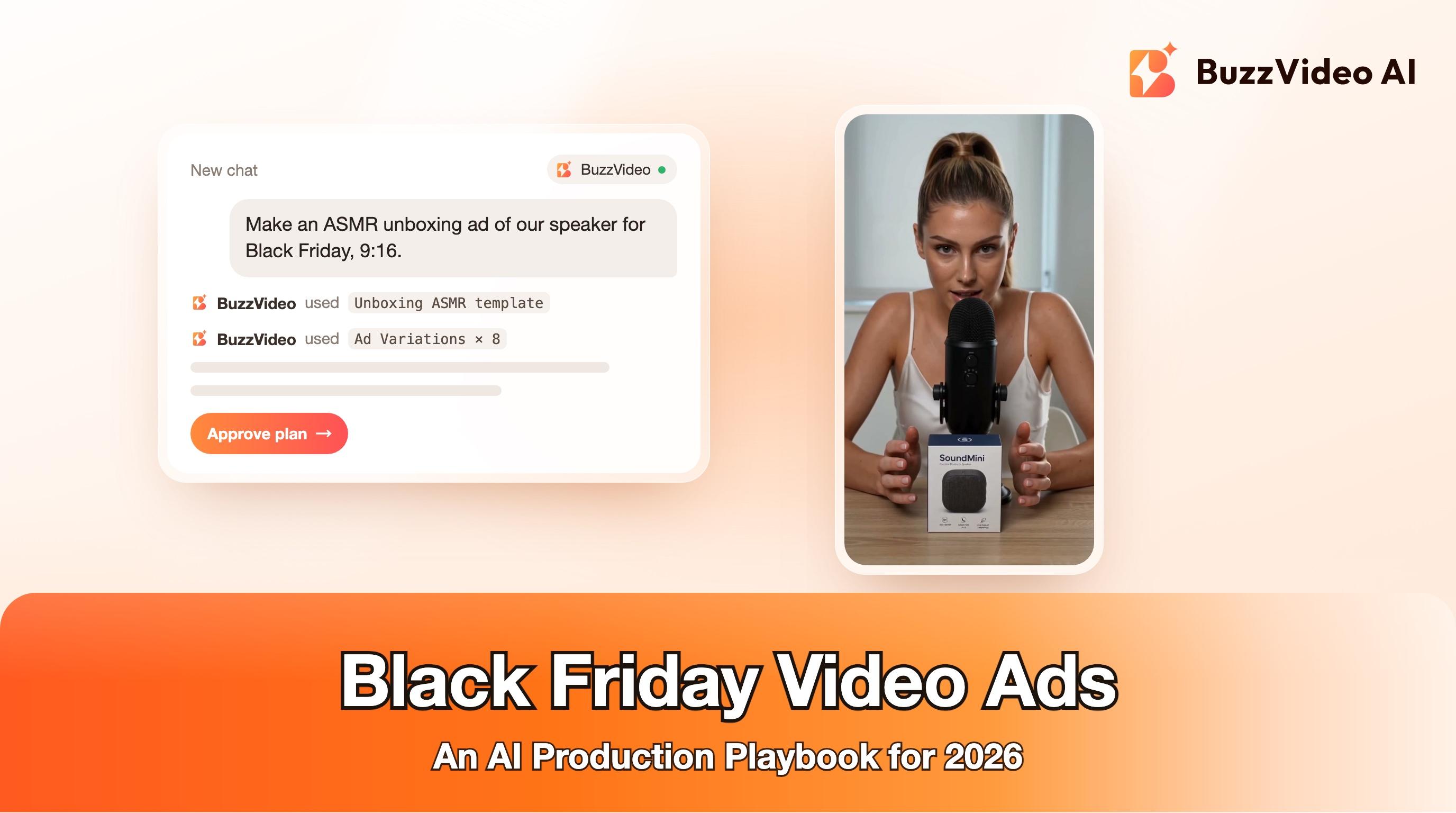
Here is what the unboxing format looks like in a feed: a 15-second ASMR unboxing made with BuzzVideo for a fictional speaker, SoundMini. A creator opens the box at a desk mic, then close-ups of the product in her hands, all vertical with native sound. For Black Friday, keep footage like this clean and add the offer as a text card in editing, so you can change the price or dates without regenerating anything.
How do you make 30 Black Friday ad variants with AI?
Step 1 — Write down the offer facts
Before generating anything, list the product, the exact discount or bundle, start and end dates, shipping cut-offs and any exclusions. Every variant will pull from this one sheet, which is how you avoid an ad promising a deal you are not running.
Step 2 — Make the base ad from your product page
In the Marketing Agent, use URL to Video: paste the product URL and ask for a 9:16 ad. It reads the page, writes the script and generates the video, so you start from your real product images and copy. Our product URL to video guide covers this step in detail.
Step 3 — Spin hooks with Ad Variations
Ask Ad Variations for five to ten different openings on the same ad: a price-first hook, a problem hook, a gift hook, a "why I waited for Black Friday" hook. Hooks are the cheapest thing to test and the biggest driver of whether anyone watches the rest.
Step 4 — Add creator-style versions
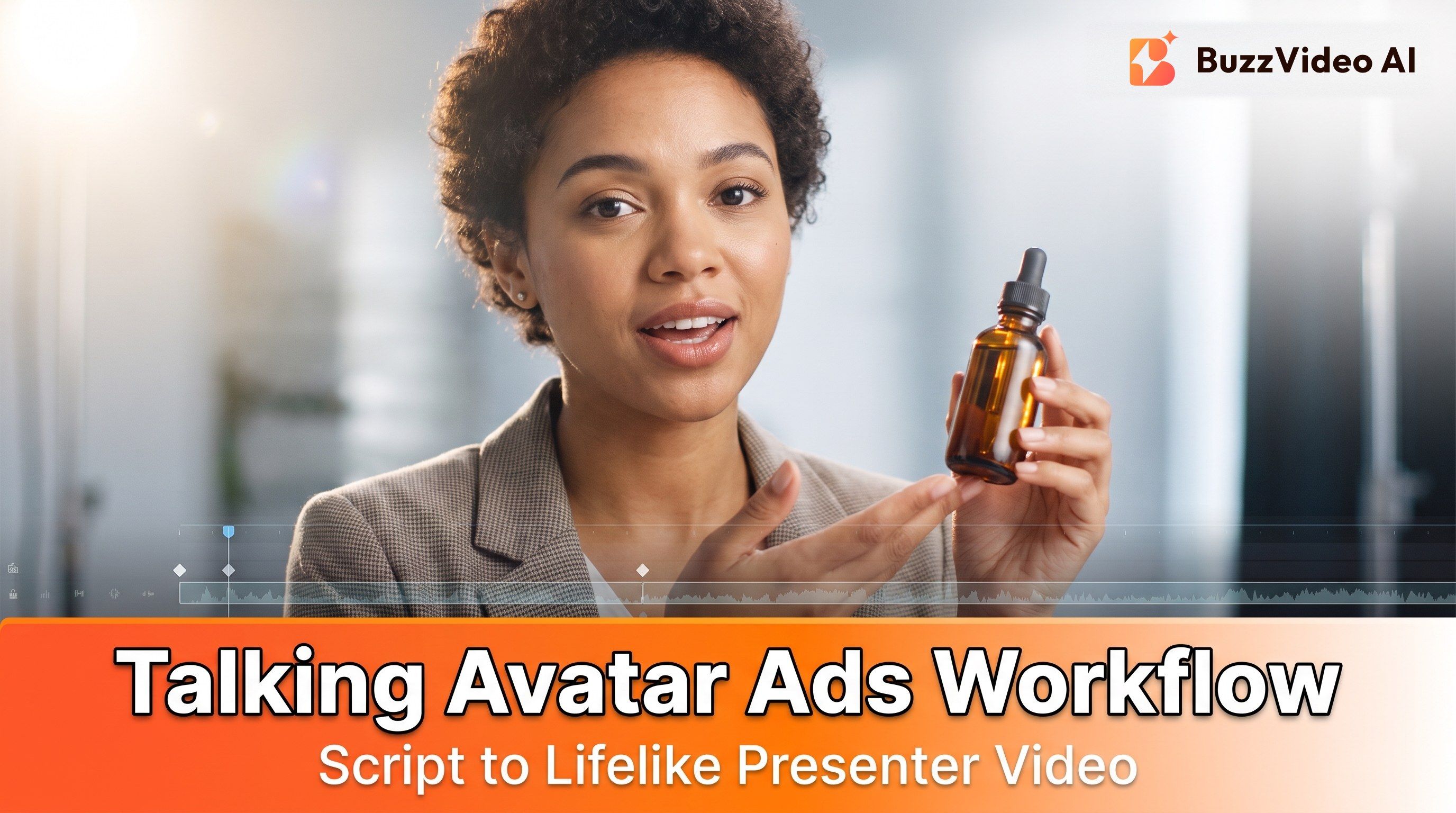
Use UGC Ads to make one or two talking-to-camera versions with an AI creator holding your product. For a full 20–30 second testimonial in a single take, Kling 4.0 is a good model choice because it generates up to 30 seconds with sound in one take. Our AI UGC ads guide has presenter tips.
Step 5 — Make phase endings
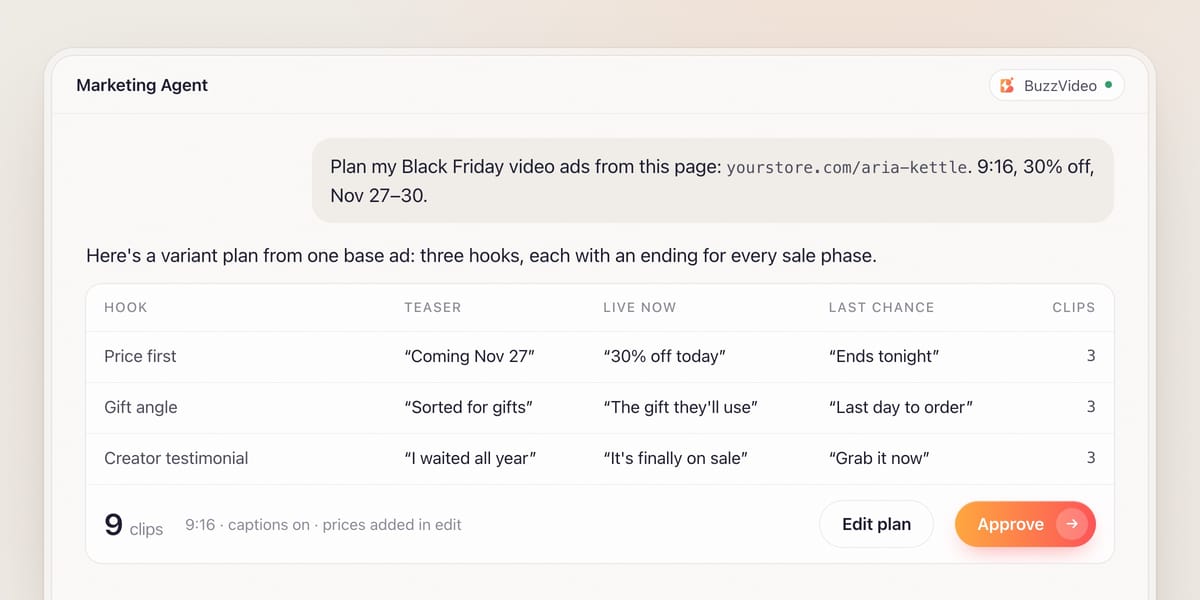
Keep the body of your best ads and change only the last few seconds for each phase: "coming November 27", "live now", "ends Monday", "last chance". Video Batch Variations generates many different endings in one go, so one winning ad becomes a full-week set.
Step 6 — Write copy and captions
Use Ad Copy and Copy A/B Test for primary text and headlines, and Captions & Hashtags for TikTok and Reels captions. Keep the offer wording identical to your offer sheet.
Step 7 — Review, label and export
Watch every variant at full size. Check the product, the price, the dates, hands and faces. Add prices and dates as text in your editor or ad platform rather than in the generated footage, so a price change does not mean regenerating video. Then label AI content where the platform requires it (see below).
Copy-paste Black Friday prompts
Paste these into the Marketing Agent. Replace everything in [brackets].
“Turn this product page into a 15-second 9:16 Black Friday video ad: [product URL]. Open with the product in use in the first 2 seconds; I will add the offer "[e.g. 30% off the Aria kettle]" as a caption. Show [key benefit] in action, end on the product with a call to action "Shop the Black Friday deal". Keep prices and dates out of the footage; I will add them as captions.”
“Generate 8 variations of this ad with different opening hooks for A/B testing: 2 price-first, 2 problem-first, 2 gift-angle ("the gift they'll actually use"), 2 creator-style ("I waited all year for this deal"). Keep the product, body and ending the same.”
“Create a 9:16 UGC ad of a [friendly woman in her 30s] unboxing [product] at a [kitchen table] in natural light, handheld phone feel. She says: "[Hook, max 8 words]." Then: "[One benefit you can prove]." Then: "It's [offer] until [end date]." 20 seconds, no on-screen text; I will add captions in editing.”
How much does a Black Friday AI ad set cost?
Here is a rough example for 30 raw clips, using credit prices from the BuzzVideo pricing page and the generator. Marketing Agent tasks, retakes and upscales add to this, so treat it as a planning number, not a quote.
| Clips | Model and setting | Credits |
|---|---|---|
| 4 hero takes | Kling 4.0 · 10 s · 720p | 4 × 283 = 1,132 |
| 20 hook and ending variants | Seedance 2.0 Fast · SD 10 s | 20 × 98 = 1,960 |
| 6 gift-guide clips | Gemini Omni Flash · HD 8 s | 6 × 146 = 876 |
| 30 clips in total | 3,968 |
That fits inside one month of the Pro plan (4,900 credits, $35 a month billed yearly), or about $28 worth of credits at Pro yearly rates. All three models in this example are also on Starter, but Starter's 1,900 monthly credits would cover about half the set. Our pricing breakdown explains cost per finished ad in more detail.
What goes wrong with Black Friday video ads?
| Mistake | What happens | Fix |
|---|---|---|
| Offer typed into the generated video | Misspelled prices; a change means a full regenerate | Add prices and dates as captions in edit |
| One creative for the whole week | Fatigue by Saturday; rising costs at peak | Phase endings plus fresh hooks every few days |
| 16:9 ad cropped to 9:16 | Product or text cut off | Generate native 9:16 versions |
| Fake urgency | Ad rejections and lost trust | Countdowns only with real end dates |
| Claims you can't back | Policy problems | Only claims from your offer sheet and product page |
| Starting on November 20 | No time to learn which hooks win | Build and test from the first week of November |
Do Black Friday AI ads need an AI label?
If they contain realistic AI-generated people or scenes, yes. TikTok allows completely AI-generated or significantly AI-edited content in ads only if it is disclosed, with TikTok's AIGC label or your own clear disclaimer, caption, watermark or sticker; undisclosed AI content can get the ad rejected or restricted (TikTok ads policy: misleading and false content). Meta shows an "AI info" label on ads created or significantly edited with its own generative AI tools and adds it in About this ad when it detects AI-generated content (Meta: generative AI transparency in ads). Do not present an AI creator as a real customer.
Black Friday rewards the teams that arrive with tested creative. Build the base ads this week, test hooks before November 20, and swap endings as the sale moves from teaser to last chance.
FAQs
When is Black Friday 2026?
Friday, November 27, 2026. Thanksgiving is November 26, Small Business Saturday is November 28 and Cyber Monday is November 30.
When should I start running Black Friday ads?
Start testing in the first half of November and run teasers from mid-November, so you know your winning hooks before deals go live around November 20–27.
How long should a Black Friday video ad be?
6–15 seconds for offer reveals and 15–30 seconds for UGC testimonials. Say the offer in the first two seconds either way.
How many Black Friday ad variations do I need?
Enough to rotate through the week without fatigue: a practical target is three or four formats, several hooks each, and a teaser, launch and last-chance ending for your best ads, around 20–30 clips.
Can I make Black Friday TikTok ads with AI?
Yes. Generate 9:16 video with AI, add captions and offer text in edit, and disclose AI-generated content with TikTok's AIGC label or your own clear disclaimer.
What does it cost to make Black Friday ads with BuzzVideo?
A rough 30-clip set is about 4,000 credits, which fits in one Pro month (4,900 credits). Video generation starts on the Starter plan.
Last verified: November 2, 2026, against our live pricing and product pages.
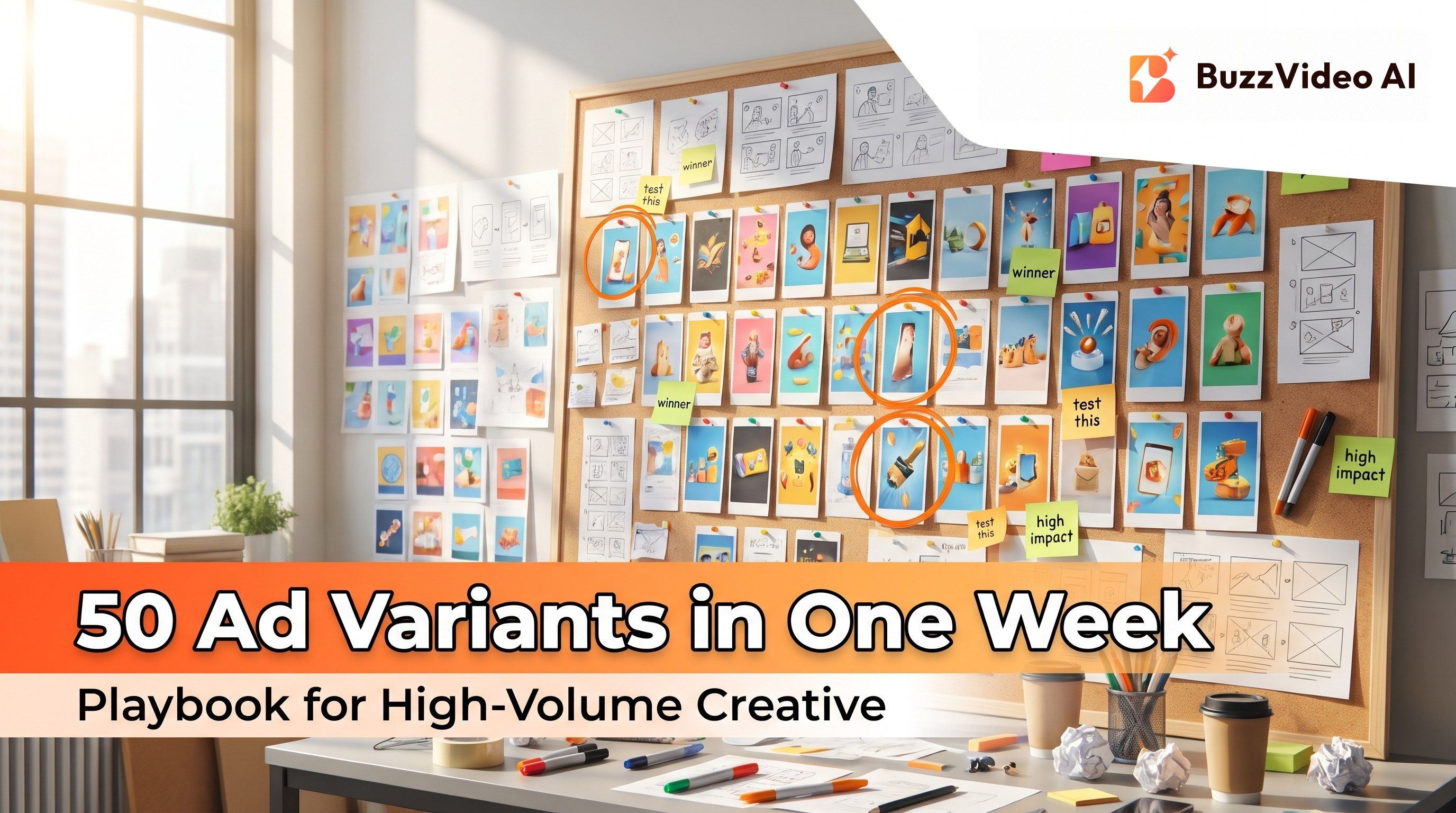
Next reads: How to ship 50 AI ad variants in one week · Turn a product URL into video ads · AI marketing agent for ads

About the author
Monica
Product Manager
As a Product Manager at BuzzVideo AI, I work with marketers and growth teams on AI ad workflows—from brief to shippable creatives. I write about practical product workflows, model choices, and how teams turn product pages into ads that feel native on Meta and TikTok.