Creative Fatigue on Meta Ads: How to Spot It and Fix It
What Meta's Creative limited and Creative fatigue statuses mean, how to tell fatigue from other problems, and how to refresh creative before BFCM.
Creative fatigue on Meta ads happens when the same people have seen your image or video so many times that they stop responding, and your cost per result goes up. Meta Ads Manager flags it in the Delivery column: Creative limited when cost per result is higher than your past ads but less than double, and Creative fatigue when it is double or more (Meta Business Help Center). The fix Meta recommends first is a new ad with a materially different image or video, added while the original keeps running.
This guide explains how Meta decides an ad is fatigued, how to tell fatigue apart from the other reasons costs rise in Q4, what "materially different" means in practice, and a refresh plan for Black Friday and Cyber Monday week. We build BuzzVideo AI, a tool for making new ad creative quickly; most of this guide applies whatever tool you use.
What is creative fatigue on Meta ads?
Meta defines it simply: creative fatigue occurs when an audience has seen the same creative too many times, so people are less likely to engage, which can lead to a higher cost per result (Meta). Two details in Meta's definition matter more than most guides admit:
- Meta counts the media, not the ad. It considers all recent exposures of the ad's image or video, including exposures from other campaigns run from your Page. Duplicating a winner into a new campaign doesn't reset the count.
- Meta compares you with yourself. The thresholds are based on your own past ads' cost per result, not an industry benchmark.
So creative fatigue is a creative problem with a creative fix. Lowering the budget or pausing the ad treats the symptom; new media treats the cause.
Try it: turn one winning ad into new concepts and hook variants with BuzzVideo's Marketing Agent. Refresh a tired ad →
How does Meta decide an ad has creative fatigue?
Meta checks fatigue at two points, according to its Help Center article on creative fatigue recommendations (Meta):
| What you see | Meta's rule | Your first move |
|---|---|---|
| Before launch: a warning before you publish | Fatigue may occur in the first 7 days of the campaign | Add a second, different creative before launch, or widen the audience |
| After launch: Creative limited in the Delivery column | Cost per result is above your past ads but less than twice as much | Start building a new concept now |
| After launch: Creative fatigue in the Delivery column | Cost per result is twice your past ads or more | Add a materially different new ad this week |
The labels don't appear for every setup. Meta says the feature is only available for ad sets with one creative, and not for Advantage+ catalog ads, dynamic creative or Advantage+ app campaigns. It also isn't available with the sales objective before an ad set is active. If your ad sets hold several ads, you need your own check, which is the next section.
How can you tell creative fatigue from other problems?
Costs rise for many reasons in November, and only one of them is fatigue. Before you replace a winner, look at what changed and when:
| What you see | Probably fatigue? | More likely cause |
|---|---|---|
| One older ad's cost per result climbs while frequency rises and click-through rate falls | Yes | The same people have seen it too often |
| All ads, including brand-new ones, got more expensive in the same days | No | Seasonal auction competition, common in Q4 |
| Costs jumped right after you changed budget, targeting or the ad itself | No | The ad set re-entered the learning phase |
| A new ad is expensive in its first few days | No | Still learning; give it time before judging |
| Clicks and click-through rate hold, but purchases dropped | No | Landing page, offer, stock or tracking |
The learning phase point catches a lot of teams. Meta says ad sets usually exit learning after about 50 results in the week after the last significant edit, and that editing an ad, ad set or campaign during learning resets it (Meta, About the learning phase). Heavy daily tinkering can look like fatigue when it isn't.
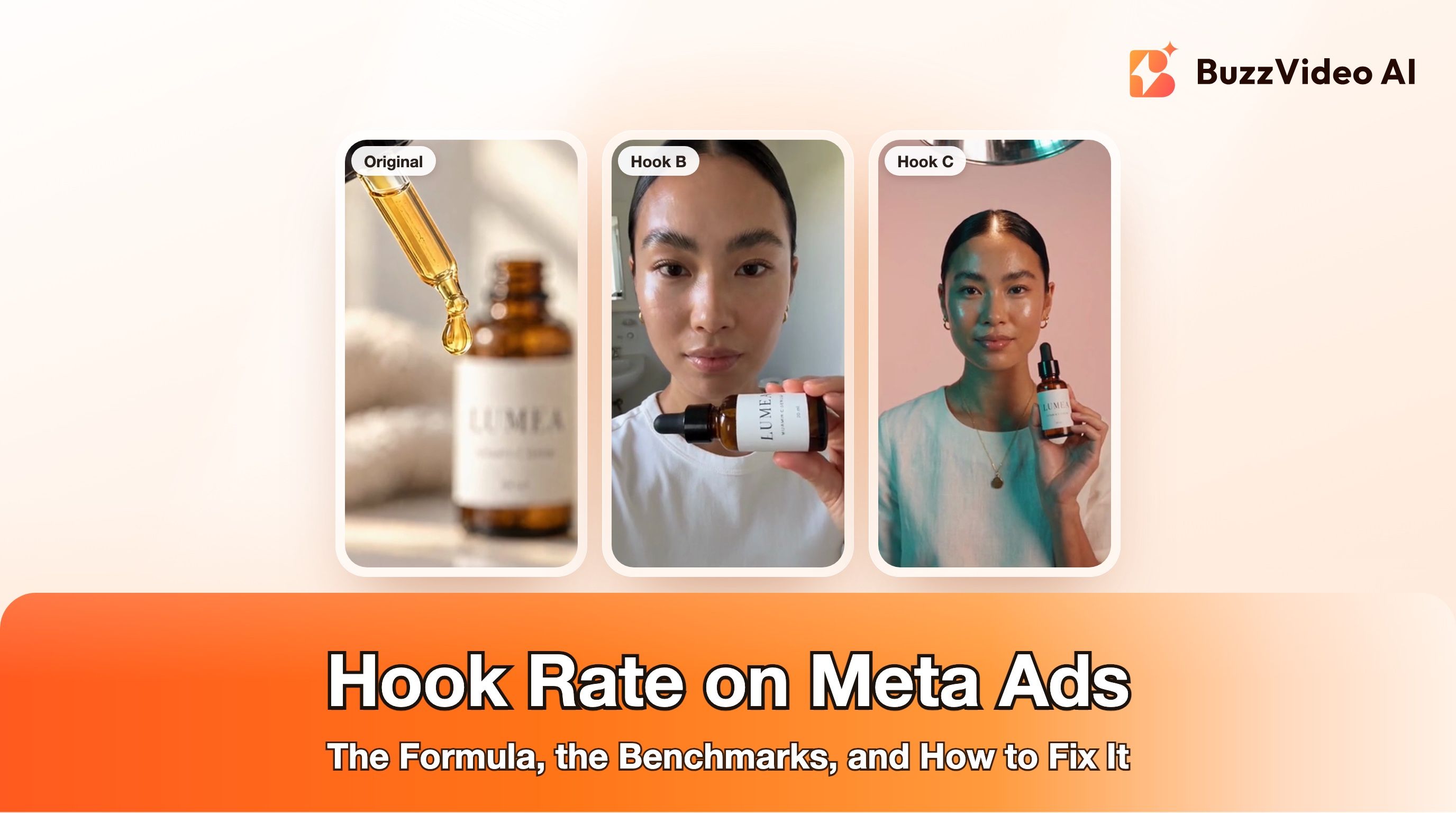
If you want a sharper read on whether the opening or the body of a video is wearing out, our guide to hook rate on Meta ads shows how to split the two.
How do you fix creative fatigue on Meta?
These steps build on Meta's three recommendations and its note about the original ad (Meta), with the practical detail added.
1. Keep the original ad running
Meta's note is specific: keeping your original ad active instead of pausing or turning it off may maximize results. A fatigued ad can still convert for people who haven't seen it much, so let the delivery system shift spend instead of switching it off yourself.
2. Add a materially different new ad to the same ad set
This is Meta's first recommendation: a new ad with a new image or video that is materially different from the original. A new headline on the same video doesn't qualify, because the media is what people have seen too often. Make a new concept: a different setting, format, person or angle on the same product benefit.
3. Bridge the gap with new hooks on the winner
A new concept takes days to build and learn. While it ramps, a cheaper stopgap is to cut new openings onto the winning video: a different first two seconds, a different first line, the same proven body. It's not a full refresh, because most of the footage is unchanged, but it gives the ad set fresh openings while you work. Our guide to AI hook variations covers how to write and test them.
4. Expand the audience if it is narrow
Meta's second recommendation is to increase your audience size so the ad reaches people who haven't seen it much. If you run tight interest or lookalike audiences, a broader audience is often the fastest relief.
5. Consider Advantage+ creative
Meta's third option is Advantage+ creative, which creates variations of your ad from a single image or video and shows each person the version they're most likely to respond to. Meta notes it's only available for campaigns using the traffic or sales objectives with a website destination. Some of its automatic enhancements change how your ad looks, so check which ones you leave on; our Advantage+ creative enhancements guide walks through them.
6. Re-check after the new ad has had time to learn
Judge the new concept after it has had a fair number of results, not after one expensive day. Then repeat: the next fatigue cycle starts the day your new winner becomes the old winner.
What counts as "materially different" creative?
Meta doesn't publish a checklist, but because it counts exposures of the image or video itself, the useful test is: would someone who saw the old ad recognise this as the same ad within a second? If yes, it's a variation, not a new concept.
| Change | Materially different? | When to use it |
|---|---|---|
| New caption, headline or primary text only | No: same image or video | Copy tests, not fatigue fixes |
| New first 2 to 3 seconds on the same footage | Partly | Stopgap while a new concept ramps |
| New format: static to video, product shot to creator selfie | Yes | Your main fatigue fix |
| New setting, person or camera angle on the same benefit | Yes | Second and third concepts |
| New angle on the product: problem and solution, gift, routine | Yes | Seasonal refreshes, like holiday gifting |
Here's what that looks like for one product, the fictional LUMEA vitamin C serum we use for examples. The first video is the giant-product concept from an earlier guide: an orange set, a model leaning on an oversized bottle. The second is a new concept for the same product, and nearly everything changes: a different model and styling, a cobalt-blue colour story, a close-up beauty format, and a visual pun in the first seconds, where half an orange held over one eye is swapped for the serum. Someone who has seen the first ad ten times wouldn't mistake it for the same ad.
Different concepts also give Meta's delivery system more distinct options to match to different people, which is the idea behind creative diversity for Meta Andromeda.
How often should you refresh creative during Black Friday and Cyber Monday?
Meta doesn't publish a fixed refresh schedule, and a calendar rule like "every 7 days" ignores your own numbers. Refresh when the Delivery column or your own check says so. What you can plan is having new concepts ready before you need them, because many advertisers raise budgets around Black Friday, and more spend on the same audience means people see the same ads more often. Black Friday falls on November 27, 2026 and Cyber Monday on November 30.
| When (2026) | What to do |
|---|---|
| Now to Nov 20 | Build 2 to 3 new concepts per hero product, each materially different from your current winner |
| Nov 21 to 26 | Launch the new concepts next to your winners so they finish learning before the peak |
| Nov 27 to 30 | Swap offer end cards and captions; avoid big edits that restart learning |
| From Dec 1 | Check for Creative limited or Creative fatigue, then rotate in gifting and holiday concepts |
Our Black Friday video ads guide covers offer cards and timing in more detail.
Does TikTok have creative fatigue too?
Yes, though TikTok frames it as refresh guidance rather than a status label. TikTok's creative best practices recommend refreshing ad group creatives when delivery results show a consistently declining trend or when daily new users are low, adding the new creatives to the existing ad group rather than starting a new one, and using 3 to 5 different creatives per ad group, saying it is better to use creatives with big differences (TikTok Ads Help Center). It's the same principle as Meta's: refresh with genuinely different creative, and don't throw away what the system has already learned.
How can AI help you refresh creative faster?
The hard part of fixing fatigue isn't knowing what to do; it's producing several genuinely different concepts every couple of weeks. That's where AI tools earn their place. In BuzzVideo's Marketing Agent, these are the tools we use for refreshes:
| Refresh job | Marketing Agent tool |
|---|---|
| New openings on a winning video | Ad Variations, Video Batch Variations |
| A new concept from a static ad or product photo | Generate Video (image-to-video) |
| A creator-style concept | UGC Ads |
| A new version of a format that's working elsewhere | Video Clone |
| New copy to match each concept | Ad Copy, Copy A/B Test |
Video generation starts on the Starter plan at $14 a month billed yearly; Seedance 2.0 and 2.5, used for both examples above, need Pro ($35) or Ultra ($63), while models such as Kling 4.0 and Seedance 2.0 Fast are on Starter (pricing). If your new concepts include realistic AI people or voices, label them: Meta labels ads that its own generative AI tools significantly edit or add a photorealistic person to, and its June 2026 update says it will also detect ads made with third-party AI tools through industry-standard signals and add an AI info label (Meta). TikTok's ad policy also covers disclosure of AI-generated content (TikTok).
Ready to replace a tired winner? Start from the ad that's fatiguing and build two new concepts around the same benefit.
FAQs
What is the difference between Creative limited and Creative fatigue on Meta?
Both mean your audience has seen the same ad too often. Creative limited shows when cost per result is higher than your past ads but less than double; Creative fatigue shows when it is double or more (Meta).
Should I pause an ad with creative fatigue?
Usually not straight away. Meta notes that keeping the original ad active instead of pausing it may maximize results; add a materially different new ad to the same ad set instead.
Why don't I see the creative fatigue status in Ads Manager?
Meta only shows it for ad sets with one creative, and not for Advantage+ catalog ads, dynamic creative or Advantage+ app campaigns. Ad sets with several ads need your own check of cost per result, frequency and click-through rate.
Does changing the ad copy fix creative fatigue?
Rarely. Meta counts exposures of the ad's image or video, so new text on the same media is still the same creative to the people who have seen it. Change the media.
How often should I refresh Meta ad creative?
There is no official schedule. Refresh when the Delivery column shows Creative limited or Creative fatigue, or when your own numbers show cost per result rising with frequency, and have new concepts ready before busy weeks like Black Friday.
Can AI-generated creative fix creative fatigue?
Yes, if the new ads are genuinely different concepts rather than small edits, and the product looks exactly like the real one. Check every frame and label realistic AI people or voices.
Last verified: November 17, 2026, against our live pricing and product pages and the Meta and TikTok help pages linked above.
Next reads: Hook rate on Meta ads · Creative diversity for Meta Andromeda · AI hook variations · Black Friday video ads · Advantage+ placements

About the author
Monica
Product Manager
As a Product Manager at BuzzVideo AI, I work with marketers and growth teams on AI ad workflows—from brief to shippable creatives. I write about practical product workflows, model choices, and how teams turn product pages into ads that feel native on Meta and TikTok.