AI Static Ads: How to Make Image Ads for Meta and TikTok
Make AI static ads step by step: proven formats, model choice, credit costs and copy-paste prompts, with text added in editing.
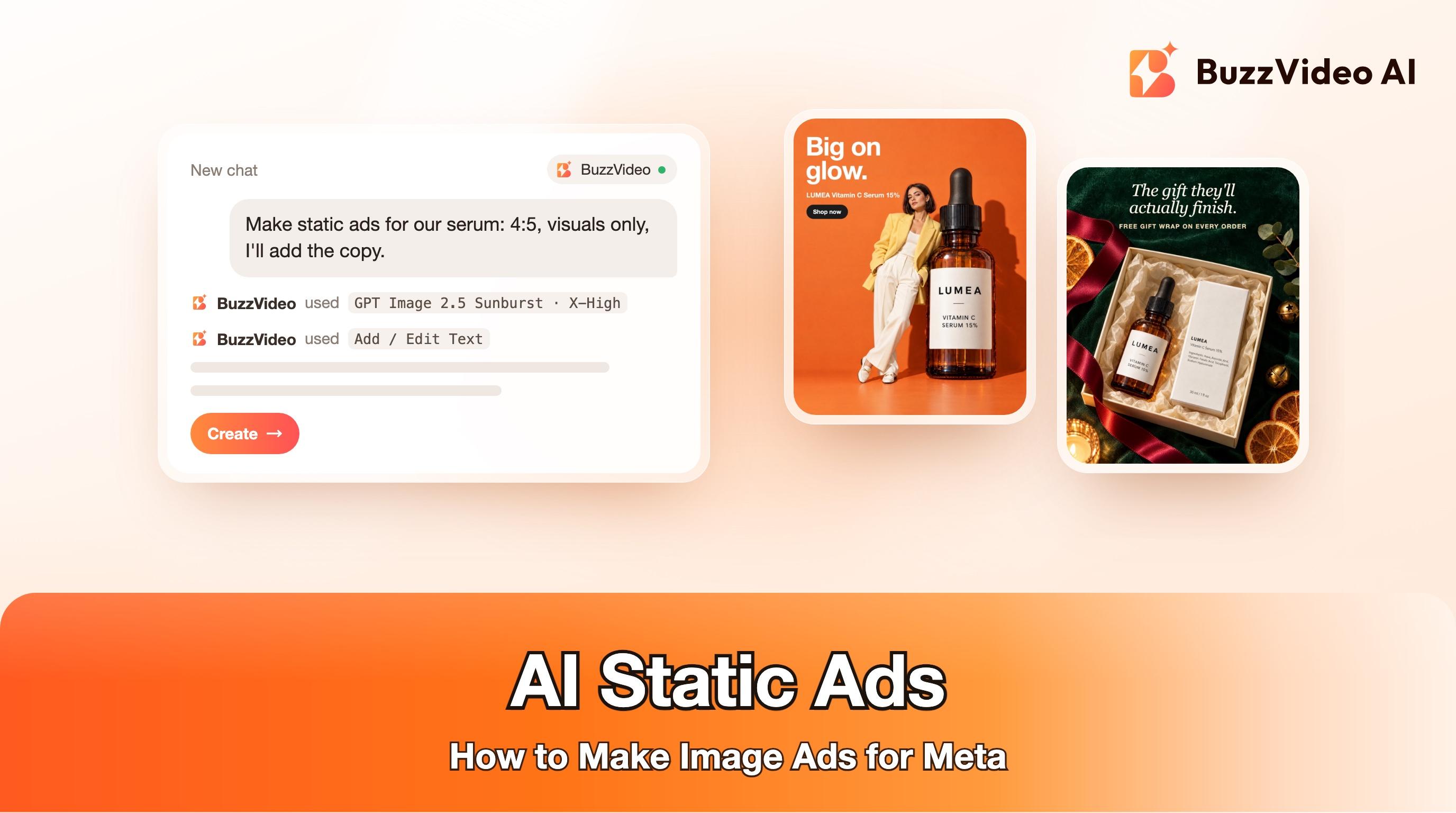
AI static ads are single-image ads for Meta, TikTok and other feeds where an AI image model creates the visual and you add the headline, offer and call to action yourself. The fastest reliable workflow is: copy a format that is already running in the Ad Library, generate the picture from a real photo of your product with no text in it, add the words in an editor, export 4:5 and 9:16, and launch five to ten variants at once.
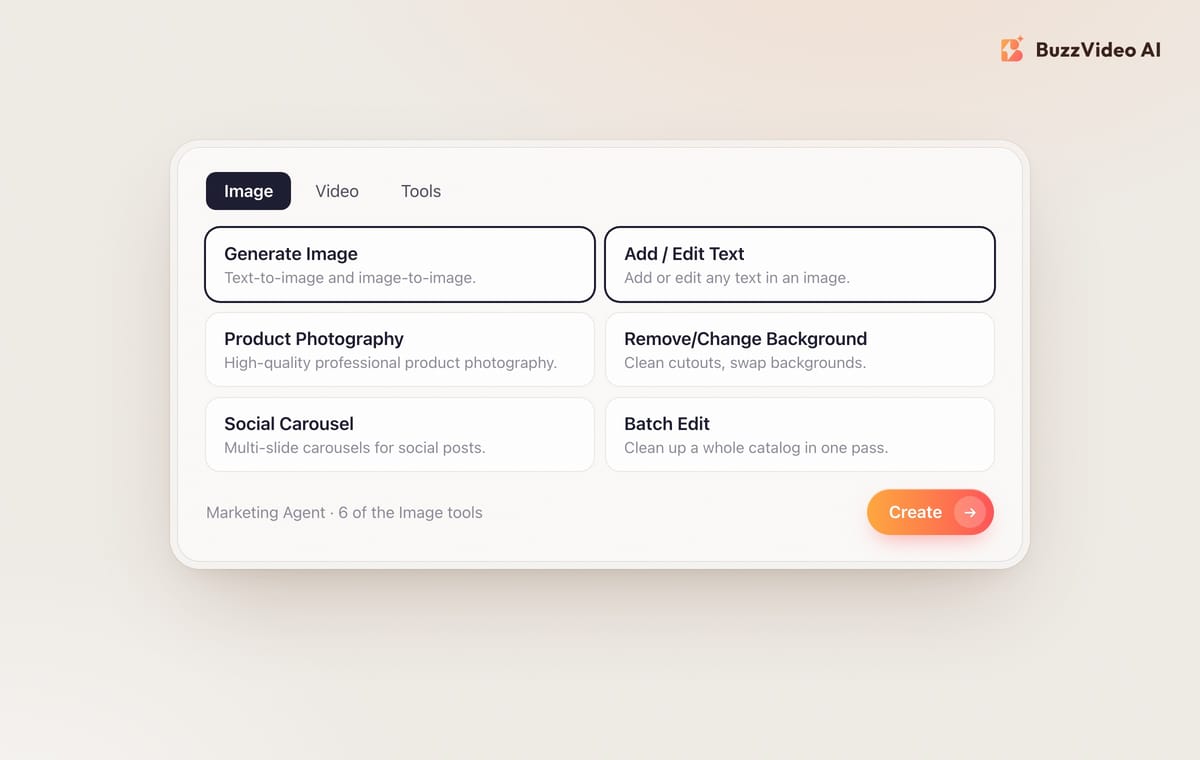
That last split matters. Image models are now good enough to make scroll-stopping product scenes, but prices, dates and offers still belong in the editing layer, where they are always spelled and placed exactly. In BuzzVideo AI the whole loop lives in one place: the Marketing Agent's Image tab has Generate Image for the visual and Add / Edit Text for the copy, plus models such as GPT Image 2.5, Nano Banana 2.1 and Seedream 5.0 Pro. Below is the full process with four finished examples, credit costs and copy-paste prompts.
Are static ads still worth running next to video?
Yes, as part of the mix. Published benchmarks on static versus video conflict and most come from vendors selling one or the other, so treat any single number with care and test on your own account. What is not in doubt is the production math: a static ad takes minutes to make and change, so it is the cheapest way to test a new angle, a new offer or a new audience before you spend on video.
| Static image ad | Short video ad | |
|---|---|---|
| Time to make one with AI | Minutes | Minutes to hours, plus review of every frame |
| Cost to test a new angle | Low: a few credits per draft | Higher: credits scale with length and resolution |
| Good at | Offers, retargeting, new angles, seasonal refreshes | Demonstration, emotion, creator voice, cold audiences |
| Refresh when it fatigues | Swap the headline or background in minutes | Re-cut or regenerate shots |
| Main risk | Looks like a stock banner and gets skipped | Weak first two seconds |
A practical rule: use statics to find the message, then turn the winning message into video. Our AI UGC ads guide covers that second step.
Try it: open the Marketing Agent, choose the Image tab and start with Generate Image. Make a static ad in BuzzVideo →
Which static ad formats work right now?
Before you generate anything, look at what is running. Search your category in the Meta Ad Library, filter to images and active ads, and sort by impressions. When we did this for skincare this week, the highest-reach image ads were mostly native, lo-fi phone photos with conversational copy, not polished banners. Ads that have been running for months are the safest templates, because advertisers rarely keep paying for losers.
These are the formats we see most often, and the model we would start with for each on BuzzVideo:
| Format | What it looks like | Use it for | Start with |
|---|---|---|---|
| Native UGC photo | Candid phone photo of a person with the product, one short caption | Prospecting, social proof | GPT Image 2.5 Flare |
| Feature callouts | Clean packshot plus three short benefit chips | Explaining what is inside | GPT Image 2.5 Sunburst |
| Pattern interrupt | Surreal or oversized product in a bold fashion set | Stopping the scroll, brand recall | GPT Image 2.5 or Seedream 5.0 Pro |
| Seasonal offer card | Product styled for the moment, offer typed on top | Holiday and sale periods | GPT Image 2.5 Sunburst |
| Advertorial photo | Lo-fi everyday photo, the story lives in the primary text | Long-copy angles, retargeting | GPT Image 2.5 Flare |
| Carousel | Three to five slides, one idea per slide | Bundles, how-to, collections | Social Carousel tool |
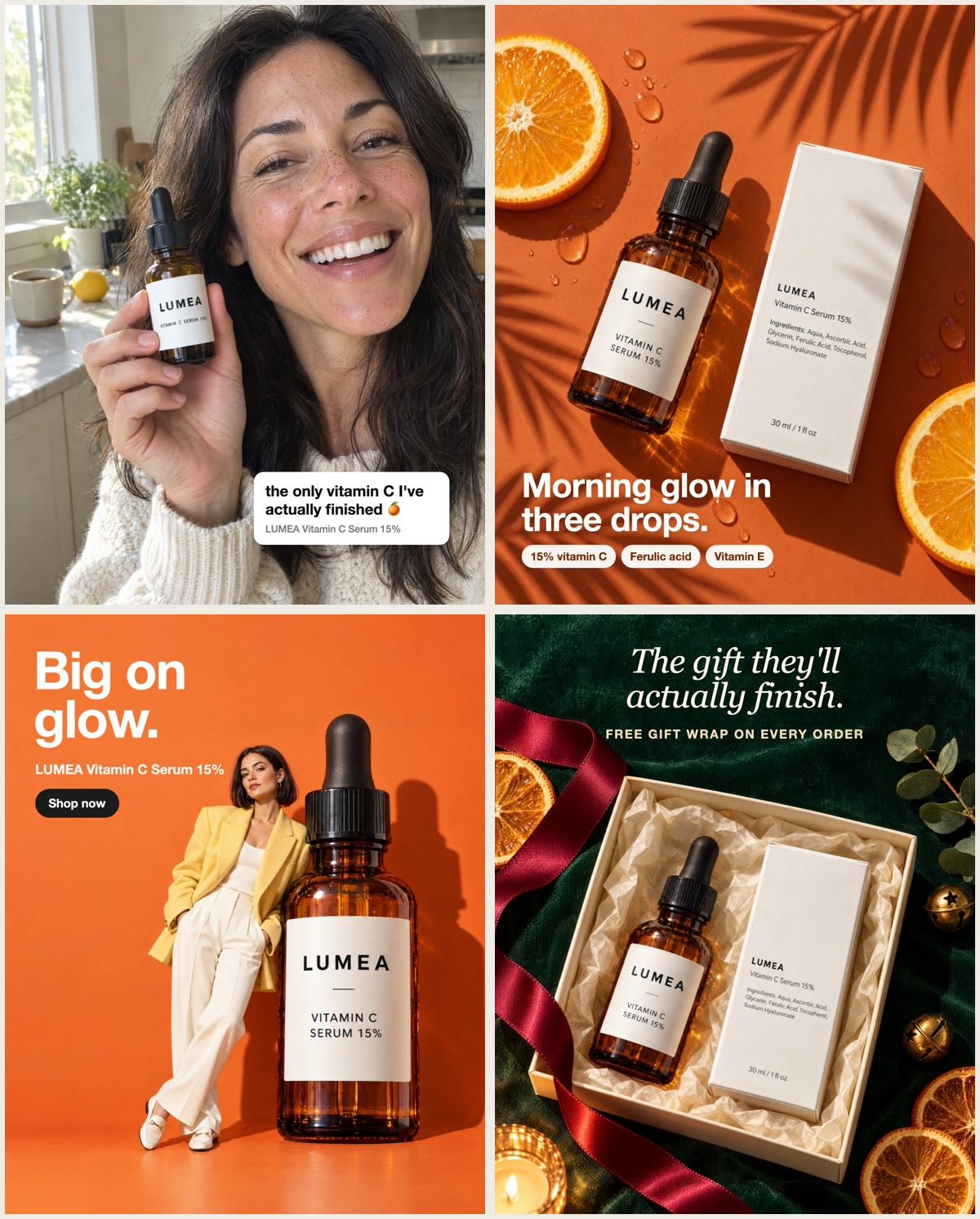
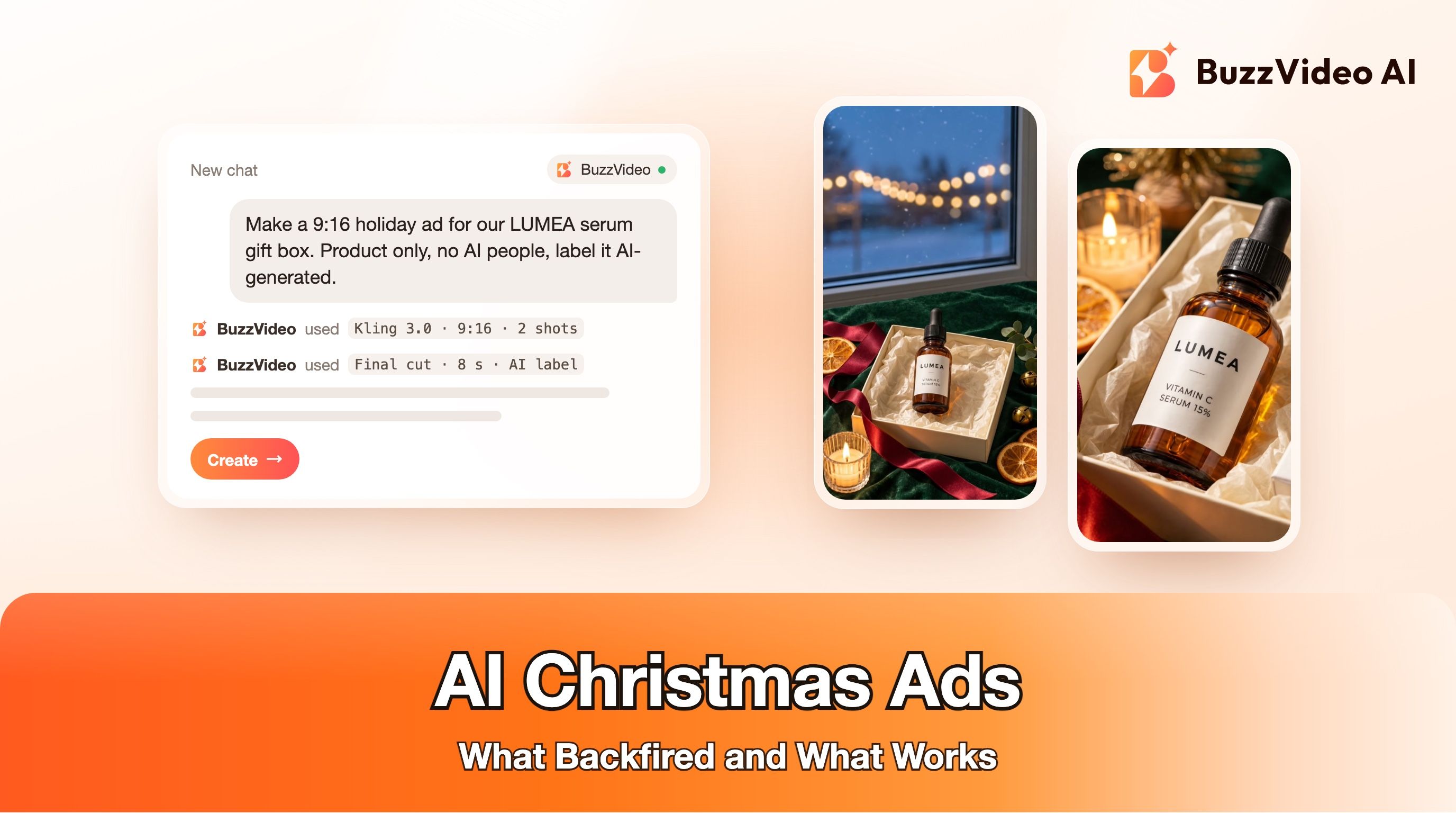
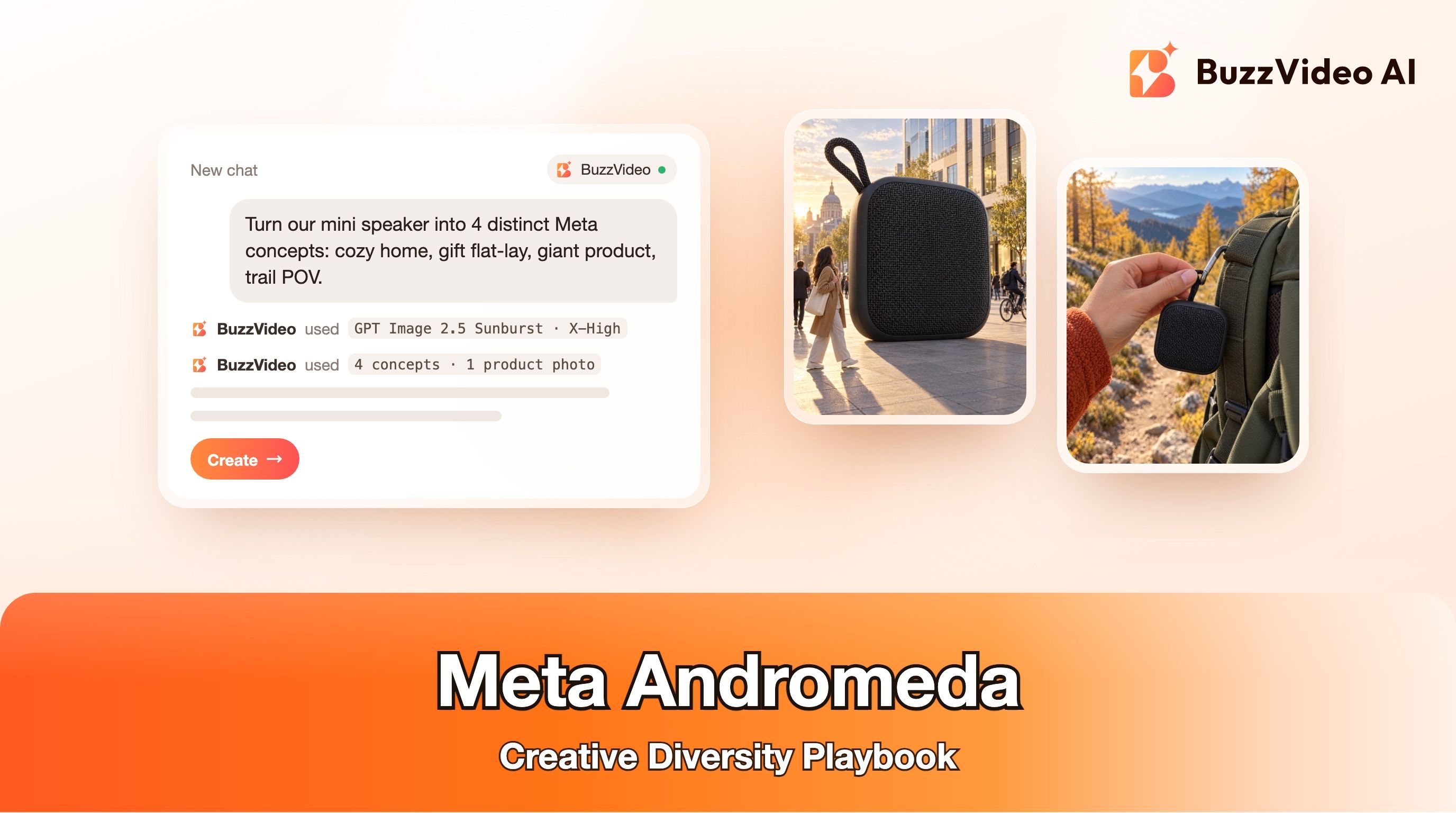
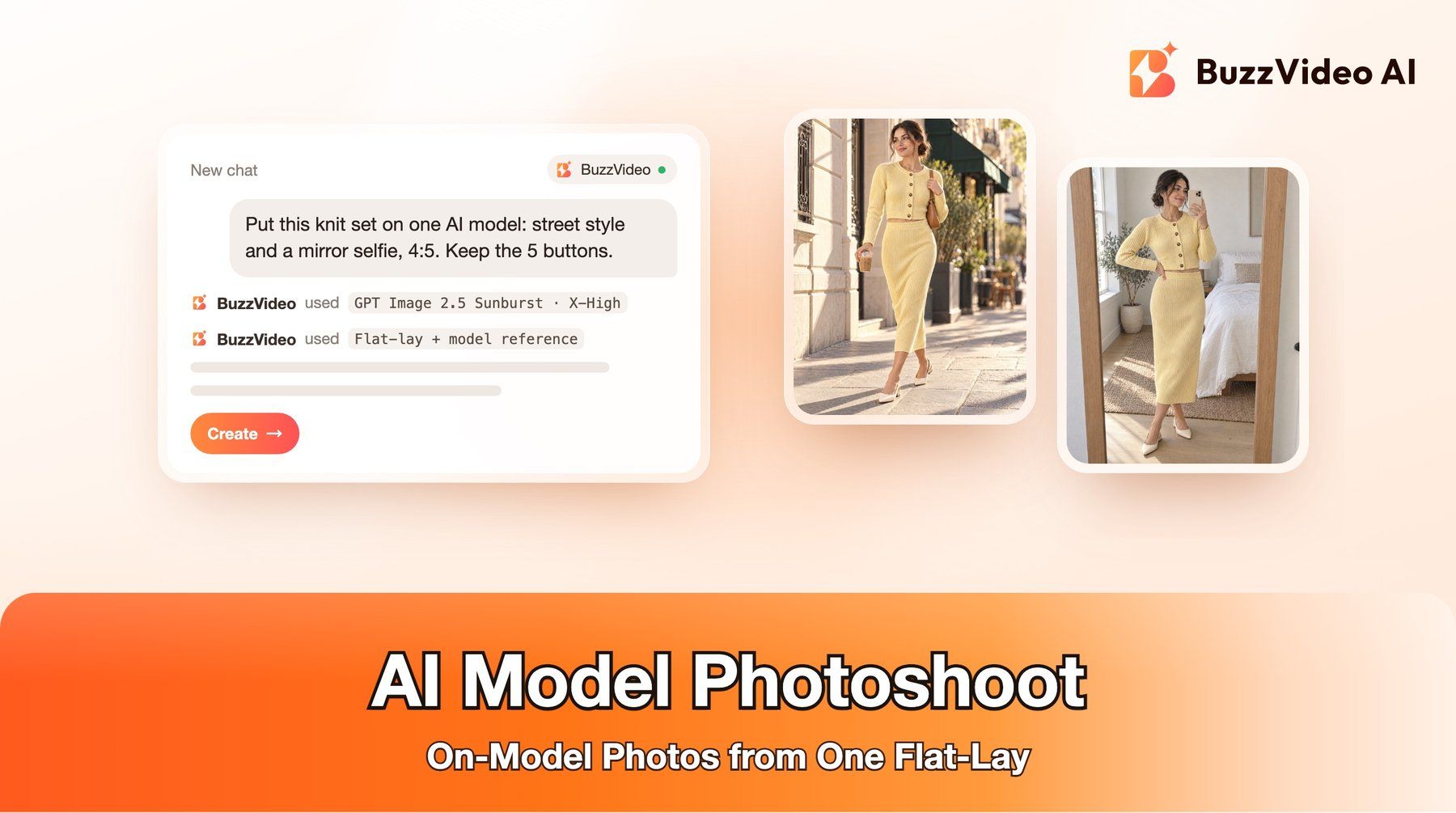
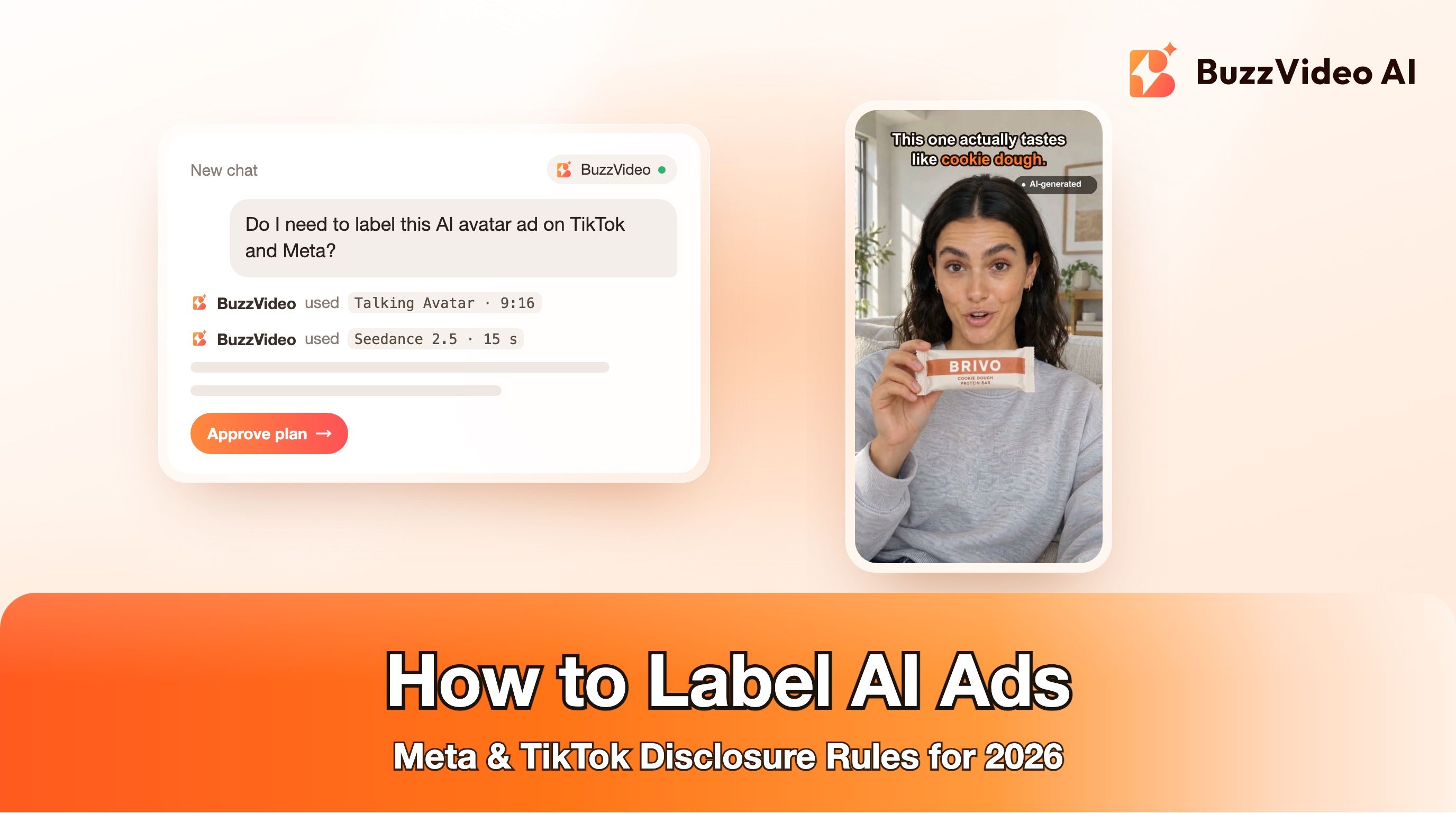
Notice what the four have in common: one idea each, copy short enough to read at a glance (three of the four headlines are five words or fewer), and text placed in empty space so it never covers the face, the hands or the label.
How do you make AI static ads step by step?
Step 1: Pick one format and pull three references
Choose one format from the table and save three live examples from the Ad Library for your category. Write down what they share: framing, colour, how much text, where the text sits, and what the call to action says. You are copying a structure, not a brand's assets.
Step 2: Upload a real product photo
Attach a clear photo of your actual product as a reference image. It keeps the packaging, colour and label accurate across every variant. If you only have a website, the Product Photography tool can turn your product shot into clean studio and lifestyle images first.
Step 3: Generate the visual without text
In Generate Image, pick the model and the ratio you will run: 4:5 for feed and 9:16 for Stories and Reels. Describe the scene, say exactly what the label reads, and leave named empty space for the headline. Draft at Medium quality, then re-render the two or three you like at X-High.
Step 4: Zoom to 100% and check every detail
Look at hands, finger counts, the label spelling, stray marks, and props that melt into each other. Small defects are invisible in the preview and obvious on a phone. Reject or fix anything that looks wrong; one bad detail can make the whole ad feel fake.
Step 5: Add the headline, offer and button in editing
Use Add / Edit Text in BuzzVideo, or your usual design tool. Keep the headline to six words or fewer, put it in the empty space you planned, and type the offer yourself instead of asking the model to draw it. That way a price or date is never misspelled, and you can reuse one visual for several promotions.
Step 6: Export, label and launch in a batch
Export 4:5 and 9:16 versions of each winner. Launch five to ten variants in the same ad set so the platform can find the strongest one, and follow each platform's AI disclosure rules (see the mistakes section below). Our ad variants sprint playbook shows how to organise a weekly testing rhythm.
How much do AI static ads cost on BuzzVideo?
Image models on BuzzVideo are priced per image. These are the credit prices the generator uses today:
| Model | Draft | Final | Plans |
|---|---|---|---|
| GPT Image 2.5 Flare / Sunburst | 5 credits (Medium, 4:5) | 30 credits (X-High, 4:5) | Starter, Pro, Ultra |
| Nano Banana 2.1 | 14 credits (1K) | 21 credits (2K) | Starter, Pro, Ultra |
| Seedream 5.0 Pro | 18 credits (1K) | 36 credits (2K) | Starter, Pro, Ultra |
| Nano Banana 2 Lite | 14 credits | 14 credits | Starter, Pro, Ultra |
A realistic test batch is twenty Medium drafts with GPT Image 2.5 (about 100 credits) plus five X-High finals (about 150 credits): roughly 250 credits. On the Pro plan billed yearly ($35 a month for 4,900 credits a month, see pricing) that is under $2 for a full round of statics. For the four examples above we generated two new X-High images and reused two from an earlier test, so the new visuals cost 60 credits at these prices. The Free plan's 500 one-time credits cover image models such as Seedream 5.0 lite and Seedream 4.5, but not the ones in this table. Our pricing breakdown compares cost per ad across formats.
Copy-paste prompts for AI static ads
Replace the bracketed parts and attach your product photo. Every prompt keeps headlines and prices out of the image, because you will add those in editing.
“Native UGC photo: Candid smartphone photo for a social ad, front-camera feel. A [age, look] person in [real setting] smiles naturally, holding one [product] in one hand at cheek level, label facing the camera. The label reads exactly "[BRAND]" and "[PRODUCT NAME]". Real skin texture, warm natural light, slightly imperfect framing. Leave the lower right third free of important detail for a caption. No other text, no logos, no watermarks, no extra products.”
“Feature callouts: Top-down editorial flat-lay on a saturated [colour] background with hard sunlight and [plant] shadows. One [product] lying diagonally next to its packaging, with [two props that hint at the key ingredient]. The label reads exactly "[BRAND]". Keep the bottom quarter of the frame as clean background for text. No other text, no badges, no icons, no extra products.”
“Pattern interrupt (giant product): Surreal fashion-editorial photo, 4:5. A giant [product], as tall as a standing person, on a seamless [bold colour] studio set. A stylish [person, outfit] leans against it and looks at the camera. Hard flash, crisp shadow, glossy magazine look. The label reads exactly "[BRAND]". The top third of the frame is clean empty backdrop. Exactly one product and one person. No other text, no logos.”
“Seasonal offer card: Top-down editorial photo of an open gift box on [festive surface]. Inside, on tissue paper, one [product] and its packaging, with [two or three seasonal props] around it. Warm candlelight, glossy highlights. The label reads exactly "[BRAND]". The top third is clean background for a headline. No price tags, no cards with writing, no other text, no logos.”
What mistakes make AI static ads fail?
- Letting the model write the offer. Even strong text models still slip on prices, dates and small print. Type every number yourself.
- Fake interface elements. Generated star ratings, review widgets, "verified" badges or app screens read as fake and can mislead. Do not add social proof you cannot back up.
- Text over the product or face. If the headline covers the label, the hands or the eyes, people cannot tell what you sell. Plan empty space in the prompt.
- Too much text for a phone. If the headline does not read at thumbnail size, it is too long or too small.
- Product drift. Without a reference photo, the model may change the cap, colour or label between variants. Always attach the real product.
- Promises you cannot prove. Health, beauty and finance ads get extra scrutiny. Keep claims to what the product page already supports.
- Skipping AI disclosure. TikTok asks advertisers to disclose AI-generated content in ads (TikTok ad policy) and Meta labels ads made or significantly edited with AI (Meta). Our AI ad labeling guide explains when each rule applies.
Can you make static ads from ChatGPT or Claude?
Yes. A popular workflow right now is to let a chat assistant write the angles and prompts and an image model render them. With BuzzVideo MCP, ChatGPT or Claude can call BuzzVideo's image models directly, so you can ask for "ten 4:5 static ad visuals for these three angles, no text" and review the results in the chat. MCP is available on every plan; the models in the cost table above still need Starter or higher. See using BuzzVideo in ChatGPT and Claude for setup.
Ready to make your first batch?
Pick one format, attach one product photo, and generate ten drafts at Medium. Keep the three strongest, re-render them at X-High, add a six-word headline in empty space, and launch them side by side. Once a message wins, the same Marketing Agent can turn it into UGC, product demo or ad-variation videos.
FAQs
What is an AI static ad?
A single-image ad where the visual is generated or edited with an AI image model. The headline, offer and call to action are usually added afterwards as text.
Should AI write the text on my static ad?
Use AI for the visual and the product label, and add headlines, prices and dates yourself in editing. That keeps every offer accurate and lets you reuse one image for several promotions.
What size should static ads be for Meta?
Make 4:5 for Facebook and Instagram feeds and 9:16 for Stories and Reels. Keep the headline and logo away from the top and bottom edges of the 9:16 version so the interface does not cover them.
Which AI model is best for static ads?
On BuzzVideo, start with GPT Image 2.5 Flare for people-led and lifestyle visuals and GPT Image 2.5 Sunburst for packshots with readable labels. Test Nano Banana 2.1 or Seedream 5.0 Pro if you want a different look.
How many static ad variants should I test?
Five to ten per ad set is a practical start. Change one thing at a time, such as the format, the headline or the background, so you can tell what made the difference.
Do I need to label AI-generated static ads?
Often, yes. TikTok asks advertisers to disclose AI-generated content and Meta adds AI labels to ads made or significantly edited with AI; check each platform's current rules before launch.
Can I make AI static ads for free?
The BuzzVideo Free plan includes 500 one-time credits for image models such as Seedream 5.0 lite and Seedream 4.5. GPT Image 2.5, Nano Banana 2.1 and Seedream 5.0 Pro need Starter or higher.
Last verified: November 4, 2026, against our live pricing and product pages.
Next reads: GPT Image 2.5 Sunburst vs Flare · AI product photography from one photo · Christmas campaign with AI · How to label AI ads

About the author
Monica
Product Manager
As a Product Manager at BuzzVideo AI, I work with marketers and growth teams on AI ad workflows—from brief to shippable creatives. I write about practical product workflows, model choices, and how teams turn product pages into ads that feel native on Meta and TikTok.